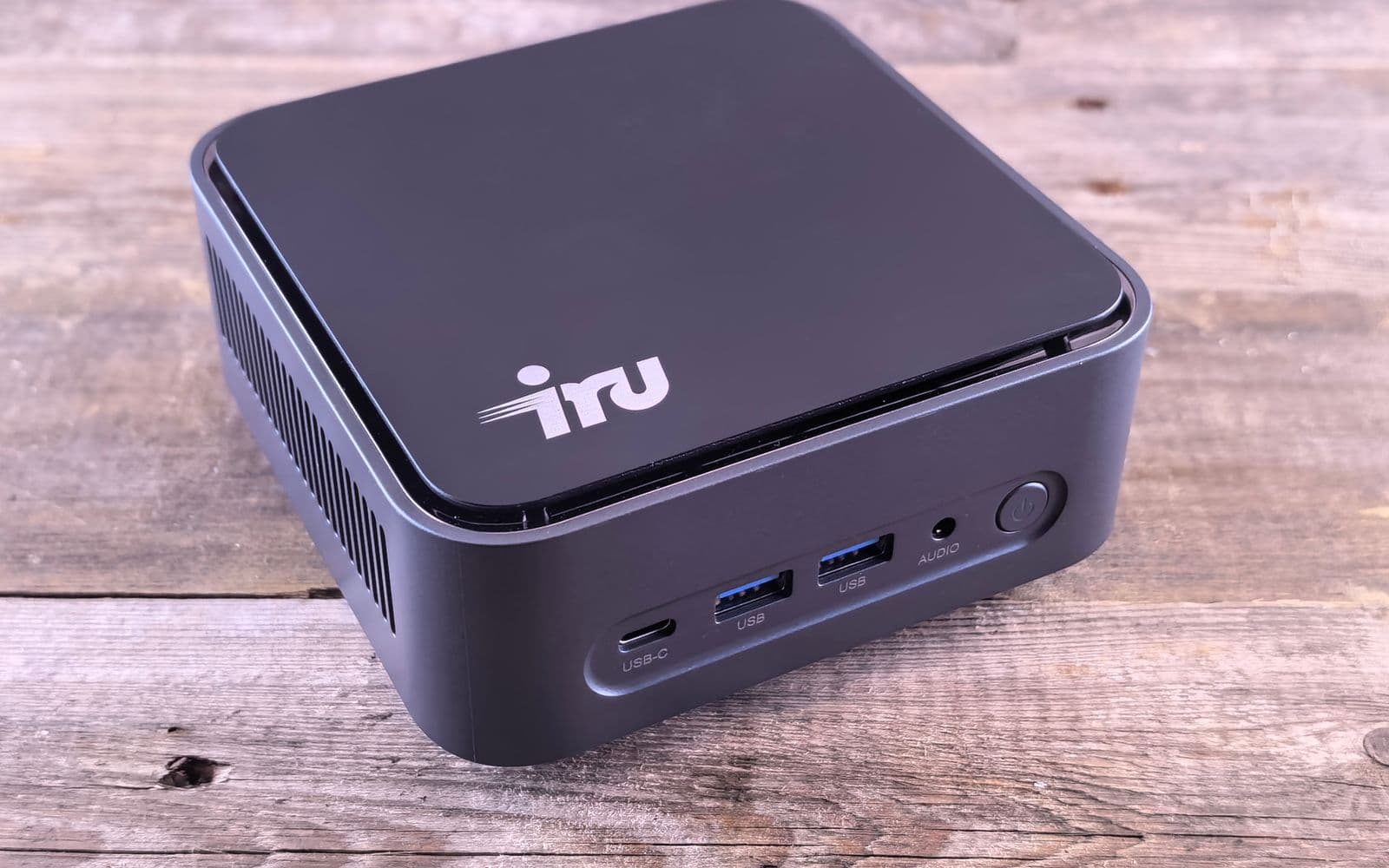
An AI server for a small business pays off in three cases: when you regularly process data no outside provider should see (patient records, client files, contracts under NDA), when your cloud bill for AI permanently outgrows the cost of your own machine, or when someone in the company actually enjoys running a Linux or Mac server. If none of the three applies, a cloud service with a data processing agreement (DPA) is enough, and you save purchase, power and maintenance. Your own server removes the DPA only as long as no outside provider, host or administrator with access to the data is involved; every other data protection duty stays. This post is the decision aid for that, not a build guide.
I run both. My AI workforce runs on Claude; next to it, since December 2025, an Nvidia DGX Spark sits in my network running an open model. What I learned about buying, operating and the duties is here; the basics are on my AI page.
AI server for small businesses: four questions before you decide
The decision doesn't hinge on the technology but on four questions you can settle with your team in half an hour.
- What class of data does the AI process? Public text (website, marketing), internal documents, personal data, or confidential material under professional secrecy (doctors, lawyers, tax advisors). The higher the class, the stronger the case for local hardware or for a cloud provider with a solid DPA.
- How many people use the AI at the same time? A single machine with one model serves one person smoothly. Ollama does process requests in parallel and queues them, but per the Ollama FAQ (retrieved September 18, 2026) it defaults to one request per model (
OLLAMA_NUM_PARALLEL 1, queue OLLAMA_MAX_QUEUE 512), and required RAM scales with parallelism times context length. For higher throughput and lower latency with many concurrent users, inference servers like vLLM or SGLang make sense, and they need more operational knowledge.
- Who runs the box? An AI server is a server: updates, reboots, disk space, backups, access from home offices. Without someone who likes doing that, it sits idle after the third outage.
- What do you spend on cloud AI today? The threshold comes from a comparison on ki-mittelstand.eu from August 23, 2026: under 20 euros stay in the cloud, 20 to 200 euros consider a rented GPU, above 200 euros a month or with sensitive data buy your own hardware. That's the author's heuristic, not your calculation.
When cloud with a DPA is enough: my own case
My AI workforce works on Claude, and for business data I use Claude Team because Anthropic offers a data processing agreement for it. What the Team plan costs and when it pays off is in Claude Team: Cost and When It Pays Off; the prices as of September 2026 are in Claude Pricing and Plans Explained: Team from 20 dollars per seat and month on an annual plan.
An example where the cloud is entirely sufficient: on September 2, 2026, I asked Sebastian, my SEO employee, by voice note to audit my website. He asked back after 41 seconds which website I meant and delivered a report after 30 minutes and 38 seconds. The data involved: my public website and tool measurements, none of it worth protecting. Everything he measures in runs like that is on Sebastian, my employee for SEO and GEO.
The Spark is for what I want to run without a cloud provider: a test bed for a Claude Code alternative without the cloud that I can offer clients. The legal side of both routes is in Local AI and Privacy: Cloud or Server?; this post is about the decision.
Data protection: what disappears with local, what stays
This is not legal advice; I'm relaying what the law and the German supervisory authorities' guidance say and how I read it.
What disappears: under Art. 28 GDPR, a data processing agreement is only required when processing is carried out "on behalf of a controller" by a processor. If the model runs on your own machine with no outside provider, there is no processor, so there is no DPA. That's my conclusion from the legal text, not a quote from an authority. The German Data Protection Conference (DSK) writes the reverse in its guidance "Artificial Intelligence and Data Protection" of May 6, 2024: when an AI application is used "as a cloud solution," there is "often a processing relationship under Art. 28 et seq. GDPR", whereas in closed systems processing takes place "in a delimited and technically closed environment": "Technically closed systems are therefore preferable from a data protection perspective" (my translation).
What stays: the same guidance says that "for every processing step in which personal data is processed with the help of an AI application," a legal basis is required. Add transparency, data subject rights, involving the data protection officer and employee representatives where the individual company needs or has them, and internal rules on who may use the AI for what. The record of processing under Art. 30 GDPR exempts companies under 250 employees only for occasional, low-risk processing without special categories; once customer data regularly flows through a model, that rarely applies. A data protection impact assessment, technical and organizational measures and the EU AI Act remain to be checked wherever the model runs. If you want the technical measures on such a server checked from the outside at some point: what drives the effort of such a check and how it's billed is in What Does a Security Audit Cost?.
So a local server doesn't automatically make you GDPR compliant: it strikes one contract off the list and gives you control over input and output; the rest is organization. What the AI may see at all is in AI and Privacy: What the AI Gets to See.
Four routes compared: cost, operations, privacy, who it's for
All prices with date and source; check the day's price.
The Mac mini and the Spark are, in my assessment, the two classes that genuinely fit small businesses. The difference lies in memory (a maximum of 64 GB on the Mac mini versus 128 GB on the Spark) and in the fact that the Spark is a Linux system you maintain like a server. The hardware comparison with budgets is in Your Own AI Server: Hardware and Cost; the Mac route in Local AI on a Mac: Mini as AI Server.
What operations means: my DGX Spark as the mid-range example
I ordered the Spark directly from Nvidia in December 2025 and paid roughly 4,000 to 4,200 euros; the table shows the September 2026 retailer price instead, because the price has moved. The device runs Qwen3.8-27B as a compressed checkpoint of 21.9 GB under SGLang, with an OpenAI- and Anthropic-compatible interface. I measured 50.7 tokens per second for a single user, from my MacBook over the tailnet.
Four things cost me time, and that is what I mean by operations:
- Downloads. My location has about 2 MB per second of internet. A 70 GB model download takes hours at that rate. Before you buy a server, check the line.
- Memory setting. On the Spark, CPU and GPU share the same memory. Set the share for the model too high (for me, anything above 0.50) and the whole machine can freeze.
- Permissions. There is no passwordless sudo on the device. For the service to come back after a reboot, I needed systemd user units with linger: everyday Linux, not a click-through install.
- Startup time. The first start of the model took about 9 minutes because of compilation; after that it's 5 to 7 minutes.
Each point is solvable, but each needs someone who knows what a service, a log and a memory share are. In a five-person company that's often nobody, and then the server is a risk, not a relief. The full field report is in DGX Spark Tested: Worth Buying?.
Running costs: power, time, updates
The purchase price is only part of it. For a GPU workstation, the hardware guide on ki-mittelstand.eu (March 2026) reckons with 470 to 1,440 euros of electricity per year at 0.30 euros per kilowatt hour. For the Spark I have no measured figure: Nvidia rates the power supply at 240 watts; what it draws I haven't measured at the socket.
The bigger item is time. A worked example on tomczak.dev (August 14, 2026) for an enterprise server puts 1,500 euros a month for staff next to 833 euros of depreciation and 200 euros of electricity; the purchase price is only a third of the total. The scale doesn't fit a Mac mini, the point does: if you can't run it yourself, you pay a contractor, and then 20 to 25 dollars per person for the cloud is quickly the cheaper bill.
Then there are updates: models get replaced every few months, inference servers change their parameters, drivers need maintaining.
Decision path for 1 to 20 employees
This is how I'd write it up for a client, in five steps:
- Determine the data class. List the three most common AI tasks and assign a data class to each. If none says "personal data" or "professional secrecy," cloud with a DPA is the default.
- Note cloud spend and user count. What you pay today, how many people use it. Under 20 euros a month and one to three people: stay in the cloud.
- Check ops skills honestly. Is there someone who can get a Linux service back up after a crash? No: Mac mini or cloud. Yes: Spark or workstation.
- Start small. A Mac mini with Ollama or LM Studio and a model like Qwen 3.8 shows within a week whether the quality is enough for your tasks. See Installing Qwen 3.8 with Ollama.
- Handle the duties in parallel. Legal basis, record of processing, internal rules on who may feed the AI what. That takes longer than the install.
Frequently asked questions
Do I still need a data processing agreement for local AI?
By my reading of Art. 28 GDPR, no, as long as the model runs on your own hardware with no outside provider: there is no processor then. As soon as a contractor hosts or maintains the server and has access to the data, that changes. This is not legal advice, ask your data protection advisor.
What does an AI server cost for a small company?
As of September 2026: a Mac mini M5 Pro from 1,999 euros (ComputerBase, August 25, 2026), a DGX Spark 5,180 euros net (Nelpx, September 16, 2026), a GPU workstation with 32 GB VRAM about 3,500 to 5,000 euros (ki-mittelstand.eu, August 23, 2026). Add electricity and the working time for operations.
Is a Mac mini enough as an AI server for five employees?
For five people summarizing texts or drafting emails one after another, in my assessment yes; for five at the same time with long documents probably not: per the FAQ, Ollama handles one request per model by default and queues the rest. You can raise the parallelism, but then required RAM scales with parallelism times context length. Not measured on a Mac mini.
Is local AI automatically GDPR compliant?
No. The DSK calls closed systems "preferable," but legal basis, transparency, data subject rights, the record of processing and internal rules apply regardless of where the model runs. Local removes the DPA, not the organization.
Which local AI models may I use in my company?
Legally, the model's license and your processing decide. Open models like Qwen 3.8 come with a license you read before deployment; whether you may process personal data is a question of your legal basis. Which open models exist is covered in Open Source AI Models Compared. What the individual licenses allow commercially, with the clauses quoted, is in Open Weight vs Open Source: Licenses.
Can I combine cloud and my own server?
Yes, that's my own setup: Claude Team with a DPA for the workforce, the Spark for tasks without an outside provider. It demands a clear internal rule on which data goes where.
Where to go next
If you're still at the beginning, read Bringing AI to a Small Business first: it's about the first tasks, not hardware. If the four questions above point toward your own server, Your Own AI Server: Hardware and Cost is the next step, and DGX Spark: Price and Alternatives is the buying comparison. If you stay in the cloud, check your provider's DPA; for Claude I've done that in Claude Privacy and GDPR: What Applies.
Don't buy a server because it feels safe. Buy it when the data class demands it and someone in house wants to run it; otherwise cloud with a DPA is the more honest decision.