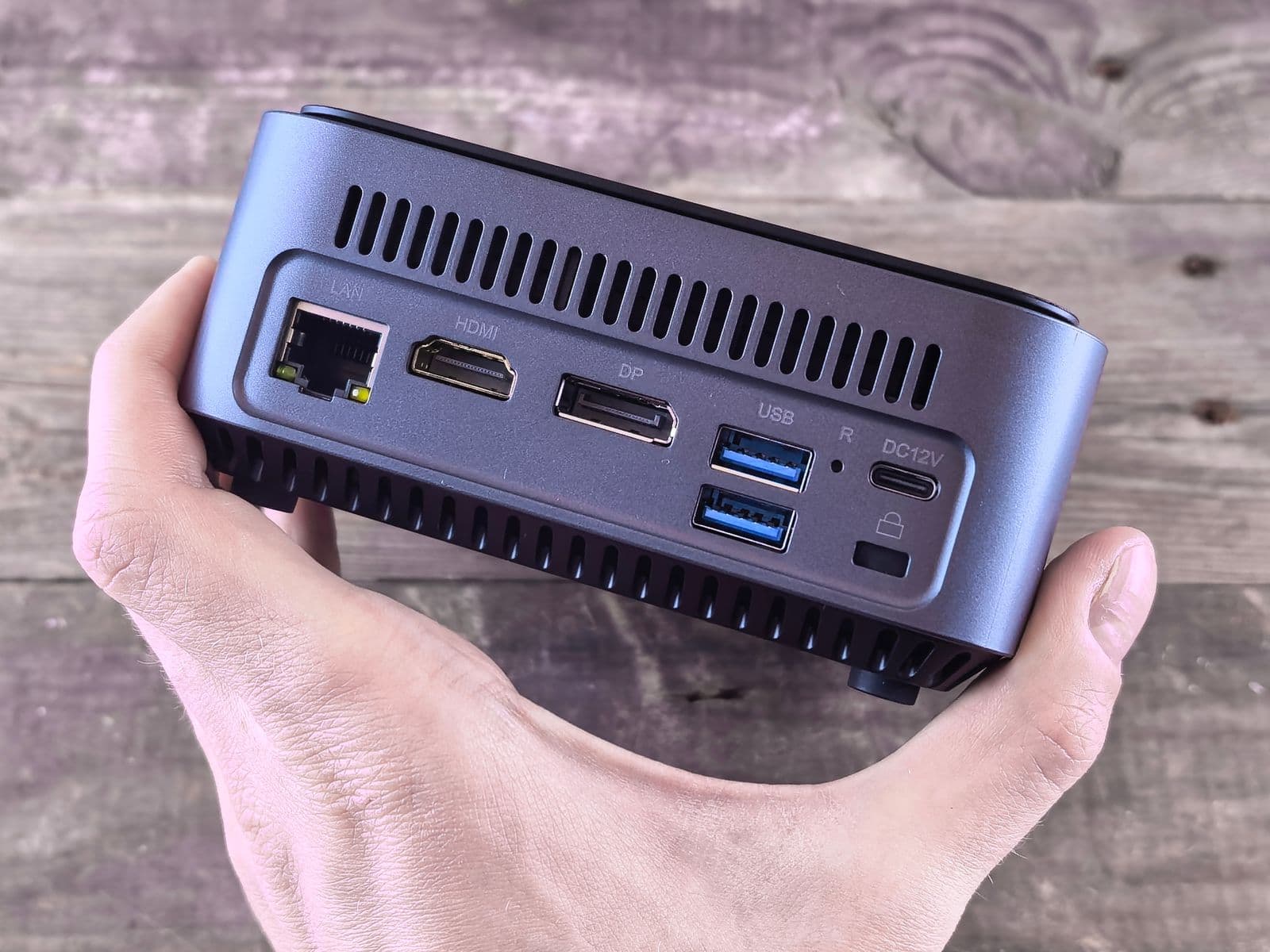
The Nvidia DGX Spark tested from my daily use, not from a test lab: a compact desktop machine with a GB10 chip and 128 GB of unified memory, on which I run Qwen3.8-27B under SGLang. Short version: for a single large local model it's worth it, if you know about the unified-memory trap and are clear beforehand about what you actually need it for.
I run my business on a workforce of AI employees built on Claude, the local setup next to it is my test bed for how far AI gets without the cloud. My measurements, pitfalls, and the comparison to Qwen3.8 in detail are in Qwen 3.8 Locally: DGX Spark Experience. Everything I write about local AI is collected on the AI page.
DGX Spark tested: chip, memory, price
The DGX Spark is a compact desktop machine from Nvidia, built around the GB10 chip, a Grace Blackwell superchip with an Arm CPU and a Blackwell GPU. Nominally that's 128 GB of unified memory, of which the system reports roughly 119 GB as usable, the rest goes to the system itself.
On price, I stick to published figures, since I don't want to generalize my own purchase with any discounts. At market launch on October 15, 2025, notebookcheck.com lists a list price of 3,999.99 US dollars. In February 2026, Nvidia raised that to 4,699 US dollars because of memory supply constraints, as stated in the announcement in Nvidia's developer forum. For the German market, gewusst-ki.de, as of August 4, 2026, names a manufacturer's suggested price of 3,949 euros net, or 4,699 euros gross, with one retailer selling the Founders Edition at 3,683 euros net at that point. All of this is as of September 2026 and can change at any time.
Why I bought it
My starting question wasn't "do I need more compute", it was "can I run a large language model locally, permanently, without every request going through a cloud API". For clients where local processing is a hard requirement, I wanted a real answer instead of a guess. The DGX Spark gave me enough room for a 27B model plus context, without having to combine several GPUs.
Setup and day-to-day operation
Out of the box, the device runs Ubuntu 24.04 as the base for DGX OS. For my use case, Qwen3.8-27B as an NVFP4 checkpoint under SGLang, I followed the upstream repository hasso5703/dgx-spark-qwen38, which has been the official SGLang cookbook recipe for this model since August 21, 2026. The server runs as a systemd user unit with linger enabled, because I don't have passwordless sudo on the device. Alongside the language model, Whisper large-v3 runs on the same GPU for speech recognition, at 3 to 4 GB it's a small neighbor that shows there's still room on the device for additional, smaller models. What Whisper does on an ordinary computer without a Spark, and how you set it up there, is in Convert Audio to Text for Free.
The biggest limitation in daily use isn't the device itself, it's my internet connection at this location: roughly 2 MB/s, so a 70 GB model download takes several hours. That's not a DGX Spark problem, but it's part of the honest setup experience if you're planning your own.
The unified-memory trap
The most important pitfall I can name in this test concerns the device's namesake feature itself: unified memory. CPU and GPU share the same memory pool. That sounds like more flexibility at first, but it also means an overly generous memory allocation to the model doesn't just crash the inference process, in the worst case it freezes the entire host. In SGLang, the relevant parameter is --mem-fraction-static, and I keep it at a strict maximum of 0.50. Push that value higher chasing more performance, and you risk exactly that trap.
That's the one trap I'd hand anyone before they buy. The remaining pitfalls from my own setup, from start-up time through the missing passwordless sudo to Docker's storage cap, I've collected in Qwen 3.8 Locally: DGX Spark Experience.
What the DGX Spark can't do
The heise.de test, which I only read as a preview since the full article sits behind a paywall, sums up its verdict this way: no no-brainer, and for pure GPU compute a workstation card like the RTX Pro 6000 Blackwell with 96 GB is the better choice. That matches my own assessment: the DGX Spark isn't a replacement for a dedicated graphics card in a classic workstation when raw compute is what matters, say for training or very large batch inference. Its strength is the large, shared memory pool for a single large model in a compact device, not raw speed compared with a dedicated GPU that has its own VRAM.
Comparison: DGX Spark against alternatives
If you're weighing a purchase, the sober comparison is against the two obvious alternatives: a Mac with a lot of unified memory, or your own GPU server with a workstation card.
The Mac numbers come from my own MacBook Pro M3 Max with 64 GB, measured with the same model in 8-bit quantization through LM Studio, more on that in Qwen 3.8 Locally: DGX Spark Experience. I don't have my own measurement for the GPU server, there I rely on heise.de's assessment of raw compute.
Who it's worth buying for
In my experience, the DGX Spark is worth it if you want to run a single large language model locally on a permanent basis, want several of your own devices to reach it over a private network, and value the compact form factor over a loud server. It's less worth it if you need raw GPU compute for training or large batch jobs, where a dedicated workstation card is the better choice according to the heise.de test, or if a considerably cheaper Mac with enough unified memory already covers your use case. I'm deliberately not giving a blanket buying recommendation, it depends too much on which model, at what size, you want to run permanently.
Frequently asked questions
What does the DGX Spark cost?
At market launch on October 15, 2025 the list price was 3,999.99 US dollars according to notebookcheck.com; in February 2026 Nvidia raised it to 4,699 US dollars because of memory supply constraints. For Germany, gewusst-ki.de, as of August 4, 2026, names a manufacturer's suggested price of 3,949 euros net. All figures refer to their respective point in time, they are not a current price guarantee.
How fast does Qwen3.8-27B run on the DGX Spark?
Measured by me: 50.7 tokens per second decoding under SGLang, roughly 1,500 tokens per second on prefill. Details and the comparison to other setups are in Qwen 3.8 Locally: DGX Spark Experience.
Is the DGX Spark worth it over a workstation card?
For raw GPU compute, probably not, according to heise.de a card like the RTX Pro 6000 Blackwell with 96 GB is the better choice for that. Its strength is the large unified-memory pool for a single large model in a compact device.
Can you use the DGX Spark as a regular desktop?
I don't have my own experience with that, since mine runs model inference exclusively. The device ships with DGX OS on an Ubuntu 24.04 base, which in principle would support other uses too.
What's the biggest limitation in daily operation?
For me, the unified-memory trap: --mem-fraction-static must not be set too high, or the whole host can freeze, not just the inference process. I've kept it at a strict maximum of 0.50 ever since.
Verdict from running it day to day
Out of daily use, I'd buy the DGX Spark again for my scenario: a single large model, permanently reachable over my private network, in a compact device without server noise. For other scenarios, say training or several large models running at once, I'd lean toward a dedicated workstation card or a GPU server of my own instead. How the costs of running your own AI server stack up against other paths is something I work through further in Your Own AI Server: Hardware and Cost, and a broader look at local models beyond the hardware is in Local AI: What Actually Works in 2026.