Kevin
Kevin assigns work, reviews results and decides what goes live.
My AI workforce
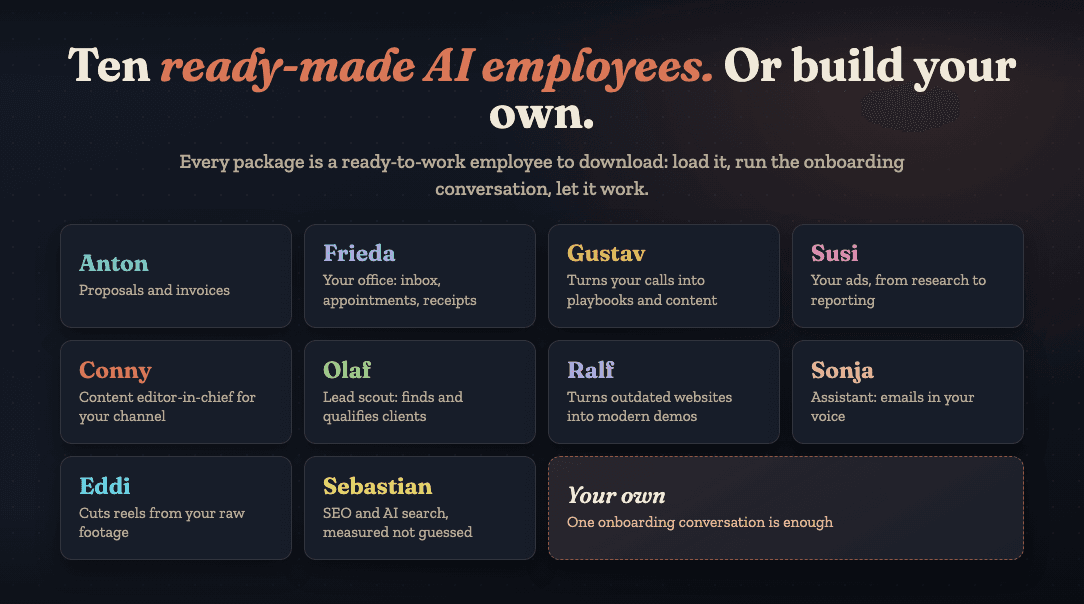
Every one of my AI employees starts out as a folder: a personnel file with a task and its limits, a rulebook that applies to everyone, and an inbox for handovers to colleagues. Fourteen of them work in my business today, thirteen have their own page below with real work results. What stays with me: giving the assignment, approving the result, and deciding what goes live. As of September 2026.
You can also read this page as a collection: 14 examples of AI employees from my business, from the lead scout and the bookkeeping to the SEO employee, each with a job, limits, and what I still approve myself. If one of them points you to a task of your own, the way in is Creating an AI Employee: How to Start.
Join the communityNot fourteen isolated bots, but four areas of work with clear handovers. Select a role to see its job, working method and real results.
Kevin assigns work, reviews results and decides what goes live.
Manager
Turns activity across the business into clear cases for Kevin.
View profileHR and methodology
Makes feedback permanent and onboards new roles.
Dedicated profile to followFrom market opportunity to a clean client handover.
Lead scout
Finds local businesses with website potential and evaluates them.
View profileSales
Creates proposals and prepares accounting once a deal is confirmed.
View profileCall analysis
Turns conversations into recurring questions and best answers.
View profileOffice and assistance
Prepares client communication and keeps handovers clean.
View profileCustomer questions become content, ads and finished videos.
Content editor in chief
Writes hooks, scripts and captions in Kevin's voice.
View profileContent marketing and Meta Ads
Develops content and Meta Ads for the community business.
View profileVideographer and editor
Turns raw footage into reels ready to publish.
View profileBuilding websites, making them visible and keeping them secure.
Website optimizer
Builds new websites, redesigns and sales-focused landing pages.
View profileSEO and AI search
Measures SEO and AI visibility and prioritizes the next steps.
View profileRed teamer
Finds security gaps and documents the finding and its fix.
View profilePreparing inbox and receipts without making decisions for Kevin.
Thirteen roles have their own page because I can show real work results for them. Ronny works in the background on everyone else's quality and gets a page of his own later.
August 25, 2026 · 9 min read
Fourteen AI employees run my business: sales, inbox, leads, websites, content, video, SEO, bookkeeping, security, management. Who does what and what I do.
Read the article: My AI Workforce: Fourteen Employees, One BossJune 16, 2026 · 12 min read
An AI employee is an AI role with a name, a job, memory, and rules that works for you permanently. How it differs from a chatbot and an AI agent.
Read the article: What Is an AI Employee?August 10, 2026 · 4 min read
From empty chat to permanent AI hire: pick the task, create the personnel file, run the onboarding interview, do the trial task, make it permanent.
Read the article: Hiring an AI Employee: The ProcessSeptember 18, 2026 · 13 min read
Learn Claude in five stages, from your first conversation to a whole AI workforce, each with a visible sign that the stage is behind you.
Read the article: Learn Claude: The Path in Five StagesAugust 21, 2026 · 4 min read
Agencies charge 1,500 to 25,000 euros for AI agents. The honest math: a Claude subscription, your onboarding time, and when an agency is worth it.
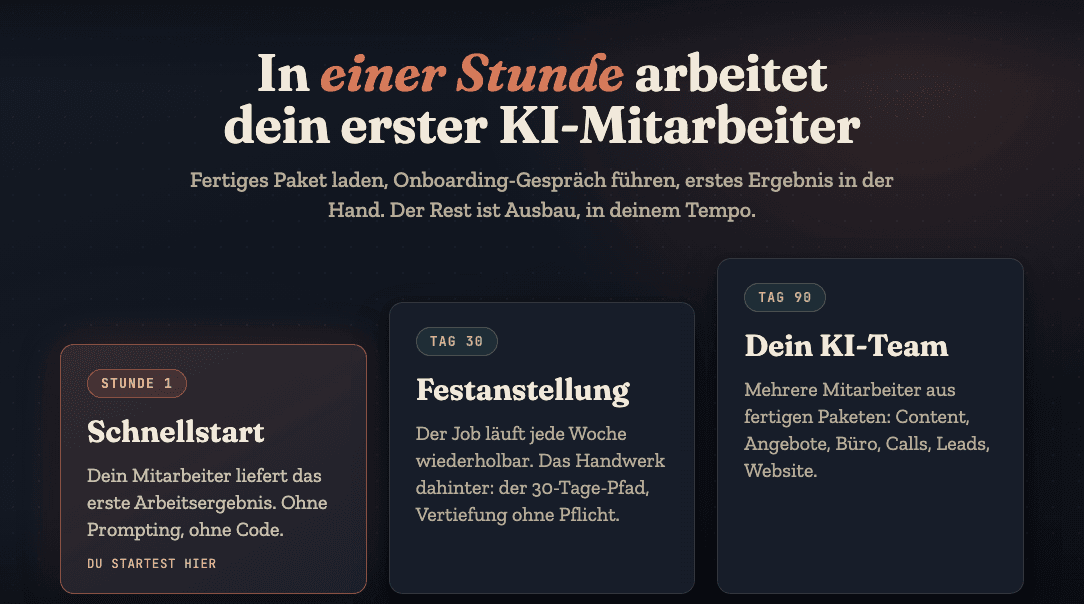
Read the article: What an AI Employee Really CostsYou start with a single recurring task: invoices, inbox, one research step. You brief Claude once, properly, let it ask what it needs to know about your business, and train it on real tasks. Getting started needs no code, right inside the Claude app.
One. For a task that costs you time every week. Only once the first job runs repeatably does the next one join. Introduce several roles at once and you lose track before the first job even runs cleanly.
That depends on your Claude subscription and how much you automate, not on a fixed price per employee. Worked examples are in the linked cost article. This page is about the roles, not the billing.
Yes, that's the technical implementation. The difference to this page: an agent is a building block, an AI employee is the management perspective on top of it, with a name, a personnel file and a recurring task.
An AI agent is the technical process that operates tools. An AI employee is a permanent role: it has a personnel file, fixed limits, and gets trained instead of re-prompted for every task. The technology underneath can be exactly the same; what matters is how you manage it.
Every role above started out as a single job. Read one of the pages, then start with your own first employee.
Join the community