For beginners

AI Basics explained simply

You want to understand AI before you use it in your business? Then start here. I explain the basics in plain words. I explain technical terms as soon as they come up.

I have worked with Claude every day since February 2025, and I now run my business with it. My fourteen AI employees run on Claude Team, some also on open models or through the API. What I have learned along the way is in these articles.

Three sentences to start with

AI learns from examples

AI stands for artificial intelligence. Today's AI isn't programmed step by step. It learns patterns from a huge number of examples and applies them to new cases.

Read more: What is AI?

A language model predicts the next word

A language model predicts the next piece of a word, one piece at a time. It doesn't look things up in a database. That is why its answers almost always sound convincing, but they aren't always right.

Read more: How do LLMs work?

Three things you need to know

AI can be convincingly wrong, its knowledge ends at a cut-off date, and customer data only belongs in plans with the right contract. Once you know that, you can start today.

Read more: AI for beginners

Your learning path

Read the stages in order. Each one builds on the one before. If you already know a topic, just skip ahead.

  1. Stage 1

    Understand what AI is

    This is where you sort out the terms. Afterwards you know what is behind AI, generative AI and machine learning, and where the limits are.

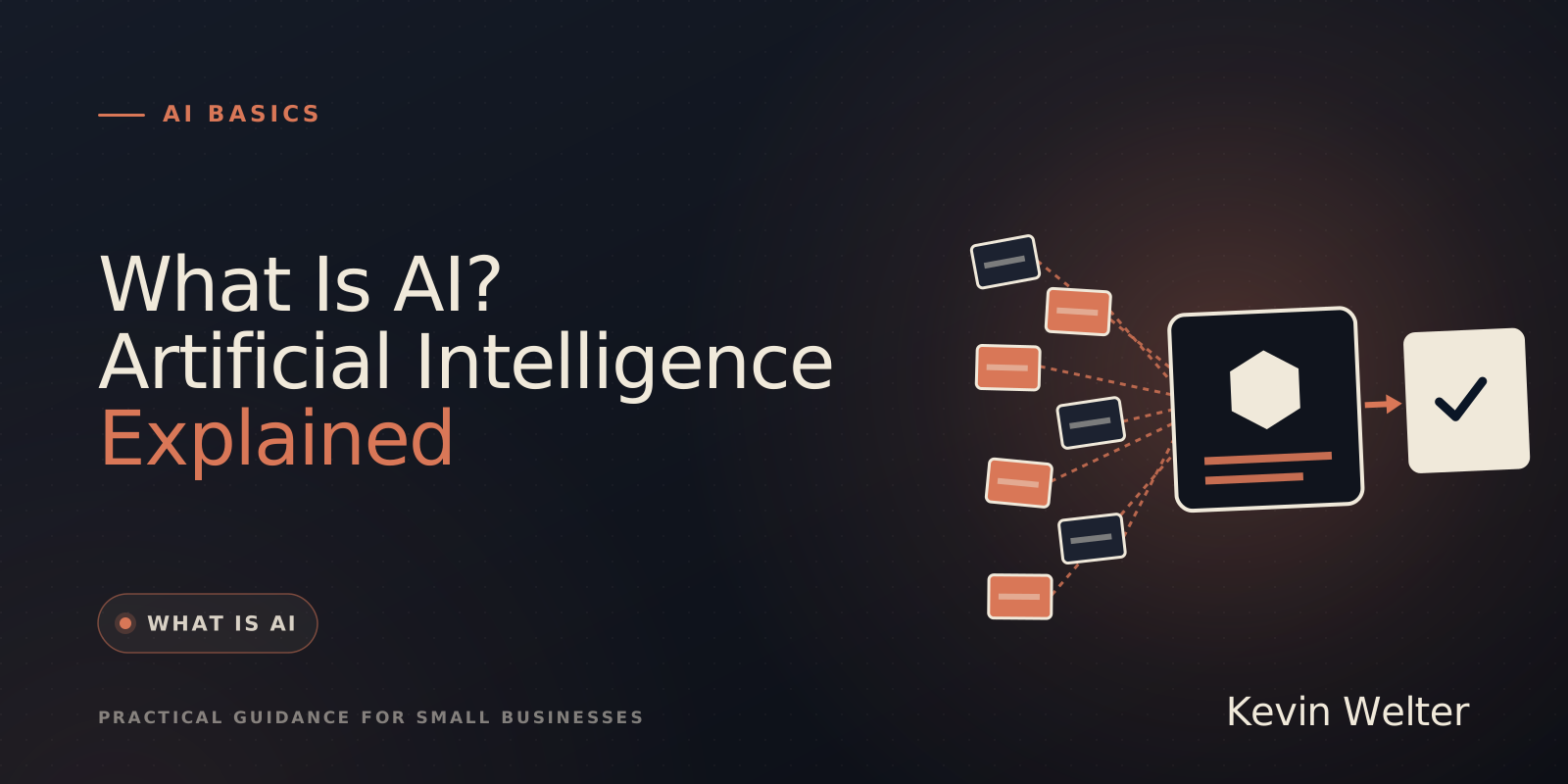
    1. What Is AI? Artificial Intelligence Explained
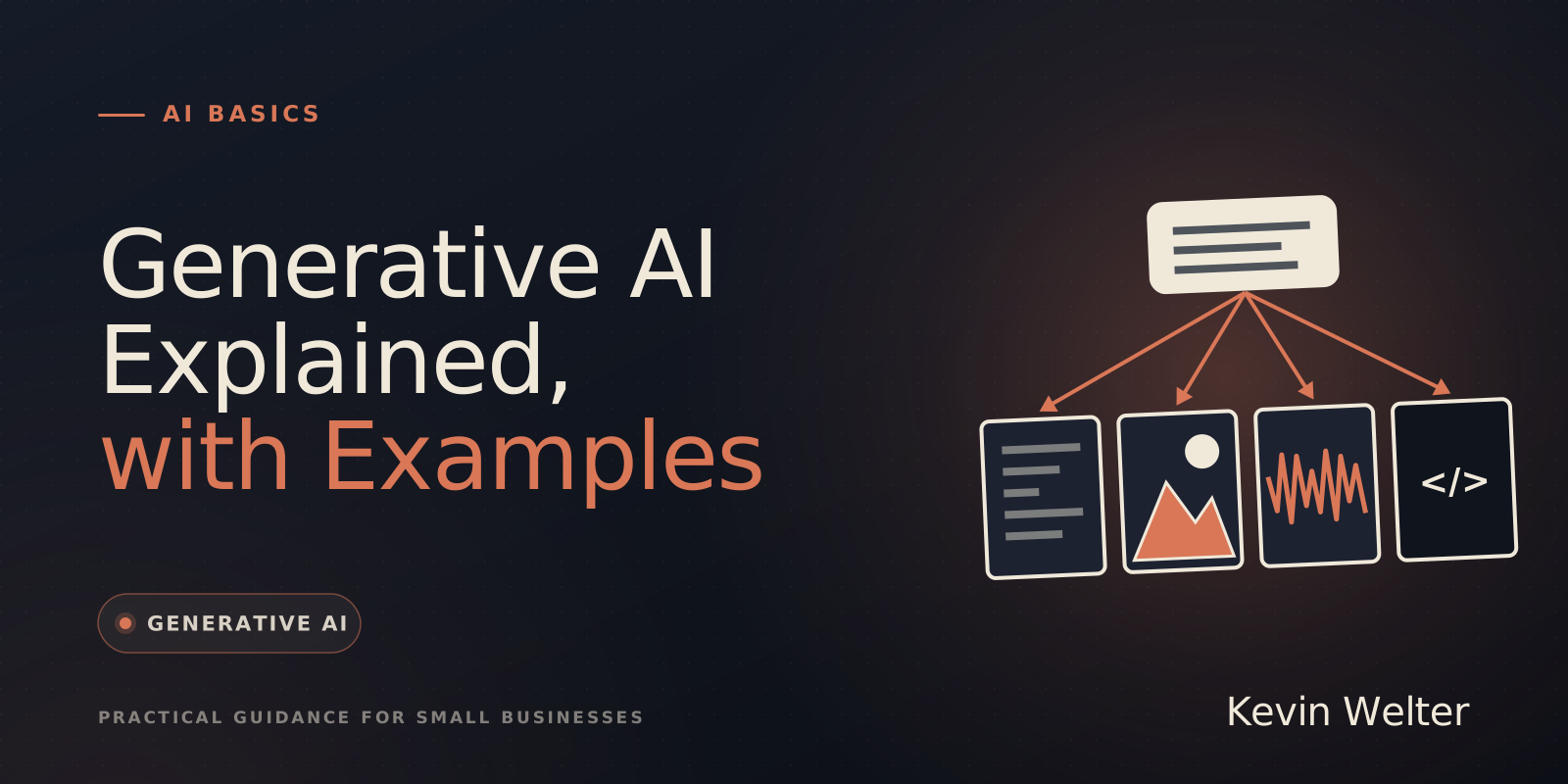
    2. Generative AI Explained, with Examples
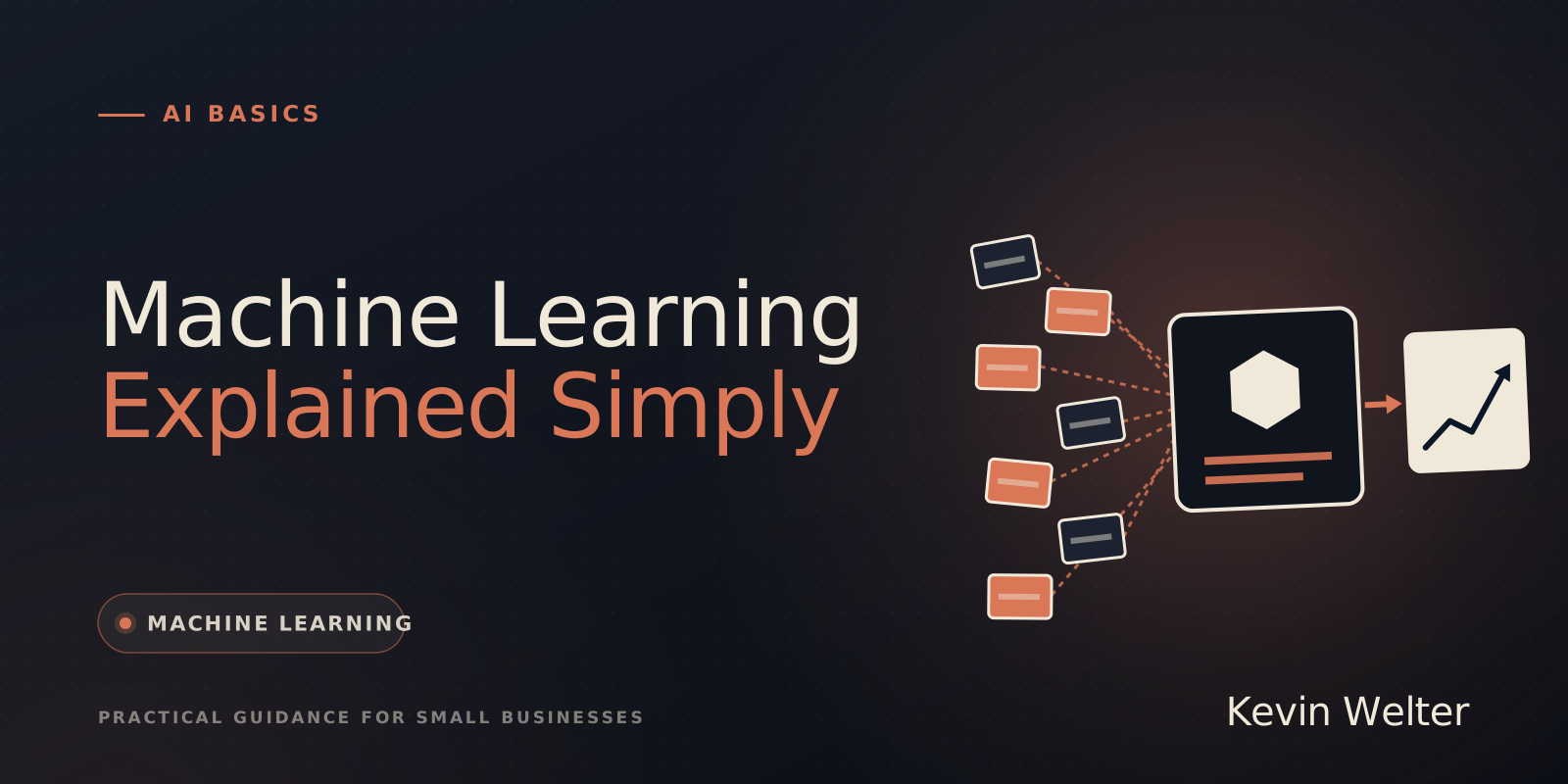
    3. Machine Learning Explained Simply
    4. AI Terminology: A Plain-English Glossary
    5. Pros and Cons of AI: Benefits and Limits
  2. Stage 2

    How a language model works

    A language model, or LLM, is the program behind ChatGPT, Claude or Gemini. Here you see how it builds answers, why it is sometimes wrong and how you catch that.

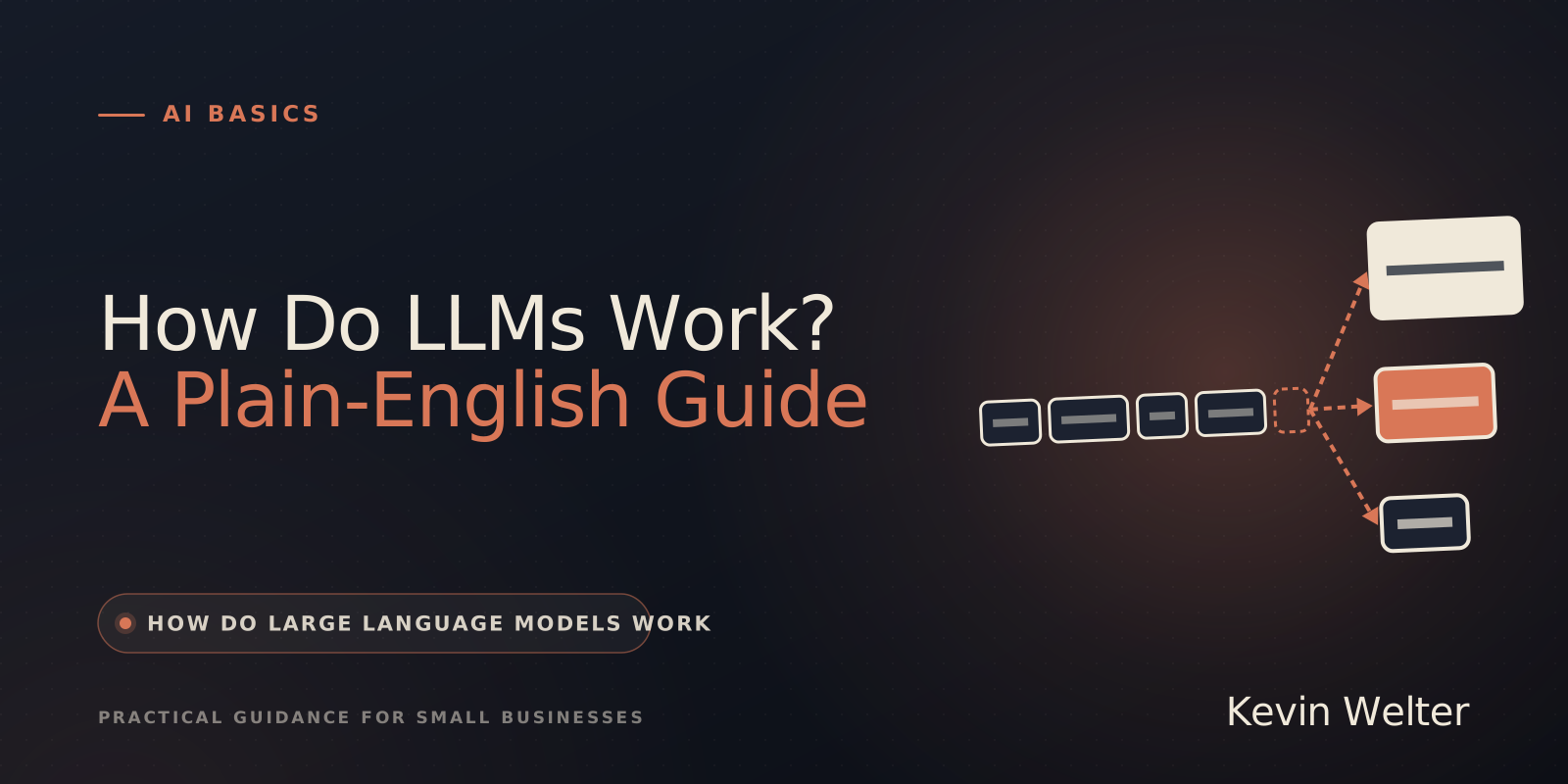
    1. How Do LLMs Work? A Plain-English Guide
    2. What Is an AI Model? Simply Explained
    3. Context and Context Windows in AI Explained
    4. AI Hallucinations: Why AI Makes Things Up
    5. What Is RAG in AI? RAG Systems Explained
  3. Stage 3

    Start safely and use AI day to day

    Now it gets practical: your first steps, good instructions and typical office tasks, from writing to Excel.

    1. AI for Beginners: What to Know First
    2. Writing with AI: A Beginner's Guide
    3. Summarize Texts and PDFs with AI
    4. AI for Excel: Formulas, Analysis, Limits
    5. How to Create a Presentation with AI
    6. Can You Detect AI Text? What Detectors Do
  4. Stage 4

    Rules for you and your team

    As soon as several people use AI, you need clear rules. This stage covers a usage policy, disclosure and copyright.

    1. AI Usage Policy for Small Teams
    2. AI Disclosure Rules Under the EU AI Act
    3. AI and Copyright: Who Owns AI Images?
  5. Stage 5

    The next step: workflows and tools

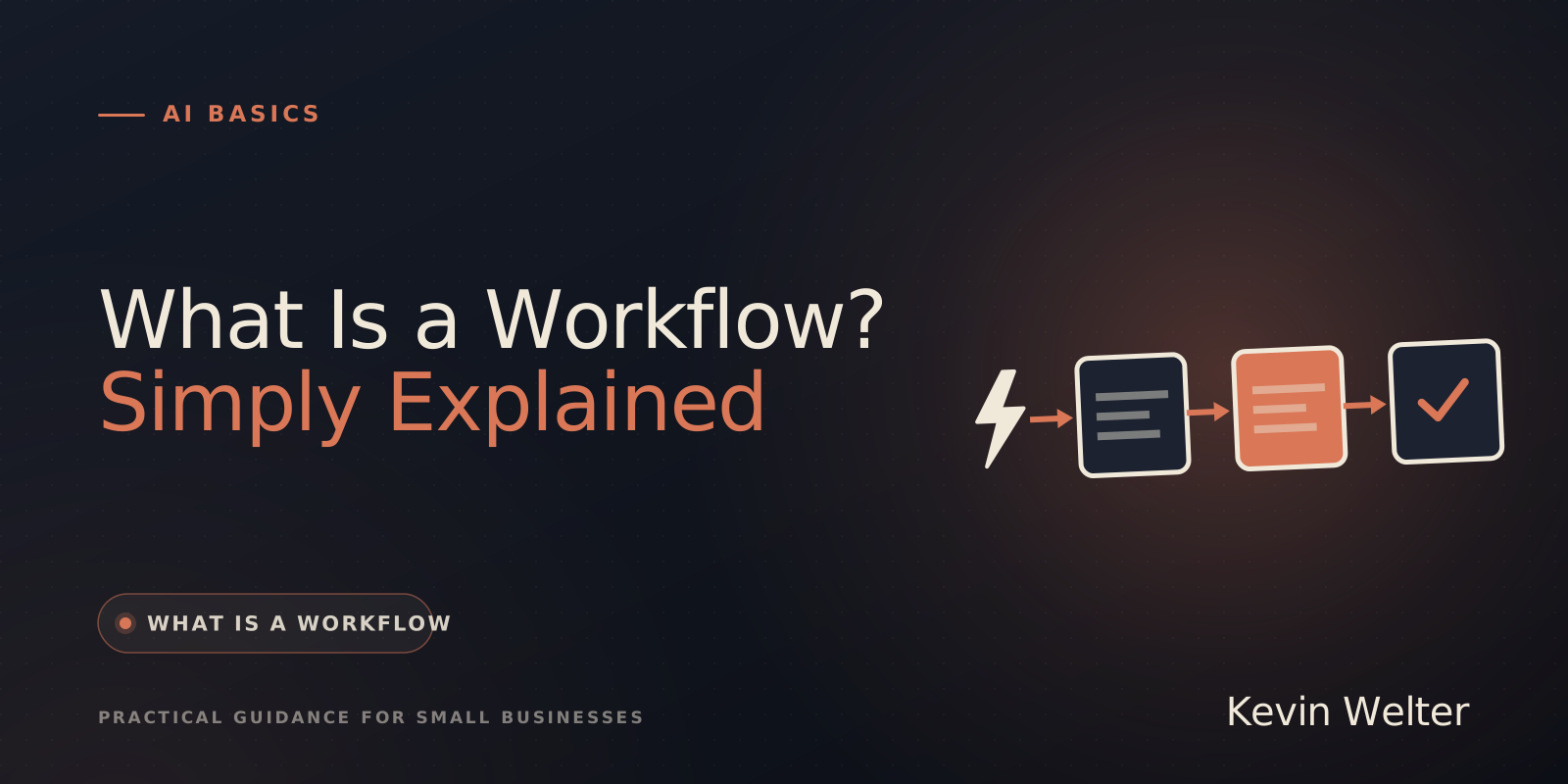
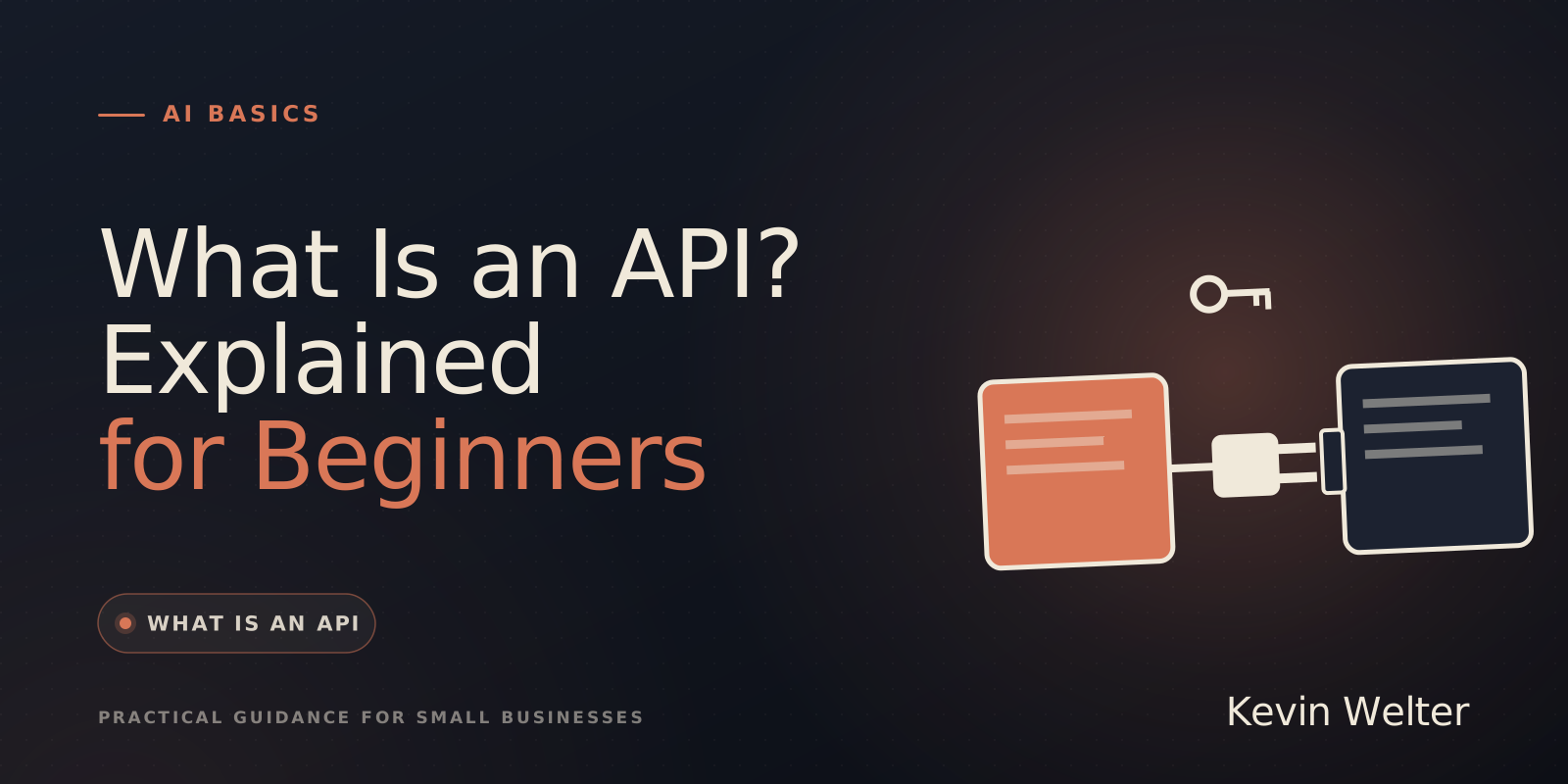
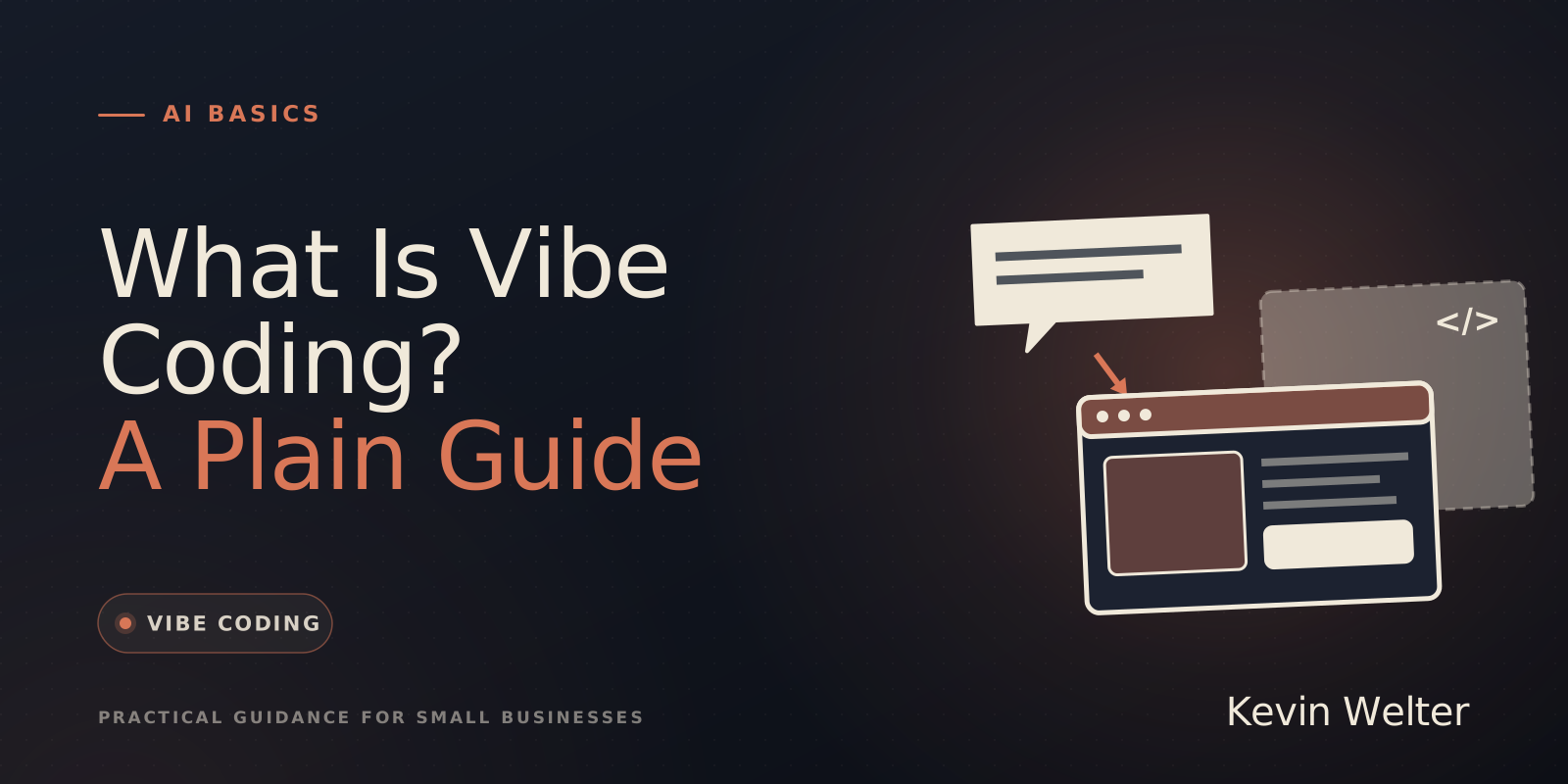
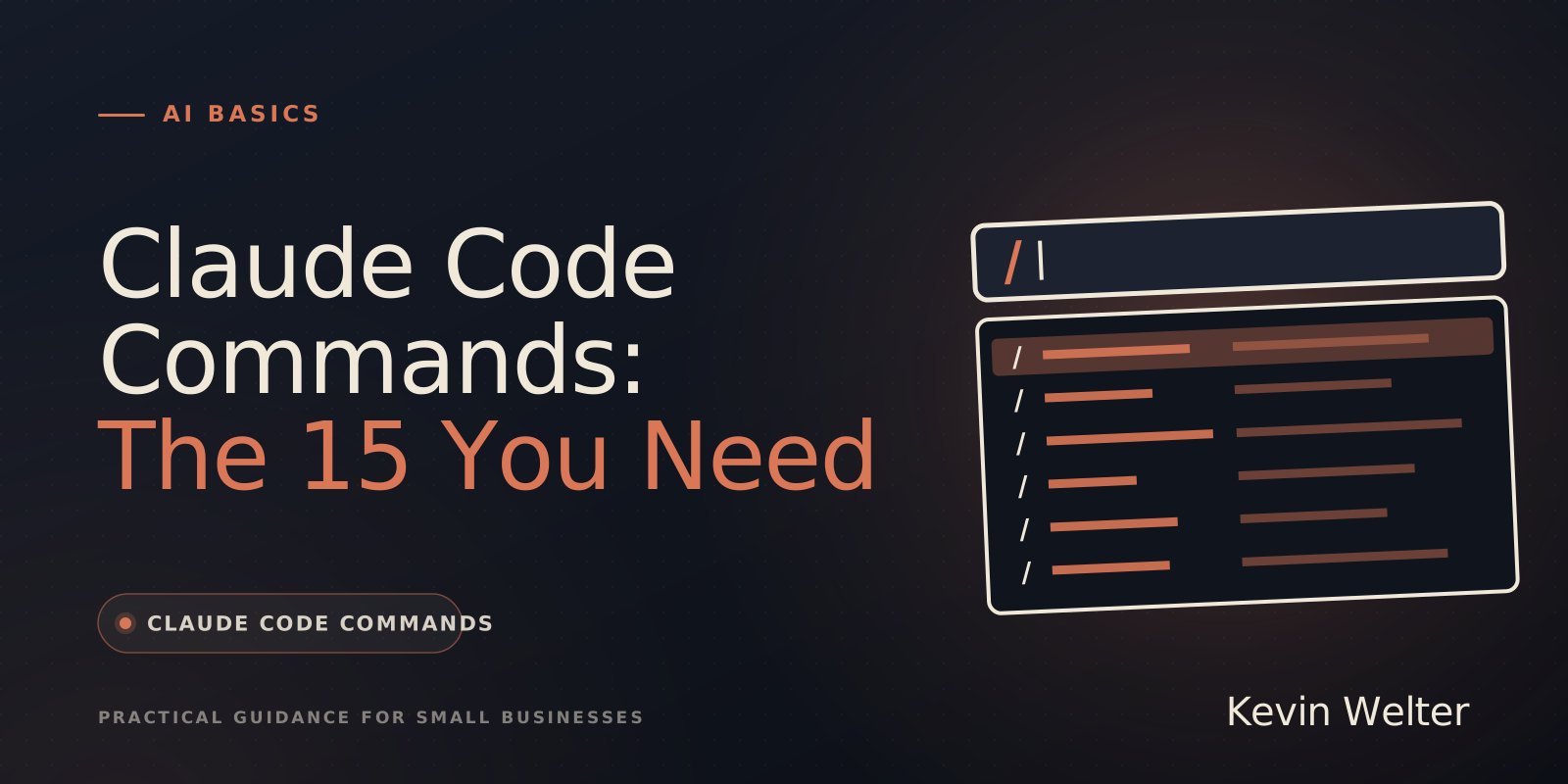
    Once the basics are in place, you look at whole processes: what a workflow is, what an API is for and how programs come out of plain instructions.

    1. What Is a Workflow? Simply Explained
    2. What Is an API? Explained for Beginners
    3. What Is Vibe Coding? A Plain Guide
    4. Claude Code Commands: The 15 You Need

All articles

23 matching articles

From the basics to your first AI employee

In the community you hire your first AI employee: load a ready-made package, run the onboarding conversation, first result after about an hour.

Try it free for 7 days (in German)