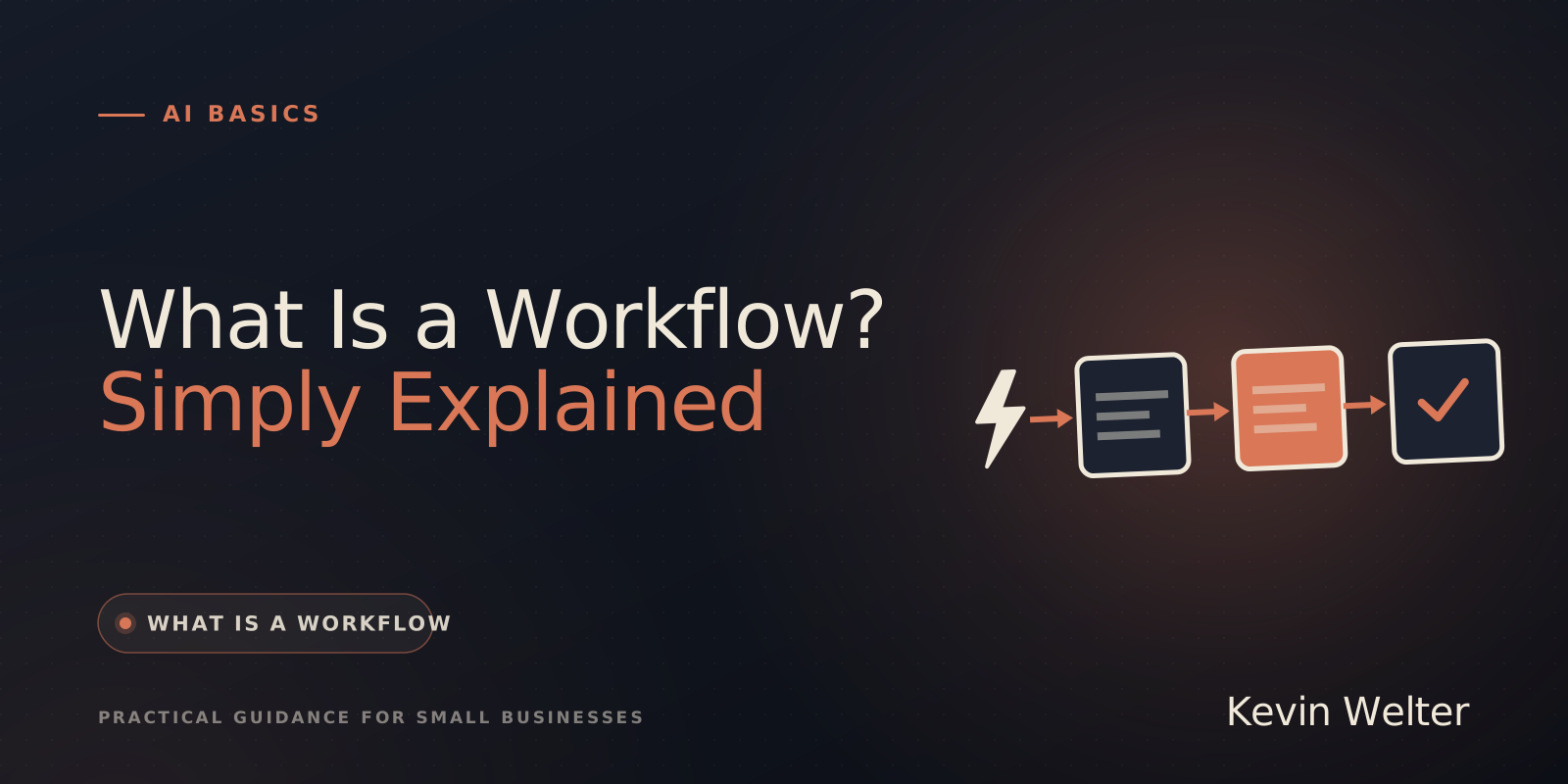
A workflow is a fixed sequence of work: a series of steps that always happen in the same order when a certain event occurs. For example: an enquiry comes in, the customer gets added to your list, a quote goes out. A workflow can run by hand or be automated, in which case software carries out the steps by itself as soon as the event occurs.
I work with fixed routines and with AI every day. My fourteen AI employees run on Claude Team, some also on open models or through the API. More basics on AI in day-to-day business are collected on my AI Basics page.
What a workflow is
The word is simply "work" plus "flow": the way work flows from one step to the next. The German Duden dictionary, for example, describes it as the handling of tasks shared between people or business processes in companies and public bodies, with the aim of the greatest possible efficiency. In computing, the word also means the sequence of work inside a program.
Every workflow has the same building blocks, whether it sits on a sheet of paper or runs in software:
- The trigger. The event that starts the sequence, such as a new email, a submitted form or the first day of the month. The automation tool n8n puts it this way: every production workflow needs at least one trigger that determines when it should run.
- The steps. What happens one after another, each written as an action: add, check, write, file.
- The conditions. Forks where things continue differently. If the enquiry comes from your area, suggest an appointment, otherwise decline politely.
- The result. How you know the sequence is done, for example a quote that has been sent.
- The owner. Who carries out or approves a step. This gets forgotten easily as long as everything lives in one person's head.
An example from everyday office work
The following example is made up, but something like it happens in many small businesses. A painting and decorating company receives enquiries through the contact form on its website.
Just writing it down like this helps: a temp can take over steps 1 to 3 without asking. And you notice where time gets lost, for instance when step 2 means copying details out of an email by hand every single time. Steps like that are candidates for automation.
Workflow, process and automation: the difference
The three words get mixed up a lot. This is how I keep them apart:
- A process is the big picture, such as "from first contact to paid invoice". It usually consists of several workflows.
- A workflow is one concrete sequence inside it, with a trigger, steps and a result, like the enquiry in the example above.
- Automation means software carries out steps of the workflow by itself. That can be a single step, such as adding the customer, or the whole sequence.
A workflow is also not the same as an AI agent. A workflow follows a fixed path that someone built in advance. An agent plans for itself which steps it needs and uses tools to carry them out. Where exactly the line runs is in AI Agent, Chatbot, or Assistant?.
When automating pays off
Not every workflow should be automated. These four questions help you decide:
- Does it happen often? Something that happens once a quarter rarely justifies the setup.
- Does it run the same way every time? The more exceptions, the more forks you have to build and maintain.
- Are there clear rules? "If the amount is over 500 euros, the owner approves" can be automated. "If the customer is important" cannot, at least not easily.
- Is a mistake cheap? A misfiled document is annoying, a wrong invoice to a customer is expensive.
Tools such as n8n or Make build these sequences from blocks that you connect to each other. That works well for tasks that really are an assembly line. For tasks that need judgement, I deliberately decided against workflow builders as the foundation of my AI workforce. Why is in n8n, Make, or Claude: What For?. Eight concrete examples for small businesses are in Automating Processes With AI: 8 Examples.
How to write down your first workflow
Before you automate anything, write the sequence down. One page is enough.
- Pick a routine that annoyed you this week. For example, the invoices that arrive by email.
- Write the trigger in one sentence. "An email with an invoice attached arrives."
- Write each step as an action. Save the attachment, name the file, put it in the bookkeeping folder.
- Note the forks. What happens if there is no invoice attached, only a link?
- Create a tray for anything unclear. Everything your rules don't clearly cover goes there, and a person decides.
I consider the last point the most important one. In my pile system for the inbox, that is exactly the fifth pile: whatever the rules can't clearly assign goes there and nowhere else. The details are in Sorting Your Inbox: The Pile System.
What to watch out for
- By hand first, then automatic. A sequence that isn't clear on paper doesn't become clearer in software, it just becomes unclear faster.
- Exceptions are part of it. Plan from the start where cases go that don't fit the pattern.
- Every step needs an owner. Even if software does it, someone has to notice when it stops working.
- Hand out access sparingly. An automated workflow often needs access to your inbox, customer list or bookkeeping. Give it only the permissions it needs for exactly this sequence.
- Whatever leaves the business is approved by a person. I don't let quotes, invoices or commitments to customers go out automatically. How I decide what an AI role may do on its own and what it may not is in What Can an AI Lead Role Decide?.
Frequently asked questions
What does workflow mean?
Literally, the flow of work. It means a fixed sequence of steps for getting a piece of work done. The German Duden dictionary describes it as the handling of tasks shared between people in an organisation, with the aim of being as efficient as possible.
What is a workflow, in simple terms?
A fixed order of steps that runs the same way whenever a certain event occurs. An example: an invoice arrives by email, it gets saved, named and filed in the bookkeeping folder.
What is the difference between a workflow and a process?
A process is the big picture, for example from first contact to paid invoice. A workflow is one concrete sequence inside it, with a clear trigger, fixed steps and a result.
What is a trigger in a workflow?
The event that starts the sequence, for example a new email, a form or a fixed time of day. Without a trigger, an automated workflow does not start by itself.
Do I need special software for a workflow?
No. A workflow can live on a sheet of paper and run by hand. You only need software such as n8n or Make once steps should run automatically. For single steps, a rule in your email program is often enough.
Where to go from here
Write down one single routine today, with a trigger, steps and a tray for anything unclear. Then you will see which step is suited to automation. How programs talk to each other along the way is the next step: What Is an API? Explained for Beginners. If you publish AI results in your business, read AI and Copyright: Who Owns AI Images? first. You will find every AI term explained briefly in my AI glossary. How others organise their routines with AI employees is what we discuss in my community Claude Practitioners.
Your first AI employee up and running within an hour
Try it free for 7 days (in German)