Your own AI server costs anywhere from around 900 US dollars for a small Mac mini to well over 9,000 euros for a powerful GPU server. In between sits the Nvidia DGX Spark, a compact machine with a lot of shared memory built for running a single large model. Which path fits you depends less on budget than on the model size you actually need.
I run a DGX Spark myself alongside my MacBook Pro M3 Max and compare both setups on the same tasks, alongside my AI workforce built on Claude. Everything I write about AI in daily work is collected on the AI page.
Three paths lead to your own AI server, and they differ less in the result than in the effort: a finished Mac, a purpose-built machine, or a server you assemble yourself. Which one is enough comes down to model size.
Three paths to your own AI server
The first path is a Mac mini or a comparable laptop: quiet, ready to go immediately, but limited on memory. The second path is a purpose-built machine like the Nvidia DGX Spark, made for exactly one job: running a single large model locally with a lot of shared memory. The third path is a self-assembled GPU server, usually with one or more gaming-grade graphics cards, the most effort to set up and maintain, but also the most performance per euro invested.
None of these paths automatically replaces a cloud solution like Claude, which my AI employees run on. Your own server pays off mainly when data can't leave your own network, or when the same task runs often enough that buying hardware beats ongoing cloud costs. I cover that trade-off in detail in Local AI: What Actually Works in 2026. One example of such a recurring task for me is speech recognition: I convert call recordings to text locally with Whisper, as described in Convert Audio to Text for Free.
How much memory a model actually needs
Model size determines the memory need, not the machine. As a rough guide, purely qualitative and not a precise figure for any specific model:
The jump from small to medium is the one that matters most for a self-employed person: a medium-sized, dense model like the one I run gives noticeably better results than a small model, but also demands considerably more memory than an off-the-shelf laptop typically brings. That's exactly the line where it's decided whether a Mac mini is enough or whether you need a device with more shared memory.
Budget 1: a Mac mini to get started
Apple relaunched the Mac mini with the M6 and M5 Pro chips on August 25, 2026, shipping from September 22, 2026. According to Apple's own announcement, as of September 2026, the M6 variant starts at $899 with 16 GB of standard memory, configurable up to 32 GB. The M5 Pro variant starts at $1,699 and supports up to 64 GB of shared memory, which puts it in reach of noticeably larger models than the M6 variant.
For local LLM hardware on a Mac, the pattern holds: small models run comfortably, medium-sized models such as a 27-billion-parameter model already need a well-equipped configuration, and even then produce noticeably fewer tokens per second in everyday use than a purpose-built machine. The upside is low effort: a Mac mini runs quietly, needs no separate operating system setup, and gets going with tools like Ollama or LM Studio in a few minutes. I walk through those steps, including the path to a stronger setup, in Setting Up Local AI: Ollama to SGLang.
Budget 2: an Nvidia DGX Spark for large models on your own network
The DGX Spark is a compact machine with Nvidia's GB10 chip and 128 GB of shared memory, of which the system reports roughly 119 GB as usable. It runs on my own Tailnet, reachable from any device on the network, not just from my desk. The list price is $4,699, raised in February 2026 from an original $3,999 because of memory supply constraints, as set out in the announcement in Nvidia's developer forum. That figure is as of September 2026.
One direct measured comparison I can contribute: on the DGX Spark, my Qwen3.8-27B model runs under the SGLang serving framework at 50.7 tokens per second on decode, measured at 300 tokens and a single stream, fetched from my Mac over Tailscale. The same model runs on my MacBook Pro M3 Max with 64 GB of memory through LM Studio at 8-bit quantization, using about 27.5 GiB of memory, where I get 11 tokens per second. For this task the DGX Spark is clearly faster than even a well-equipped laptop, because it's built for exactly this job: serving one large model with plenty of shared memory and solid bandwidth. For how the machine holds up in everyday use, including the unified-memory trap and the comparison with a workstation card, see DGX Spark Tested: Worth Buying?.
Budget 3: a GPU server built from parts for maximum performance
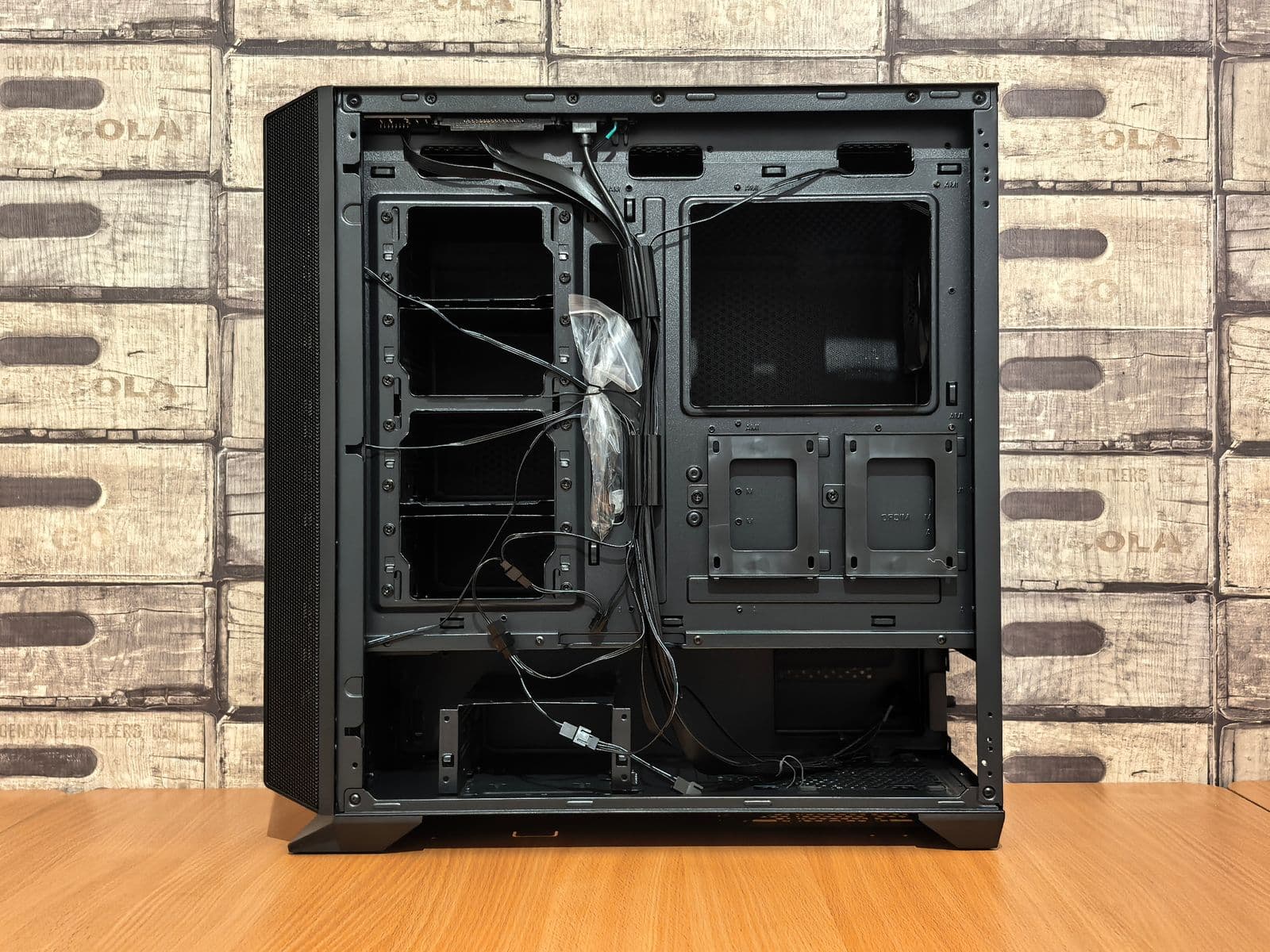
If you'd rather build your own AI server than buy a finished machine, you typically reach for one or more gaming-grade graphics cards in a custom PC. According to a cost breakdown by ki-mittelstand.eu, as of March 2026, an entry configuration with an RTX 4060 Ti runs around 3,500 euros, a configuration with an RTX 4090 around 5,785 euros, and two RTX 4090 cards together around 9,470 euros. The same source lists power draw for such configurations between 180 and 550 watts, which at 0.30 euros per kilowatt-hour works out to roughly 470 to 1,440 euros a year in electricity. Those figures are that source's calculation, not my own measurement: I have not run any of these machines on a plug-in power meter, and actual consumption depends heavily on how many hours a day a model is really computing.
This path pays off mainly if you already have experience assembling hardware and running Linux, or someone on your team handles that. The time it takes to set up drivers and keep the machine maintained is real and belongs in any honest cost calculation, even though it doesn't show up in euros the way hardware and electricity do.
Which budget fits which use case
If you're unsure where to start: a Mac mini or an existing laptop is the lowest-risk first step to actually feel where your own tasks hit their limits. Only once that limit gets hit regularly does the next tier pay off.
Frequently asked questions
What does your own AI server cost?
It depends on the path. A Mac mini starts at $899 according to Apple, as of September 2026, an Nvidia DGX Spark costs $4,699 according to Nvidia, and a self-built GPU server starts around 3,500 euros according to ki-mittelstand.eu and goes up from there. All three paths add ongoing electricity costs on top.
Is a Mac mini enough to run AI at home?
For smaller models and occasional tasks, yes. For a medium-sized model like the one I run, you need the M5 Pro variant with plenty of memory, and even then a purpose-built machine like the DGX Spark is clearly faster in my experience.
How fast is a DGX Spark compared to a Mac?
On my own setup, the DGX Spark runs the same model at 50.7 tokens per second on decode, while my MacBook Pro M3 Max with 64 GB manages 11 tokens per second. That's a single measurement from my setup, not a general benchmark claim.
Can I build my own AI server?
Yes, with off-the-shelf graphics cards in a custom PC. That takes more effort to set up and maintain than a finished machine, but often gets you more performance per euro invested, especially with multiple graphics cards.
Where's the best place to buy an AI server?
You can get a Mac mini directly from Apple, the DGX Spark directly from Nvidia or partners like Dell, Lenovo, or Asus. For a GPU server you buy the parts from the usual PC retailers and assemble it yourself or have it assembled.
Where to go from here
If you want to try out how far local AI takes you: I walk through setup from a Mac with Ollama to a server with SGLang step by step in Setting Up Local AI: Ollama to SGLang. My experience with the DGX Spark in everyday use is in DGX Spark Tested: Worth Buying?, and the bigger picture on when local even makes sense is in Local AI: What Actually Works in 2026.