To publish a book on Amazon, you sign up for Kindle Direct Publishing (KDP), whose tools are free, add your title, and for a paperback upload two print-ready PDFs: the interior and the cover. You pick trim size, ink, paper and price, and you tell KDP whether any text, images or translations were generated by AI. A paperback needs an ISBN, and KDP gives you one for free. Nothing is printed until someone buys: KDP deducts the printing cost from your royalty, which on Amazon.com is 60 percent of the list price from $9.99 up. According to KDP, the review takes up to 72 hours.
I know both routes. My Kubernetes book came out in 2024 with Rheinwerk Computing, so through a publisher. My children's book “The Day Rumble Came to Visit”, book 1 of the series “Mio and the Visitors”, I published myself through KDP in August 2026. For the next books, Arthur, my AI employee for editing and books, now does the work up to the upload. The KDP rules here come from Amazon's help pages, as of November 2026.
How to publish a book on Amazon: publisher, service or KDP
Route
Who decides and does the work
How you earn
Fits if
Publisher
The publisher accepts the manuscript or not. Editing, typesetting, printing and distribution run through them
royalty or fee under the publishing contract
you want a brand and bookstores behind a nonfiction book and can wait
Self-publishing service
You. Depending on the package, the service handles printing, ISBN and bookstore distribution
share set by the provider
you specifically want to reach bookstores beyond Amazon
Amazon KDP
You alone, from layout to price
royalty per copy sold
you want to sell mainly through Amazon with no setup cost
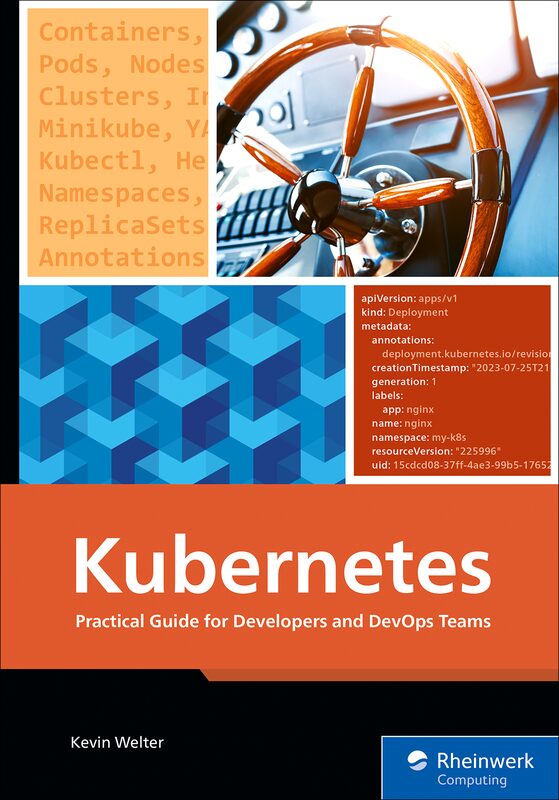
The publisher route: my Kubernetes book, published in 2024 by Rheinwerk Computing. Cover: Rheinwerk Computing
With KDP you don't need a publisher to want your book, but you also lose everything a publisher takes on: editing, proofreading, typesetting, cover and metadata. In my case an AI employee fills that gap, more on that below. For bookstores and libraries, KDP offers Expanded Distribution for paperbacks, through distributors in the US and UK, at a 40 percent royalty minus printing costs.
What has to be finished before the upload
The manuscript, final. Every later change means uploading and republishing.
The interior as a PDF in your chosen trim size. If images run to the edge, KDP requires them to extend 0.125 inches (3.2 mm) past the trim line. The file can be up to 650 MB.
The cover as one single PDF with back cover, spine and front cover. Spine width depends on page count and paper; for black ink on white paper KDP uses 0.002252 inches per page. KDP has a cover calculator and template generator, and it places the barcode on the back cover if you don't supply one.
The metadata: title, subtitle, author, description, categories and up to seven keywords or short phrases.
KDP counts anything wider than 6.12 inches (155.5 mm) or taller than 9 inches (228.6 mm) as large trim, and large trim costs more to print. Most sizes allow 24 to 828 pages, standard color 72 to 600, cream paper up to 776. The 8.5-inch sizes stop at 590 pages in black and premium color, 550 on cream. My Mio book has 32 pages at 7 × 10 inches.
ISBN: free from KDP or your own
Paperback: needs an ISBN, and each format needs its own. Paperback and hardcover don't share one.
eBook: the ISBN is optional.
Free KDP ISBN: available for paperback and hardcover only. Your imprint then reads “Independently published”. The number only works on KDP; other printers need your own.
Your own ISBN: title, author and publisher in KDP must match the ISBN registration exactly, otherwise KDP won't let you publish. Placeholders such as “unknown” are not allowed.
My Mio book uses the free KDP ISBN, which is why Amazon lists the publisher as “Independently published”.
KDP printing cost and royalties
KDP calculates printing cost as fixed cost plus page count times per-page cost. For Amazon.com, as of November 2026:
Ink
Pages
Regular trim
Large trim
Black
24 to 110
$2.30 flat
$2.84 flat
Black
110 to 828
$1.00 + $0.012 per page
$1.00 + $0.017 per page
Standard color
72 to 600
$1.00 + $0.0255 per page
$1.00 + $0.0402 per page
Premium color
24 to 40
$3.60 flat
$4.20 flat
Premium color
42 to 828
$1.00 + $0.065 per page
$1.00 + $0.08 per page
Your royalty is then royalty rate times list price minus printing cost. On Amazon.com the rate is 60 percent from a list price of $9.99 and 50 percent up to $9.98. On marketplaces where VAT applies, such as Amazon.de, you enter the price without VAT and Amazon adds it.
An example: a 32-page picture book at 7 × 10 inches in premium color costs a flat $4.20 to print. At a list price of $12.99, 60 percent is $7.79; minus $4.20 that leaves $3.59 per copy sold. Now suppose the same book has 220 pages: printing then costs $1.00 plus 220 times $0.08, so $18.60. KDP calculates the minimum list price as printing cost divided by 0.6, here $31.00.
For eBooks you choose 35 or 70 percent. On Amazon.com, 70 percent applies to list prices from $2.99 to $12.99 (the upper limit since July 7, 2026), minus delivery costs of $0.15 per MB, and the price must be at least 20 percent below any print edition.
AI content: what you have to disclose on KDP
KDP requires disclosure for every new book and every republished edit. It distinguishes:
AI-generated means text, images or translations created by an AI-based tool, explicitly including cover and interior images and artwork. According to KDP this applies even if you edited the result substantially afterwards. You have to disclose it.
AI-assisted means you created the content yourself and used AI to edit, refine, error-check or otherwise improve it. Brainstorming with AI also counts, as long as you create the text or images yourself in the end. You don't have to disclose it.
So an AI editor correcting your own text does not make it AI-generated. If AI drafts chapters or paints the illustrations, it is AI-generated. Arthur fills in the disclosure separately for text, images and translations, and I confirm it before the proof copy. The illustrations in my children's series are made with an image model, so they are declared as AI-generated. Who owns purely AI-made images is covered in AI and Copyright: Who Owns AI Images?, and what the EU requires regardless of Amazon in AI Disclosure Rules Under the EU AI Act.
From manuscript to upload: how Arthur prepares it
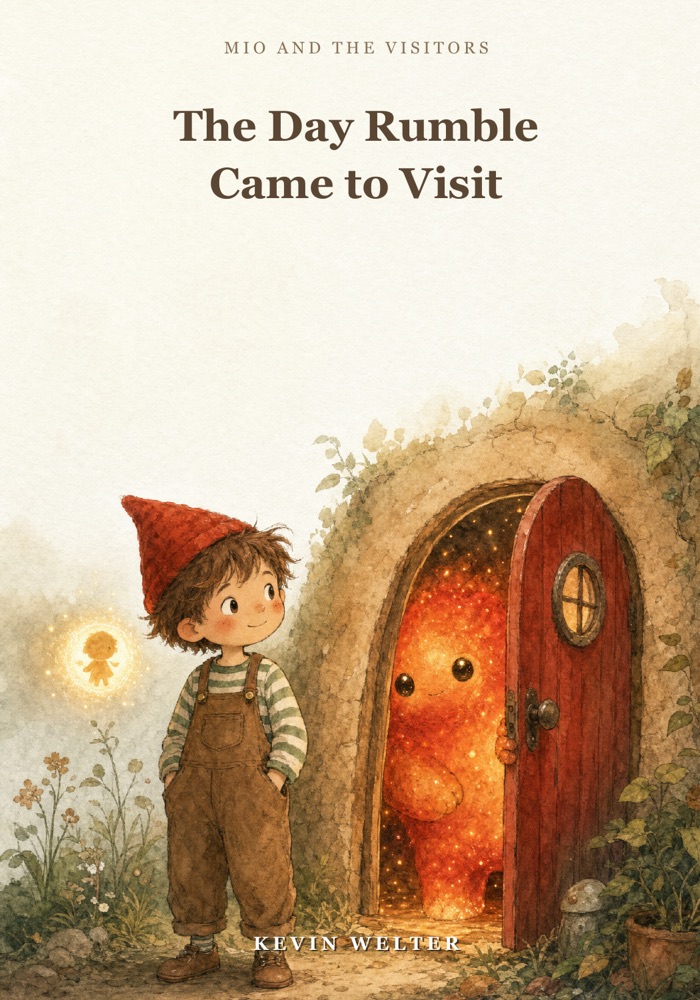
The KDP route: book 1 of my children's series, published in August 2026. Cover: Kevin Welter, illustration AI-generated
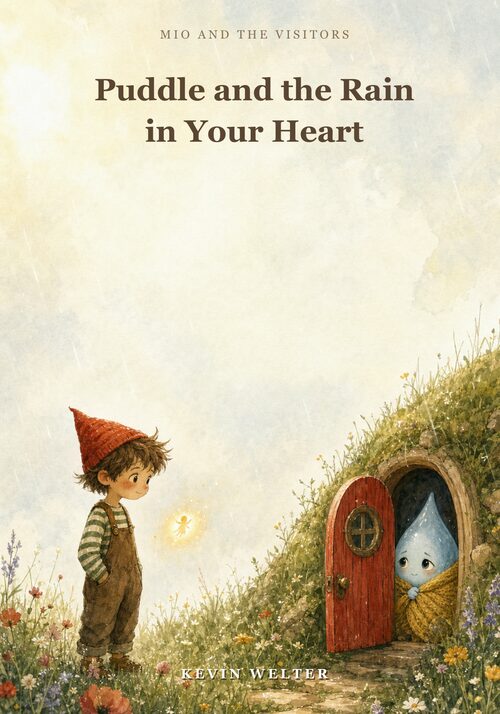
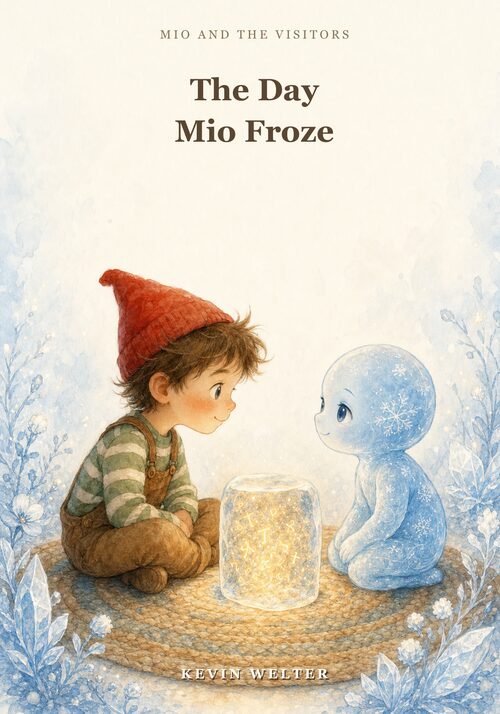
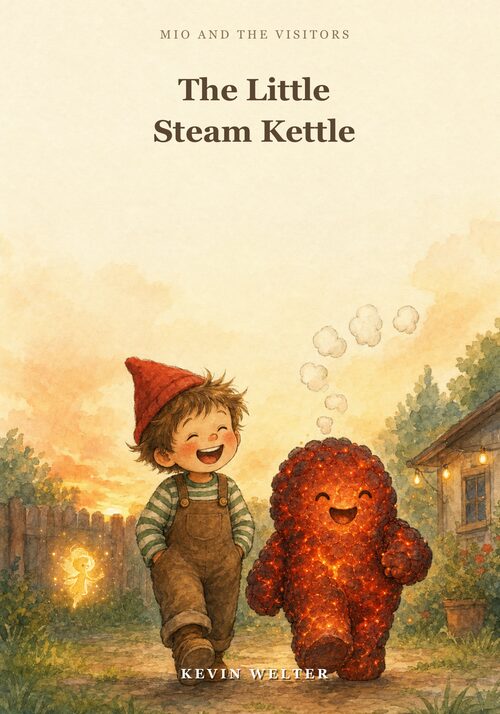
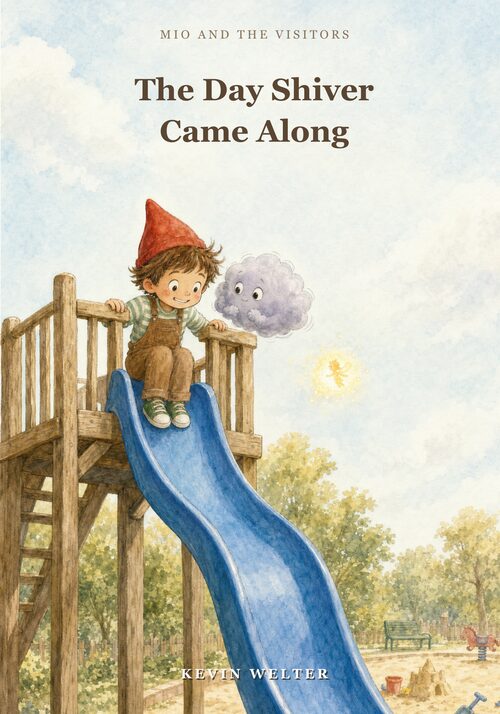
Coming soon: books 2 to 5 of “Mio and the Visitors” and “100 Dinge” (in German). Preview as of November 2026. Covers: Kevin Welter, illustrations AI-generated
Arthur handles the work between a finished manuscript and the upload:
Editing in four passes: read-aloud sound, language, series consistency, logic and continuity.
Proofreading with separate reviewers. Two reviewers each read one half, and nobody checks what they wrote themselves.
Images against the text. In one watercolor book project the text has the father chest-deep in the water while the image showed him dry on the jetty. Such images are regenerated before any upload.
Building the print files. Interior with bleed, ISBN on the copyright page, cover matched to the page count. One print PDF first came to 688 MB, over the 650 MB limit; compressed print images brought it to 112 MB.
Creating the KDP title as a draft. I log in myself; Arthur never touches account, tax or bank details.
Checking the print preview: quality check, barcode area, spine text inside the guides.
Proof copy and approval. KDP lets you order up to five proofs of a draft once the print preview is approved. I order the proof, and nothing is published without my word.
Four things I decide myself: the price, the AI disclosure, any change to titles and characters in the series, and the click on publish. How to set up a role like this is shown in Hiring an AI Employee: The Process.
If you publish from Germany
This is not legal advice, just what comes on top when you self-publish in Germany. Every printed work needs an imprint under state press or media law; for self-publishing it names the author or editor with a full address, and according to the media authority of Rhineland-Palatinate (as of 09/2026) a PO box or virtual office does not count. Whoever may distribute the book and is based in Germany delivers two printed copies to the German National Library free of charge within one week (§§ 14 to 16 DNBG). And under § 5 of the German Book Price Act, publishers selling to end customers in Germany set a final price including VAT; foreign-language books are covered only if mainly intended for the German market.
Frequently asked questions
How much does it cost to publish a book on Amazon?
According to Amazon, the KDP tools and the paperback ISBN are free. Printing cost comes out of your royalty per copy sold. You pay for proof copies (printing cost times quantity plus shipping and taxes) and for anything you buy in, such as editing or illustration.
Do I need an ISBN?
For a paperback yes, for an eBook no. The free KDP ISBN is enough as long as the book is only published through KDP.
How long does it take for my book to appear on Amazon?
According to KDP, the review takes up to 72 hours. After that, a paperback's detail page takes up to 72 hours on Amazon.com and up to five days on other marketplaces.
Can I write a book with AI and publish it on KDP?
Yes, but KDP requires disclosure of AI-generated text, images and translations, even if you edited them. If you wrote it yourself and only corrected it with AI, there is nothing to disclose. Either way, KDP holds you responsible for third-party rights.
How to move forward
Start with three decisions: trim size, ink, page count. Work out the printing cost and check whether your target price still leaves a royalty. Then sort out the ISBN and create the title as a draft. Want your own AI employee for editing and book preparation? You can bring that project to the weekly live Q&A call in my community AI Employee Framework.
Kevin Welter
Developer, IT architect, author of technical books (Kubernetes, cloud infrastructures) and speaker. Runs his business with an AI workforce of fourteen AI employees and shows solo business owners in his community how to hire their first AI employee.