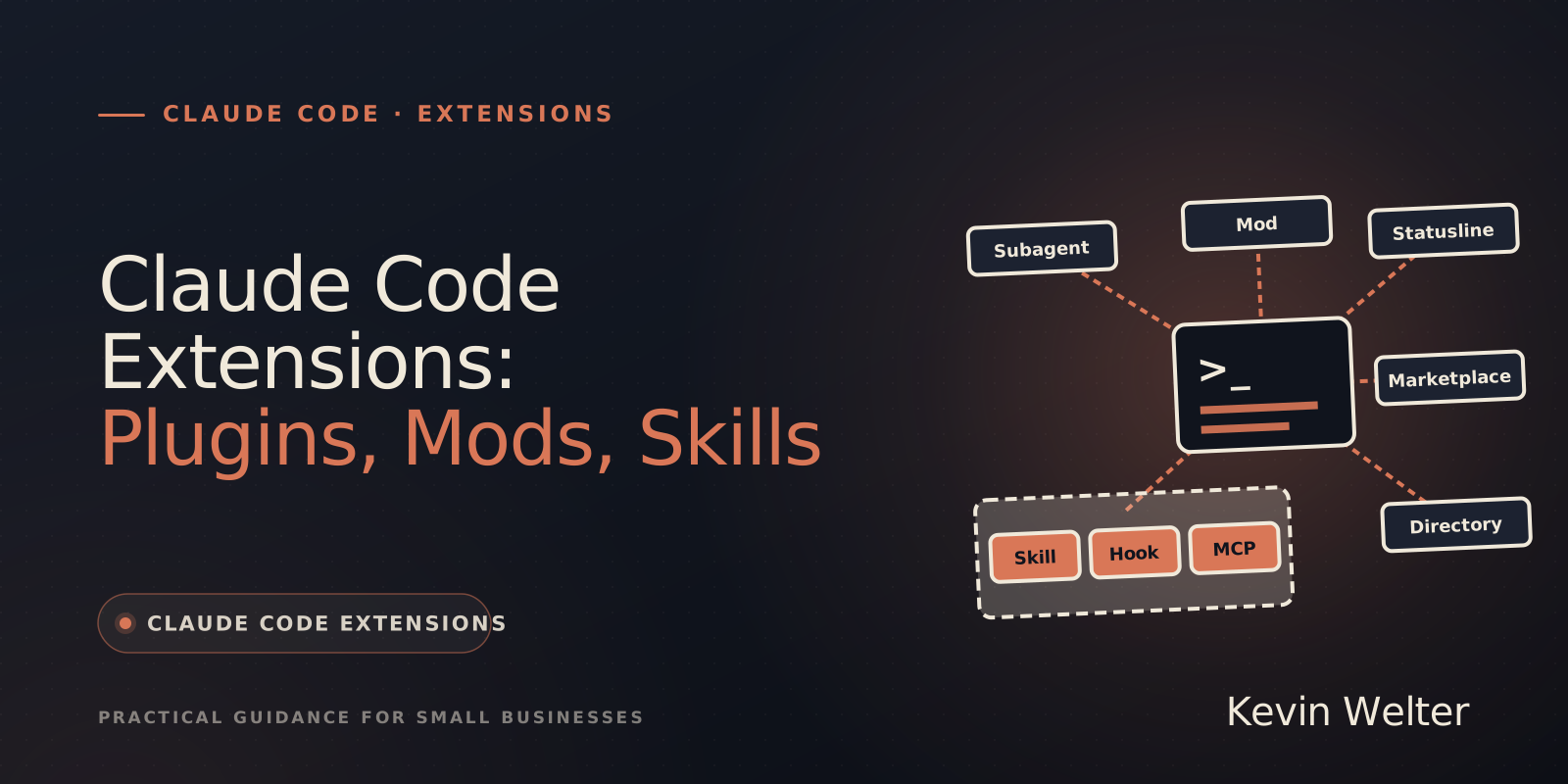
Claude Code extensions are everything you add to Claude Code beyond its built-in tools, and Anthropic separates the terms precisely. A skill is a SKILL.md with instructions that Claude reads. A hook is a command that Claude Code itself runs at a fixed point in its lifecycle. An MCP server gives Claude tools for external services. A plugin is the package that bundles such components, and a mod is a plugin with its own JavaScript or TypeScript code that runs inside Claude Code and is the only component that can draw in the interface. The status line is a bar at the bottom that a script of your choice fills. A marketplace is a catalog in a repository that you install plugins from; the directory is Anthropic's catalog on claude.ai, and Claude Marketplace is a website for browsing. Anthropic uses the word "extension" for the components themselves and as a product name for the VS Code extension and Claude in Chrome. There is no package format by that name: packages are called plugins.
I work with Claude Code every day and run my team of fourteen AI employees on it. Skills, hooks, MCP servers and plugins from the official catalog run there in daily use. I have not tested a mod myself; what I write about mods comes from Anthropic's documentation, retrieved on October 26, 2026. Everything about Claude is collected on my Claude page; if you have not set up Claude Code yet, start with Claude Code: A Guide for Beginners.
What Anthropic means by "extending Claude Code"
Anthropic has its own overview page for this, titled "Extend Claude Code". According to Anthropic, the built-in tools for files, search, execution and the web cover most tasks. Everything beyond that is what the docs call "the extension layer: features you add to customize what Claude knows, connect it to external services, and automate workflows". Anthropic counts CLAUDE.md, output styles, skills, code intelligence, MCP, subagents, dynamic workflows, cross-session messaging, hooks, and plugins and marketplaces, which package and distribute all of the above.
So at Anthropic, "extension" is first of all an umbrella term: the docs talk about "other extensions" you add over time and say: "Each extension solves a different problem." The word is also a product name, for example for "the Claude Code extension for VS Code" and for Claude in Chrome. What does not exist is a package format called extension; the package is called a plugin. The plugin docs draw that line in a note of their own: if you want Claude Code in VS Code or JetBrains, you need "the VS Code extension or the JetBrains plugin, not a Claude Code plugin". What the Chrome extension can do is covered in Claude in Chrome: How to Use the Extension.
The terms at a glance
Two components from Anthropic's overview are not in the table because people rarely mix them up: according to the docs, an output style sets role, tone and response format for a whole session, and code intelligence connects Claude to a language server through a plugin, so it sees type errors and jumps to definitions.
Skill, hook, MCP server, subagent: the individual components
Each of these four works without a plugin. According to the docs, a skill saved in ~/.claude/skills/ is already available in every project on your machine. The difference lies in who decides and what ends up in context.
Skill or hook. Anthropic puts it in one sentence: "Claude Code runs a hook at a lifecycle event; it loads a skill into context for Claude to apply." A hook fires on its event without Claude deciding and costs no context unless it returns output. A skill is an instruction Claude interprets; according to the docs the outcome can vary, and its description sits in context every session. That leads to Anthropic's rule of thumb: an instruction like "never edit .env" in CLAUDE.md or a skill is "a request, not a guarantee", while a PreToolUse hook that blocks the edit enforces it. Since mods arrived, there is one caveat: without managed settings and without a Team or Enterprise login, an installed mod can approve a call that your PreToolUse hook blocked or a deny rule refused. More on that in the mods section below and in Claude Code Security: Permissions and Sandbox.
A note on naming: since mods, Anthropic distinguishes two kinds of hooks. On the mod pages, "hook" means a mod's handler, and the hook from the settings file is called a "settings hook" there. Everywhere else in the docs, and in everyday use, a hook still means the settings hook.
In my team, hooks report every event to my employee OS, and I can approve requests there; if the OS does not answer in time, the normal dialog appears in the terminal. That is exactly the case Anthropic recommends hooks for: something that has to happen the same way every time.
MCP server or skill. An MCP server connects Claude to an external system and brings the tools for it, sign-in included. A skill brings the knowledge of how to use those tools well, such as your database schema or your rules for Slack messages. The docs recommend combining both. How I set up MCP servers and which ones run in my setup is in Set Up a Claude MCP Server.
Subagent. A subagent works in its own context window and only returns a summary. It is not an extension package but a division of labor: useful when a task reads many files that your main conversation does not need. When a skill, a subagent or an agent of your own fits is explained in Claude Subagents, Skills, Agents.
Plugin, marketplace and directory: the package and where it comes from
According to Anthropic, a plugin is "a directory of skills, agents, hooks, MCP servers, or other components that Claude Code installs and loads as one unit". It pays off when you want to share several components as a package, install them in many projects or publish versioned releases. Two consequences are worth knowing: an enabled plugin is part of every session, and its skill and agent descriptions cost context on every turn. And whatever a plugin runs, it runs with your user privileges.
Three terms describe where plugins come from, and they are easily confused:
- Marketplace: in the docs' words "a catalog, not a hosted store", in other words a repository with a
.claude-plugin/marketplace.json file. Anthropic runs the official catalog claude-plugins-official, the community catalog claude-community and a demo catalog. Every other catalog is third-party, including your own company's.
- Directory: Anthropic's catalog on claude.ai and in Cowork. Since September 25, 2026, Anthropic has accepted plugins there through a developer portal. If you add a plugin from the directory, it also reaches Claude Code through account sync, where it shows up as
<name>@synced.
- Claude Marketplace: the website at claude.com/marketplace. According to the docs it is not a catalog you add with
/plugin marketplace add, but a site for browsing plugins, connectors, partner products and service partners.
How to install, check and build plugins is covered in detail in Claude Code Plugins: Install, Build, Trust.
Mod: a plugin that changes Claude Code itself
According to Anthropic, a mod is "a plugin that changes how Claude Code looks and behaves". It consists of JavaScript or TypeScript functions that Claude Code calls on events, such as a tool call, a submitted prompt, or a part of the interface being drawn. Mods have been available in the terminal since version 2.1.287 of October 1, 2026. Some of Claude Code's own features are now mods, for example /diff.
According to the docs' comparison, the difference from the other components lies in two places: only a mod can draw in the interface, and only a mod runs inside Claude Code's process, where it can rewrite or answer tool calls, prompts, commands and turns itself. Settings hooks, skills and MCP servers work from outside. The full comparison table from the docs is in my article on Claude Code mods.
A mod is the most powerful component and therefore the most sensitive one. The docs are clear: "Mods aren't sandboxed." A mod can read and write files, read keys from environment variables, see every prompt and approve a tool call before you are asked. With managed settings or a Team or Enterprise login, that approval by default does not get past your ask rules and PreToolUse hooks. Without either, according to the permissions docs, a mod can even approve a call that a deny rule refused or a PreToolUse hook blocked. Before you install one, claude plugin validate ./folder shows which events a mod handles and what it asks Claude Code to do. How to secure mods in a team is also covered in the article on Claude Code mods.
Status line: a setting, not a packaged extension
According to Anthropic, the status line is "a customizable bar at the bottom of Claude Code that runs any shell script you configure". Claude Code passes session data to the script as JSON, such as the model, context usage, cost and, on Pro and Max, how much of the five-hour and weekly limits you have used; whatever the script prints appears in the bar. You can set it up with the /statusline command and a plain-language description, or by hand through the statusLine entry in your settings.
The mod docs group the status line with the components that work "from outside Claude Code", like settings hooks, skills and MCP servers. You might confuse it with the line a mod writes under the prompt with $.ui.status: that one starts with a warning sign and the mod's name and is not your status line. How to build a status line step by step is in my guide to the Claude Code status line.
What to use when: the decision rule
Anthropic recommends not setting everything up at once, but adding each component when there is a recognizable trigger. The order from the docs, slightly shortened:
- Claude gets a convention wrong twice: add it to CLAUDE.md.
- You keep typing the same prompt, or paste the same playbook for the third time: turn it into a skill.
- You keep copying data from a browser tab Claude can't see: connect that system as an MCP server.
- A side task floods your conversation with output you won't need again: hand it to a subagent.
- Something should happen every time without asking: write a hook.
- A second repository needs the same setup: package it as a plugin.
That list does not mention mods. I would only consider one when none of the components above is enough, for a view of your own in the interface or for stepping into events, and then only from a source you trust. The status line is the smallest step of all: a setting that only displays information and changes nothing about your session; the script behind it does run with your privileges, though.
The same words in Codex, Gemini CLI and Grok Build
These terms are not exclusive to Claude Code. OpenAI also calls them plugins in Codex: according to OpenAI's docs they bundle capabilities into reusable workflows in ChatGPT and Codex and can contain skills, MCP servers, browser extensions and hooks; in the Codex CLI, /plugins opens the plugin browser. ChatGPT and Codex share one plugin directory. Google's Gemini CLI calls its packages "extensions": according to the docs they bundle prompts, MCP servers, custom commands, themes, hooks, sub-agents and agent skills. xAI's Grok Build has a section called "Skills, Plugins & Marketplaces" in its docs.
So a name tells you little about what is technically behind it. For switching tools, what matters most is that skills, MCP servers and rule files like AGENTS.md work across several of them; what survives a switch is covered in CLAUDE.md vs AGENTS.md: What Survives. How the tools themselves differ is in my overview of Claude Code alternatives in 2026.
Frequently asked questions
Do I need a plugin for a skill or a hook?
No. According to the docs, skills, hooks, MCP servers and subagents also work on their own; a skill saved in ~/.claude/skills/ is already available in every project on your machine. A plugin only pays off when you want to share several components as a package or install them in many projects.
What is the difference between a hook and a skill?
Claude Code runs a hook at a fixed event without Claude deciding. A skill is something Claude reads and interprets. According to Anthropic, anything that has to hold every time belongs in a hook, not in an instruction; without managed settings and without a Team or Enterprise login, though, an installed mod can override a hook's block.
Is the status line an extension?
In the broad sense yes, but not a package: it is a setting that runs a script of your choice and shows its output at the bottom. It changes nothing about your session, but the script runs with your privileges. The line a mod writes with $.ui.status is not the status line.
Are there Claude Code extensions?
Yes, as an umbrella term: Anthropic calls skills, hooks, MCP and the rest "extensions". The package for them is called a plugin, though. As a product name, "extension" at Anthropic stands for the VS Code extension that runs Claude Code in the editor, and for Claude in Chrome.
What is the difference between a marketplace, the directory and Claude Marketplace?
A marketplace is a catalog in a repository that you add with /plugin marketplace add. The directory is Anthropic's catalog on claude.ai, from which plugins reach Claude Code through account sync. Claude Marketplace is a website for browsing, not a catalog for Claude Code.
Where to go from here
Start with the component you have a reason for today, usually a skill or a hook, and only put something into a plugin once a second project or a colleague needs the same thing. Before you install a third-party plugin or a mod, read Claude Code Plugins: Install, Build, Trust for the checks from the docs. How others build their skills, hooks and AI employees is what we discuss in my German-speaking community Claude Practitioners.