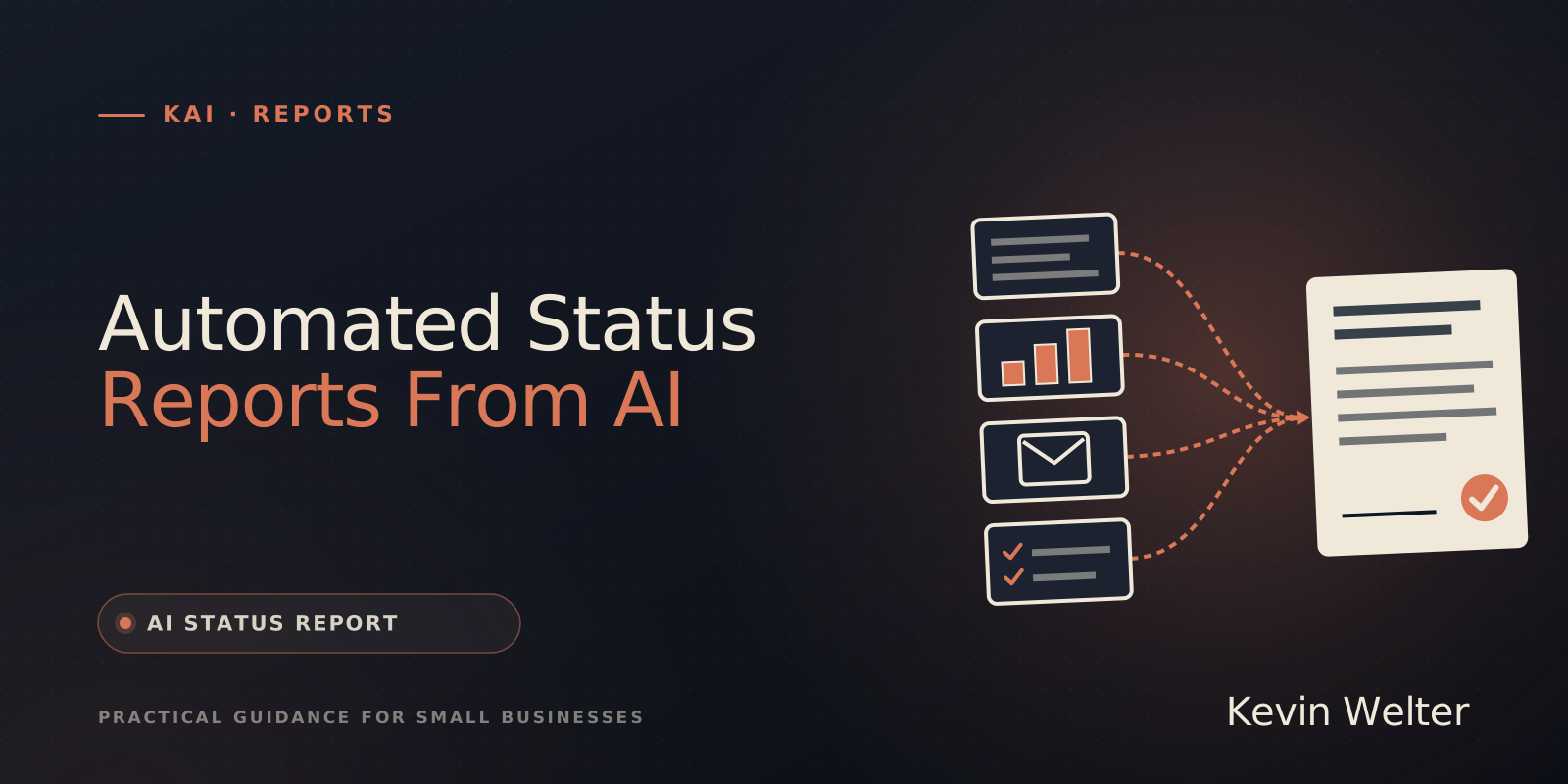
A status report shows in a few minutes of reading where a project or an area of work stands: an overall assessment, usually as a traffic light, what has been completed since the last report, what comes next, which risks and blockers exist and which decision is pending. It arrives on a fixed cadence, often weekly, and has the same structure every time. It becomes automatic when an AI collects the existing data at a fixed time, meaning tasks, meeting notes, changed files and messages, writes a draft from it and backs every statement with a source. You set the traffic light, and you sign the report off. Below you will find the structure, a template to fill in and a prompt for the weekly status report.
I run my business with fourteen AI employees, and who does what is on my team page. The five that run on my server report into a shared Slack channel, and results of scheduled runs and error messages land in a private news channel. This article stays with the report as an output. How to steer the project around it with AI is covered in AI in Project Management With AI Employees.
Status report structure in six parts
A good status report fits on one page. Whoever reads it does not want the whole week retold, they want to know whether they need to step in.
Schedule and budget get their own line if the project has them: plan against actual, and the reason for any gap. Three rules keep the report useful:
- Deviations first. Whatever runs to plan needs one line. Whatever deviates gets the attention.
- The traffic light needs a criterion. Define once when amber and when red apply, for example "amber: a date slips by up to one week". Otherwise the report is green until it suddenly turns red.
- The same structure every time. Only then does the reader see at a glance what changed since last week.
Status report template to fill in
You can copy this template and use it as a weekly status report for a project or an area of work.
Status report <project/area>, week <number>, <date>, by <name>

Overall status: <green/amber/red>, because <one sentence>

Completed since <date of last report>:
- <result> (source: <file, task, link>)

Next steps until <date>:
- <task>, <who>, by <when>

Schedule and budget: <plan> / <actual>, gap: <reason or "none">

Risks and blockers:
- <risk>, impact: <what happens>, countermeasure: <what>

Decisions you need to make:
- <question>, options: <A/B>, by <date>
How AI prepares the status report from existing data
A status report written by hand often comes from memory, so it says what was planned, not what happened. An AI turns that around if it can reach the evidence of work, in four steps.
- Collect. The AI reads what has been produced since the last report: completed tasks, meeting notes, changed files, messages in the project channel. Where the notes come from is covered in Automatic Meeting Minutes with AI.
- Check. For every completed task it looks for the result itself: the file, the page, the draft. A ticked box is not yet evidence.
- Draft. It fills in the template, every statement with a source. Whatever it cannot back up, it writes down as "not verified" instead of filling the gap with a plausible phrase.
- Suggest, don't decide. The AI proposes a traffic light and gives its reasons. Whether the project is on track is your call, and only then does the report go to its readers.
Atlassian, for example, lists drafting status updates from the chat for Jira with Rovo. If your project data lives there, that is the shortest route. The limit: the AI only sees what is in the tool. If results live elsewhere, it needs access to them, or it reports ticked boxes instead of results. Before customer data goes into the report, read AI and Privacy: What the AI Gets to See.
Prompt for the weekly status report
This is what the brief looks like, built the same way as my prompt templates. Replace the angle brackets and attach the material.
Goal: Draft of the status report for <project/area>, week <number>.
I review it, set the traffic light and send it myself.

Context: The reader is <role>. They want to know in two minutes
whether they need to step in. Traffic light rule: green = schedule
and budget on plan. Amber = <criterion>. Red = <criterion>.

Material: Task list with status: <export>. Meeting notes since <date>:
<files>. Changed files or results: <list/folder>.
Last status report: <file>.

Limits:
- Every statement under "Completed" needs a source from the
  material. Without a source: "not verified" and why.
- A task only counts as completed if its result is in the material,
  not just because it is marked as done.
- No figures, dates or names that are not in the material.
- Traffic light only as a suggestion with reasons, using the rule
  above.

Format: Same structure as the last status report, one page at most.
Deviations first. Below that, separately: "Not verified" and
"Changed since the last report".

Done when: Every section is filled in or says "nothing", every
statement has a source or "not verified", and the traffic light
has a reason.
The last status report in the material is not an extra. Only with it can the AI say what has changed, and that is exactly what the reader looks at first.
Having the report created automatically
Automatic means the draft is there at a fixed time without anyone having to remember it. Three ways, from simple to more involved:
- Reminder and prompt. A calendar entry on Friday, the prompt above and an export from your tool. Semi-automatic, but often enough for one project.
- Scheduled task. Anthropic writes about Claude Cowork: "Schedule a report once and get it daily, weekly, or monthly." What else Cowork does is covered in Claude Cowork: What It Does, Who It's For.
- AI employee on a schedule. A fixed employee with a brief, material and limits, who runs at a fixed time and drops the result in a fixed place. That is how I do it.
How it works for me
Recurring jobs, such as a morning status report, sit in a single file with name, employee, time and the job. The run drops its result as a file in the employee's mailbox folder. If it fails, a letter goes to Kai, my AI employee for leadership. How that runs technically on the server is in Claude Code on a Server: tmux, Remote Control.
Kai is the role that turns many individual reports into one. He pulls together reports, protocols, commits and questions from the team and checks the claims against the actual state of work and my assignment. If an approval line or a named file is missing, he writes "not verified" instead of quietly smoothing it over. At the end he condenses status, contradictions, risks and open decisions. Those are almost exactly the parts of the template above. Kai is still being tested in my business; more on Kai's page.
A report does not always have to be about a project. Susi, my employee for ads, writes me an assessment in plain language on the weekly report of the running campaigns: which campaign is doing well, where something stands out and why, and what she suggests. Whether I shift a budget or pause a campaign is my decision. That is the core of every automated status report: the AI delivers the situation and a suggestion, the decision stays with you.
If you want a second AI to check the draft against the sources before it goes out, the method is in LLM as a Judge: How AI Checks AI Work.
Frequently asked questions
What goes into a status report?
A header with the period, the overall status with reasoning, what was completed, next steps with owner and date, risks and blockers, and the decisions the reader has to make. Schedule and budget are added if the project has them.
How often should a status report come out?
As often as the reader needs to be able to step in. Weekly is common for running projects, monthly is enough for quiet areas. A daily report pays off if it is short and created automatically, for example as a morning update.
What is the difference between a status report and meeting minutes?
Minutes record what was discussed and decided in one meeting. A status report summarises the state over a period and uses minutes as one of its sources. How to write minutes with AI is covered in Have Minutes Written: ChatGPT, Teams.
Can AI write the status report entirely on its own?
The draft, yes; the assessment, no. Whether a project is on track depends on things that are rarely all in the material. Let the AI propose the traffic light and explain why, and set it yourself.
How do I know the AI report is right?
Ask for a source for every statement, have missing evidence marked as "not verified" and spot-check two or three sources. Wherever it says "not verified", you know where to ask.
How to keep going
Take your last status report, or write the next one by hand into the template above once. Define the traffic light rule while you do it. Next week, give the AI the prompt, the material and that report, and compare its draft with what you would have written yourself. Wherever it writes "not verified", it is missing access to a source, and that is the gap you close next.
I collect more workflows like this under process optimization. How I onboard my AI employees, give them rules and check their results is something I show in my community AI Employee Framework.