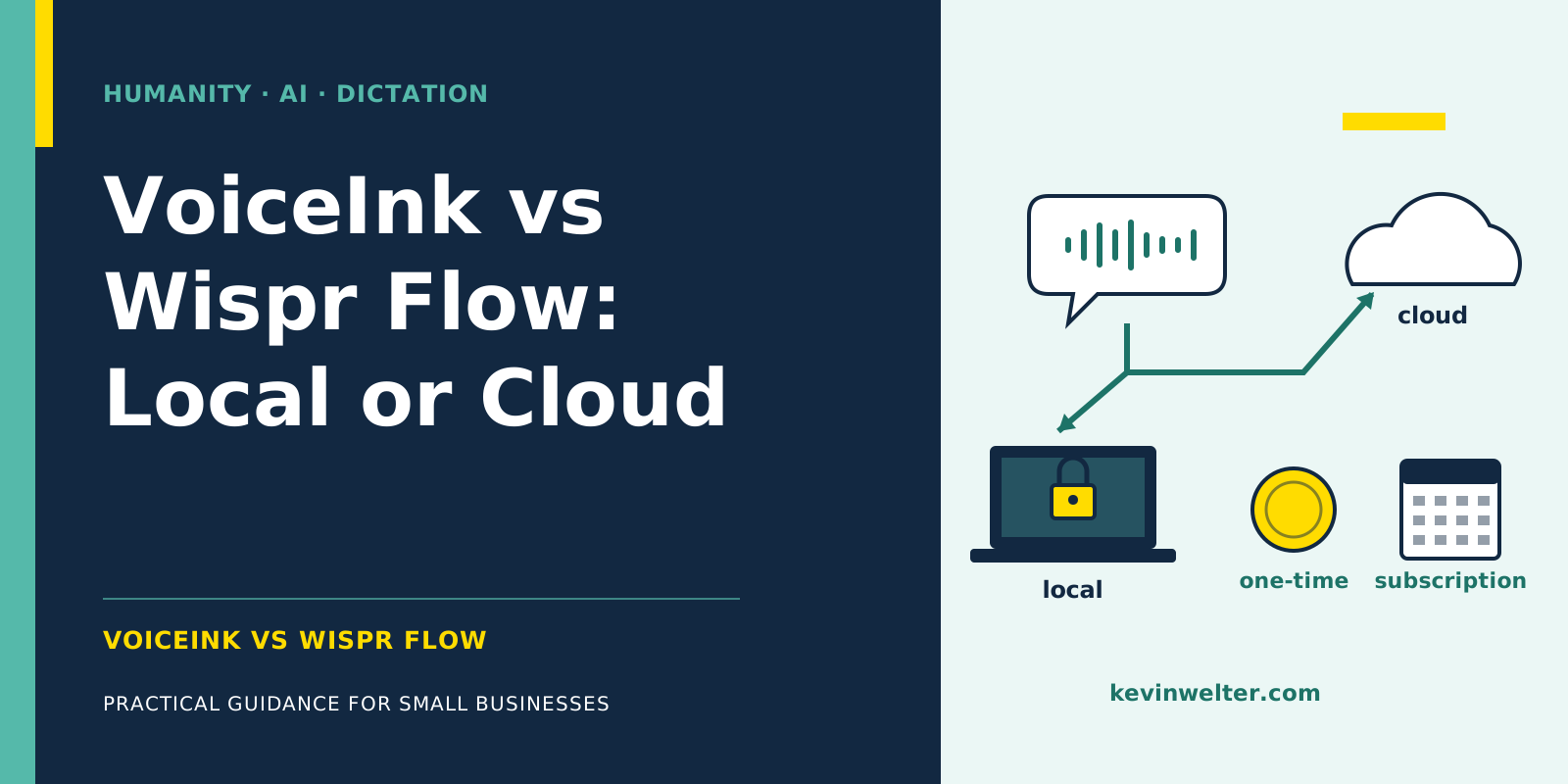
VoiceInk vs Wispr Flow is mainly a decision about where your speech turns into text. VoiceInk transcribes locally on your Mac by default, while Wispr Flow states on its own data controls page: "Transcription always occurs on the cloud." Almost every other difference follows from that. VoiceInk costs a one-time $25 for one Mac, Wispr Flow Pro costs $12 per month billed annually or $15 billed monthly, and there is a free tier with 2,000 words per week on desktop (as of October 2026). Wispr Flow runs on Mac, Windows, iOS and Android, VoiceInk on Apple Silicon Macs, with an iOS app in beta. Both dictate German and English into any app where your cursor sits. For business use in the EU, VoiceInk with a local model is the simpler path under GDPR, while Wispr Flow is stronger on Windows, Android, teams and context features that work without any setup.
I've been dictating with VoiceInk* since April 30, 2026: 2,794 dictations and 135,388 words on 137 days so far, including instructions for my AI employees. On my machine the text appears after a median of 0.71 seconds, on a MacBook Pro with an M3 Max and the local Whisper Large v3 Turbo model. That is my setup, not a benchmark. Everything about Wispr Flow here comes from its own pages, retrieved in October 2026. I bought the app myself. I earn a commission if you buy VoiceInk through my link.
* Affiliate link: if you buy through this link, I earn a commission. Your price stays the same.
VoiceInk vs Wispr Flow at a glance
There is deliberately no row on speed or accuracy: I have not measured both tools in the same setup.
Local or cloud: what happens to your recording
In VoiceInk, three separate settings decide whether a dictation leaves your Mac: transcription, AI enhancement and Dictionary Auto Learn. Local transcription means the audio is processed on the Mac. With cloud enhancement, the docs say the transcribed text, your vocabulary and any enabled context go to that provider, not the audio. For a fully on-device workflow, VoiceInk names three conditions: a local model, no enhancement or a local one, and Auto Learn off or running on a local Ollama model.
I don't use enhancement. The raw text goes straight to Claude or my AI employees, and they cope fine with filler words.
Wispr Flow describes four steps: capture on your device, transfer over TLS 1.2+, transcription on its servers, then the audio is deleted unless "Dictation cloud storage" is on. For formatting, it uses the name of the app you dictate into and the surrounding text box content; with "Context Awareness" on, it also reads text from the active window. Model training is a setting; on Growth and Enterprise it is locked off. Wispr says it keeps zero data retention agreements with all third-party AI providers.
Wispr Flow privacy: what the vendor itself says
These points from Wispr Flow's own pages and Trust Center matter for a business in the EU:
- Storage location: "Customer data is stored in the United States." According to the Trust Center, dictations from Europe are processed in the US, and there is currently no selectable data residency.
- International transfers: transfers from the EU are covered by Standard Contractual Clauses incorporated into the data processing addendum (DPA).
- Contract: in the comparison table on the pricing page, "MSA & DPA" is only checked from the Growth plan up; Free and Pro show a dash.
- Certifications: SOC 2 Type II and ISO 27001, audited by A-LIGN, covering every product and plan according to Wispr.
- Health data: for US law (HIPAA), Wispr offers a Business Associate Agreement; accepting it turns off Notetaker and Scratchpad.
If you dictate personal data at work, such as client names, health details or HR matters, Wispr Flow processes it on your behalf. In Germany and the EU, Art. 28 GDPR requires a data processing agreement for that, and the transfer to the US belongs in your records. That is doable and routine for cloud services, but it is work. Whether you can get a DPA on Pro, ask Wispr directly.
Privacy with VoiceInk: simpler, with conditions
With local transcription, the recording does not leave your Mac. There is no external service provider for transcription, so there is no data processing agreement and no third-country transfer for you to assess. That makes business use considerably simpler under data protection law in the EU. The limitation always applies: this only holds while cloud models, AI enhancement through cloud providers and Auto Learn with a cloud provider are switched off.
Local does not replace a privacy concept: VoiceInk keeps transcripts and, depending on your settings, audio in a local history with its own retention setting, and the device needs access control and encryption. Legal basis and purpose remain your job. I am a developer, not a lawyer, so this is not legal advice. How I weigh local against cloud processing in general is covered in Local AI and Privacy: Cloud or Server?.
No subscription: cost over one and three years
Two caveats. Cloud models in VoiceInk are billed by the provider; the docs say the license includes no provider charges or credits. And "Lifetime of updates" is a vendor promise about the future. What can be shown is the past: between April and October 2026, GitHub lists eleven stable releases. That is what I like about VoiceInk: updates arrive often. Nobody can guarantee that going forward.
Whether Wispr Flow's free tier is enough depends on your volume. I dictated 135,388 words in 24 weeks, a little over 5,600 per week on average. With 2,000 words per week on desktop, I would be on Pro. According to the pricing page, students and educators with an education email get 50% off Pro.
Platforms, languages and setup
VoiceInk is a Mac app, and the vendor states its requirements (Apple Silicon, macOS version) differently in two places. Check with the trial before you buy. You choose the model yourself. During onboarding VoiceInk sets Parakeet V3; I use Whisper Large v3 Turbo with the language fixed to German. That is my choice for my texts, not a property of the app. I describe the full setup with model, dictionary, shortcut and Modes in VoiceInk Review After 2,800 Dictations.
Wispr Flow runs on all four major platforms, detects the language per dictation and learns names through its dictionary. There is no model to set up.
Both tools are built for live dictation: press a key, speak, the text lands in the field. Transcribing finished recordings or calls is a different task, and Transcription Software Compared covers that. How I dictate when the text goes straight to an AI is shown in Dictating Prompts to Claude and ChatGPT.
When Wispr Flow is the better choice
- You work on Windows or Android. VoiceInk isn't available there.
- You dictate a lot on your iPhone and want the same dictionary and settings on every device.
- You are rolling it out to a team: shared dictionary, centralized billing, usage analytics, and from Growth SSO and a DPA according to the pricing table.
- You want formatted text without setup. Wispr Flow formats per app and edits selected text by voice command, without you adding an AI provider of your own. Its per-app Styles are only available in English and on desktop, according to the vendor.
- You have an Intel Mac. Even VoiceInk recommends the cloud there.
- You dictate little. Below 2,000 words per week on desktop, Wispr Flow costs nothing.
When VoiceInk is the better choice
VoiceInk fits if you work on an Apple Silicon Mac, dictate confidential content and don't want a subscription. With a local model, client, health or HR content stays on your device, and you skip vetting another provider. The source code is open (GPL-3.0); you can build it yourself, but the ready-made app with automatic updates costs money.
My reasons are exactly these: local, a local model, a one-time price, frequent updates, and on my machine the text shows up quickly. If those are your criteria too, try VoiceInk* for seven days. If neither tool fits, you'll find more options in Wispr Flow Alternatives Without Subscription.
Frequently asked questions
What is the difference between VoiceInk and Wispr Flow?
The main difference is where processing happens. VoiceInk transcribes locally on your Mac by default, Wispr Flow always in the cloud. Price and privacy follow from that: VoiceInk is a one-time purchase from $25, Wispr Flow Pro costs $12 per month billed annually. Wispr Flow runs on Mac, Windows, iOS and Android, VoiceInk on Apple Silicon Macs.
Where does Wispr Flow store my data?
In the United States, on Amazon Web Services according to Wispr Flow's Trust Center. Dictations from Europe are processed there, and there is currently no selectable data residency. According to Wispr, the audio is deleted after transcription unless Dictation cloud storage is on. EU transfers rely on Standard Contractual Clauses in the DPA, which the pricing table lists from Growth up (as of October 2026).
Does my voice leave the Mac with VoiceInk?
Not as long as you use a local model: then the audio is processed on the Mac, according to VoiceInk's docs. Text can still leave the Mac if you turn on enhancement through a cloud provider or Auto Learn with a cloud provider. If you pick a cloud model for transcription, the audio goes to that provider too. With Wispr Flow, transcription always runs in the cloud.
How much does Wispr Flow cost compared to VoiceInk?
Wispr Flow Pro costs $144 a year billed annually or $180 billed monthly, so $432 to $540 over three years. VoiceInk is a one-time $25 for one Mac, $39 for two and $49 for three. Wispr Flow also has a free plan with 2,000 words per week on desktop. All prices as of October 2026, taken from the vendors' pricing pages.
Which is better for a team, VoiceInk or Wispr Flow?
It depends on your devices and how you manage them. VoiceInk offers a Startup License for up to 10 Macs at a one-time $159 (as of October 2026). Wispr Flow adds a shared dictionary and centralized billing from Pro, and SSO plus a DPA from Growth according to its pricing table. If anyone on the team works on Windows or Android, only Wispr Flow of the two fits.
Where to go from here
Dictate your real texts for a week and write down two numbers: how many words it was and how often you had to correct. The first number decides your Wispr Flow plan, the second your model. For VoiceInk* the trial is enough, for Wispr Flow the free plan.
I show how I combine dictation with AI employees in my German-speaking community Claude Practitioners, where we swap notes on tools, settings and workflows: Community.
* Affiliate link: if you buy through this link, I earn a commission. Your price stays the same.