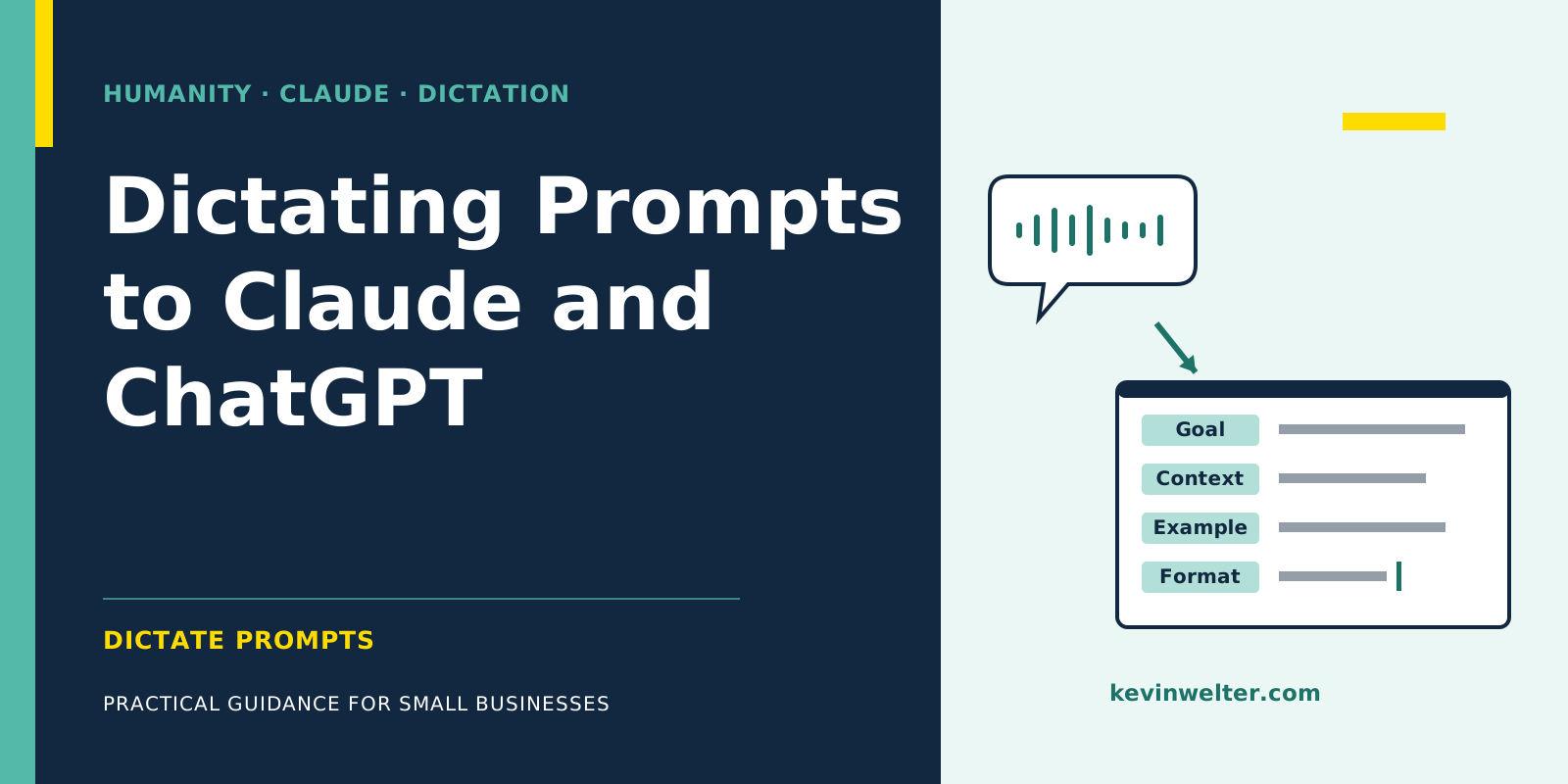
You can dictate prompts in two ways. First, with the built-in features: in the Claude apps for iPhone and Android you tap the microphone, in Claude Desktop on the Mac you dictate through quick entry with Caps Lock, in Claude Code you switch on dictation with /voice, and in ChatGPT you record through the microphone icon. In all four cases your speech lands as text in the input field, and for Claude Code and ChatGPT the docs say recognition happens at the provider. Second, with a dictation app that types system-wide into whatever text field your cursor is in and, depending on the app, recognises speech locally on your computer. Don't confuse dictation with voice mode: there you talk with the AI and it answers out loud. To turn a dictation into a good prompt, speak the same parts you would otherwise type: goal, context, an example and the output format.
I dictate my tasks to Claude and to my AI employees, including the tasks for this article. Since April 2026 that's 2,794 dictations, with a median length of 15 seconds. When names come out wrong, like "Voice Inc." instead of VoiceInk, Claude hardly minds: it works out from context what I meant.
Ways to dictate prompts at a glance
Either way, the text of the prompt goes to Claude or ChatGPT. A local dictation app keeps only the recording on your computer, not the content.
Claude dictation in the apps and on desktop
Claude app on iPhone and Android: according to Anthropic's help center, dictation is available on all plans, from Free to Enterprise. Open a chat, tap the microphone on the right of the input field, pick your language the first time, speak, and send with the arrow. You can change the language later via your initials in the top right under "Speech Input Language". Languages other than English are still in beta, according to the help article.
Claude Desktop on the Mac: you open quick entry by double-tapping the Option key. Voice input there is off by default because it takes over Caps Lock. You switch it on under Settings → General in the Desktop app section. Then one press of Caps Lock starts dictation, a second press ends it, and you send the text with the arrow. Requirements per the help article: macOS 14 or later and the speech recognition permission.
Dictation or voice mode: voice input in Claude turns speech into a written prompt, and Claude replies in text. Voice mode, according to Anthropic, is a full conversation in which Claude talks back. It's in beta, counts toward your normal usage limits, and isn't available in Claude Code or Cowork, where only dictation is.
Claude Code voice dictation with /voice
In Claude Code you type /voice to switch dictation on. The default is hold: hold the space bar, speak, release. With /voice tap, you tap once to start and again to send. The text appears in the input field as you speak, and you can mix typing and speaking.
Three points from the docs worth knowing up front:
- Language: dictation uses the
language setting and defaults to English when it's empty. You set another language through /config. The same setting also controls the language Claude replies in.
- Account: it only works with a Claude.ai account, not with a direct API key, Amazon Bedrock or other providers. According to the docs, transcription doesn't consume messages or tokens.
- Audio: "Voice dictation streams your recorded audio to Anthropic's servers for transcription. Audio is not processed locally."
Recognition is tuned for coding vocabulary, according to the docs, and your project name and git branch are added as hints automatically. In tap mode, recording stops after 15 seconds of silence or two minutes total. How Claude Code works overall is in Claude Code: A Guide for Beginners.
How to dictate to ChatGPT: microphone and Voice
In ChatGPT you press the microphone icon, speak, and get text you can edit before sending. OpenAI describes it like this: "the recorded audio is sent to our models to be transcribed." According to the help article, the audio is kept as long as the chat is in your history and removed within 30 days after you delete the chat, with exceptions for security and legal reasons. For consumer users who have allowed audio sharing, OpenAI may train on dictation audio, according to the help article; you can turn that off in data controls under "Include your audio recordings".
ChatGPT Voice, as with Claude, is the conversation: ChatGPT answers out loud, with its own usage limits per plan. For a written prompt you want the microphone, not Voice.
System-wide dictation with an app
The built-in features stop at their own window. /voice exists only in Claude Code, app dictation only in the app. System-wide, you can use your operating system's dictation, such as Apple Dictation or Windows voice typing, or a dictation app: press a shortcut, speak, and the text lands in whatever field your cursor is in, whether that's the browser, Claude Desktop, the terminal or an email.
My route for this is VoiceInk* on the Mac. On my machine, transcription runs on a local model, so the recording doesn't leave the Mac as long as cloud models and AI enhancement through cloud providers are off. There's then no external service provider for the transcription. According to the pricing page, VoiceInk costs a one-time payment from $25 (as of October 2026). My numbers and setup are in VoiceInk Review After 2,800 Dictations, the comparison with the cloud tool Wispr Flow, which also runs on Windows and phones, in VoiceInk vs Wispr Flow: Local or Cloud. More apps and the built-in dictation in macOS and Windows are covered in Wispr Flow Alternatives Without Subscription.
* Affiliate link: if you buy through this link, I earn a commission. Your price stays the same.
What this means for privacy and customer data
When you dictate, you send two things: the recording and the text. With /voice and ChatGPT dictation, the recording goes to the provider according to their docs; with a local dictation app it stays on your computer. The text of the prompt goes to Claude or ChatGPT in both cases. If you name customers, patients or staff, the same rules apply to the prompt as when you type, and in the EU that means the GDPR.
Which data is allowed into a chat in my business, and what each Claude plan means for training and the data processing agreement, is in Claude Privacy and GDPR: What Applies. This isn't legal advice, it's my view as an operator.
How to dictate good prompts
A dictated prompt needs the same building blocks as a typed one. In Claude Prompts: Templates I describe my blueprint with role, task, context, data, constraints and format. When speaking, these five rules help:
- Goal first: say in the first sentence what should come out at the end. Then everything after it has a clear reference point.
- Add context: who the result is for, what has already happened, what you know that Claude doesn't. One sentence of context is quick to say.
- Give an example: describe or paste what it should look like, such as an old text as a style reference.
- Name the format: length, structure, language, tone. "Three paragraphs, informal, no bullet points" is quicker said than typed.
- Constraints and a read-through: say what Claude shouldn't do, and check names, numbers and negations before sending. A misheard "not" flips the task.
Spoken labels like "Goal:" or "Format:" help you sort your thoughts; Claude doesn't strictly need them. Technical terms and proper names that recognition often gets wrong belong in your dictation app's dictionary. That's voice prompting in practice: the structure stays the same, only the input changes.
A constructed example: from dictation to prompt
The following dictation is made up and serves only as an illustration. This is how a raw task might sound, filler words included:
"Right, I need a reply to a customer email, the goal is that she understands why her order is arriving two weeks late and that she doesn't cancel. Context: our supplier delivered the wood late, it's not her fault and not really ours either, um, but we apologise anyway. For the tone, use the email I'll paste below as an example. Format: 120 words max, formal, don't offer a discount, I'll decide that myself."
All four parts are there: goal, context, example, format, plus one constraint. Nobody needs to strip out the filler words first. What's missing is the email itself, which you paste underneath. Note the sentence about whose fault it is: nuances like that steer the tone of the reply, and spoken they take only seconds.
How I dictate tasks to my AI employees
My AI employees are fixed roles built on Claude; how such a role comes about is in Hiring an AI Employee: The Process. I dictate their tasks, including the ones for this article.
I don't use AI enhancement in the dictation app. The raw text goes straight to Claude or my AI employees, and they cope fine with filler words. That saves a step. The trade-off: a misrecognised word ends up in the task exactly as it was heard. So before sending, it pays to glance at names, numbers and negations.
Frequently asked questions
Can you dictate to Claude?
Yes. In the Claude apps for iPhone and Android you tap the microphone, on all plans according to Anthropic. In Claude Desktop on the Mac, quick entry has voice input via Caps Lock, switched off by default. In Claude Code you turn dictation on with /voice. In other programs, your operating system's dictation or a system-wide dictation app helps.
How do I change the language for Claude Code voice dictation?
Through the language setting, which you set with /config or in the settings file. Without an entry, Claude Code dictates in English. The docs list 20 supported languages, including German (de) and Spanish (es). The same setting also sets Claude's response language. If your setting isn't on the list, /voice warns you and falls back to English for dictation; Claude's replies aren't affected by that fallback.
Is my audio stored when I dictate?
It depends on the route. According to Anthropic, the Claude app deletes the recording after converting it to text. According to OpenAI, ChatGPT keeps the audio as long as the chat is in your history and deletes it within 30 days after you delete the chat. With a dictation app on a local model, the recording stays on your computer.
Does dictating in Claude Code use tokens?
No. According to the Claude Code docs, speech-to-text uses neither Claude messages nor tokens and doesn't count toward the limits in /usage. You need a Claude.ai account; with a direct API key, Amazon Bedrock or other providers, /voice isn't available. The prompt itself then uses tokens as usual.
Do I need to clean up dictated prompts before sending?
I don't. My dictations go to Claude and my AI employees raw, and they cope fine with filler words. Do check names, numbers and negations, though, because one misrecognised word can change the task. If you want clean text for emails, many dictation apps let you switch on AI enhancement, often through a cloud provider.
Where to go from here
Take your next longer task for Claude and speak it instead of typing it: goal, context, example, format. Compare the result with what you usually get. If you want to dictate system-wide with local recognition, you can try VoiceInk* for seven days.
Questions about how to phrase tasks for Claude and hand them to AI employees are welcome in my community Claude Practitioners, which is German-speaking. Everything is under Community.
* Affiliate link: if you buy through this link, I earn a commission. Your price stays the same.