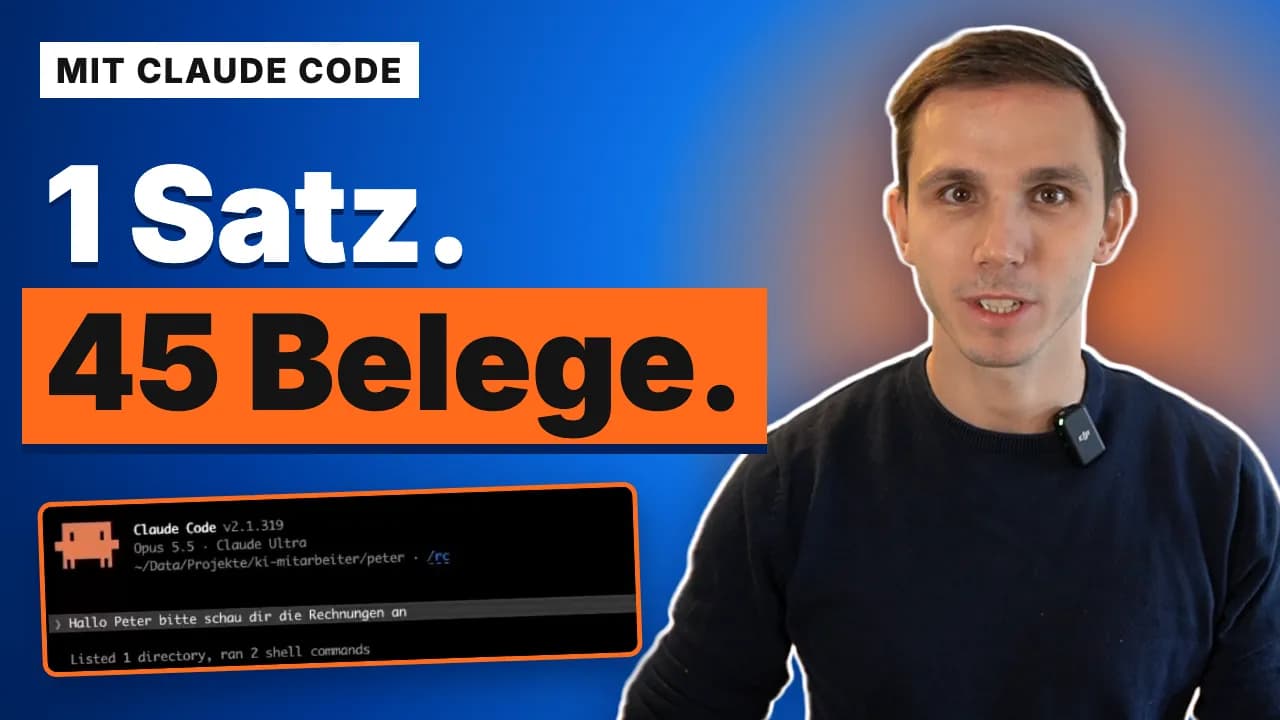
One sentence, 45 receipts: Peter in a demo
Clicking loads the YouTube (Google) player. Your browser then sends data such as your IP address to Google, and YouTube may set cookies. More in the privacy policy (section 4.11, in German).
Watch on YouTubeOne sentence to Peter, my AI employee for receipts, and he works through a whole box of them. The video shows the entire run, fast-forwarded where it gets long.
Peter knows the process from his learnings: he reviews every PDF and photo, checks the bank statements, looks up the current law for the travel expenses, renames the receipts by date and files them in order. Then he logs in to the portal himself and uploads batch by batch, 38 receipts, 7 deliberately not.
At the end a second role checks what Peter did: was everything uploaded correctly, was everything calculated correctly? In my setup the maker is never the checker.
For you, Peter uploads to DATEV, Lexoffice or your tax advisor's portal in the same way.
- Length
- 7:05 min
- Language
- German
- Published
- November 6, 2026
- In the video
- Peter, Bookkeeper
Chapters
- 0:00One sentence, 45 receipts
- 0:15The box of receipts
- 0:39One sentence to Peter
- 1:01Peter reviews and sorts
- 1:45Peter logs in and uploads
- 2:45What Peter does in the background
- 4:11Folders, names, travel expenses
- 5:27The maker is not the checker
- 5:58What came out in the end
- 6:16Conclusion
Transcript (English translation)
0:00One sentence, 45 receipts
All I said was: take a look at the current invoices. And as you can see, he did all of this in about 15 minutes.
0:15The box of receipts
Today I want to introduce you to Peter, my AI employee, using a very concrete example. For our little example I had a set of files generated. We have bank statements, we have a few notes on a business trip I took, and we have some information on how Peter should use the folder. We also have various incoming invoices, outgoing invoices and receipts that we scanned.
0:39One sentence to Peter
What you may not know yet: Peter is an AI, my AI employee, trained to do exactly this kind of thing. I opened Peter in Claude Code for this. You can of course also open him in the Claude desktop app. And now I'll tell Peter to review the invoices first of all.
1:45Peter logs in and uploads
Let me pause the fast-forward for a moment: what you see here is that I spoke one sentence, and Peter knows the process. He looks at all the invoices, he looks at all the bank data, he knows he then has to upload it. What you see here is a small website I developed to simulate what it could look like when he uploads it to DATEV. He opened the browser, he logged in himself, and now he'll upload every single receipt here and file it the way your tax advisor needs it, until it is really done.
2:45What Peter does in the background
And there's something else I want to show you. While he's working here, we can of course also look at what he's doing, because Peter is still running in Claude Code. And I can explain a bit of what he's doing while he uploads all that stuff. The exciting part is: all I said was, take a look at the current invoices. Built into him, into his learnings, into his way of working, are the individual steps. And you can see that here. First he reviews all the PDFs and all the photos. Then he knows he has to check the bank statements. Here he checks against the current law on travel expenses, which he'll enter in a moment, to know what he can enter and what he can't, and then simply goes through it step by step. He has captured all 45 files. He writes that down in his documentation, copies the files and renames them so that they are filed neatly by date later on, the way I programmed him. And then the next step is to upload everything to the portal. That can be DATEV, it can be, like in my case, simply a demo page, but it can also be anything else that suits your tax advisor or you. If you use Lexoffice, you simply use Lexoffice. But you no longer have to do it yourself. He just does it. And while he does that, I could be doing something else.
4:11Folders, names, travel expenses
We can also look at what happened in the folder. He puts everything into the folder Arbeit. Here you can see the various MD files he writes with the reviews he did, but also the individual images and of course screenshots, so you can see what he is actually doing. That's how he knows what he has done, and then he files the receipts here, sorted by our rules and following a specific naming scheme, so it's clear: okay, this invoice was from 6 October. He sorts them. He recognises incoming invoices, outgoing invoices, travel expenses, files all of it neatly in the folder and, as I said, then simply uploads it to the online platform. You can see he has already started on the travel expenses part. He could of course just do that for you as well. Or you do it the way I do: you have a travel expense tool that already has everything in it and covers all the legal points. Then he can simply enter it there.
5:27The maker is not the checker
And as you can see, that was basically it. Right now he's going over it once more, because what matters in my employees in the end is that the maker is not the checker. That means Peter has done something and will now start a subagent. It checks what Peter actually did. Did he do it correctly? It reviews the individual steps again. Was everything uploaded correctly? Was everything calculated correctly? Afterwards he'll write a report for you. And as you can see, he did all of this in about 15 minutes.
6:16Conclusion
Sometimes I still find it crazy what's possible today if you do the right things, if you get AI employees that are trained for it, that can use the browser, that can see the desktop, and that really file and upload your receipts for you. You no longer have to do it yourself. This easily saves me two to three hours a month of work that, honestly, I have no desire to do. If the topic interests you, you'll find the link to my community in the show notes. There you'll find the principle behind it, how the whole thing is built, and you'll also find Peter as a template for an easy download, so that your next tax return or the next receipts you have to upload are no longer something you do yourself, but something Peter does for you from now on.