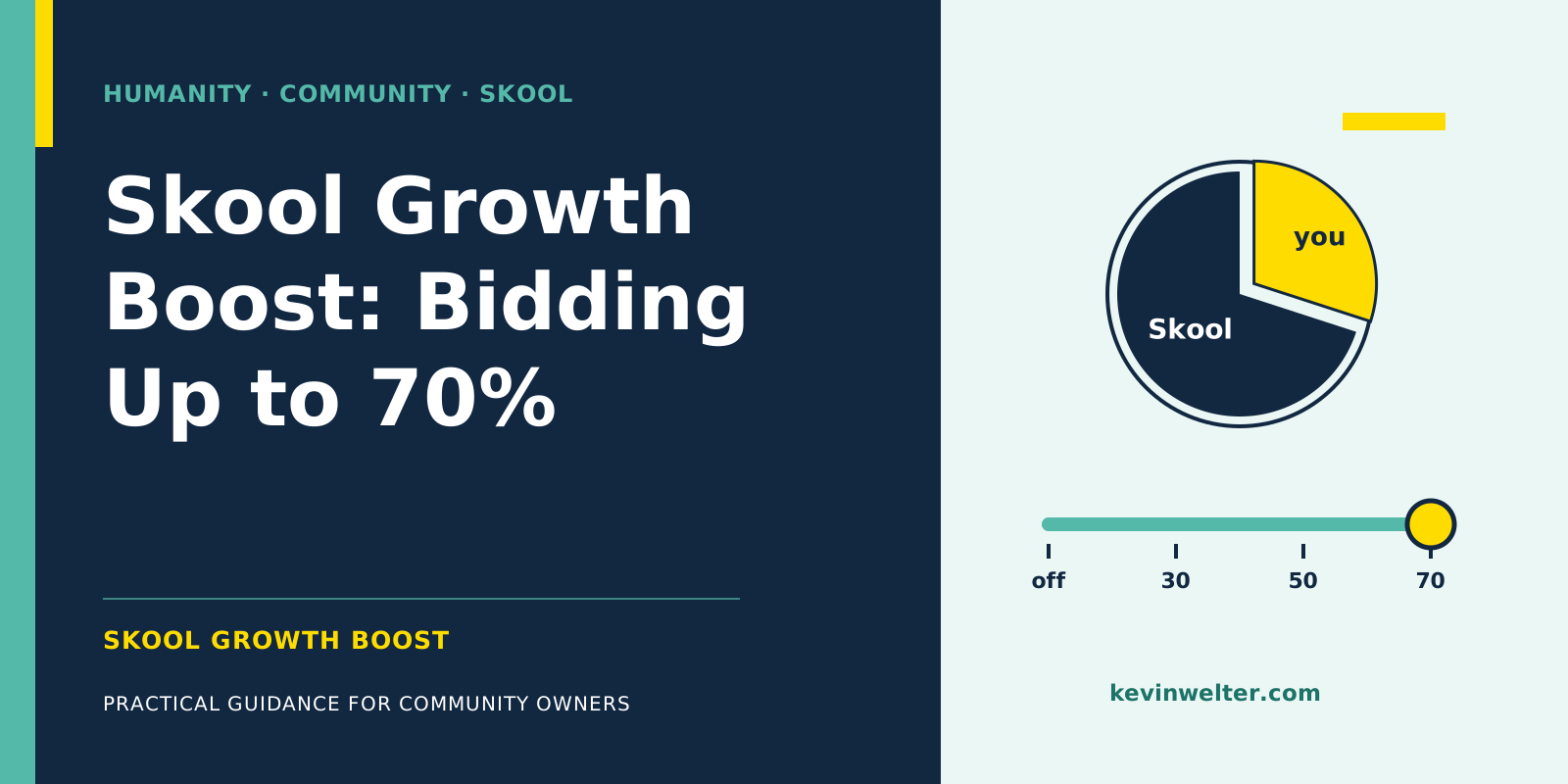
Skool Growth Boost is Skool's own promotion program for communities: Skool shows your group higher up in Skool Discovery search results, surfaces it through other groups and profiles, and runs ads outside Skool at its own expense. You only pay when Skool brings you a paying member this way, and then a commission on every recurring payment from that member while their subscription is active. The commission comes on top of the regular transaction fee. The default is 30%. Since late August 2026 you can bid more in your settings, in steps up to 70%. According to Skool, a higher rate raises your efficiency score, and the higher that score, the more traffic Skool sends you. You set the rate yourself; members who have already joined through Skool keep the rate they came in at. Whether a high rate pays off depends on what a paying member would cost you through other channels.
I run my community Claude Practitioners on Skool and turned the slider up; in early September it stood at 70%. How I run the rest of the community with my AI employees is in Community Management with AI Employees. If you're new to the platform, start with Skool: What It Is and How It Works.
What Skool Growth Boost is and where Skool promotes you
Skool groups everything it does to send visitors your way under "Skool Network". According to the help center, that's three channels:
- Search in Discovery: your group shows up at the top of results for keywords your ideal customers search for.
- Other groups and profiles: for example the sidebar of recommended groups.
- Ads outside Skool: Skool promotes your community with its own ads. In Skool's words: "Skool does all the work and fronts the cost."
Growth Boost is on by default. You'll find it under Settings, Discovery. Going by Skool's own example, the commission doesn't depend on your plan; only the transaction fee next to it does. Which fee your plan carries is covered in Skool Pricing: Hobby vs Pro and the Fees.
What matters is how Skool credits a member to its own network: by the last click before joining, within 14 days. Skool's own example: someone who gets your emails, reads your posts on X and Facebook, and finally joins through a Skool ad counts as Skool Network. The other way round, Instagram gets the credit if someone sees an ad for your group, then visits your profile and joins through the link in your bio. So Skool's column also includes people who already knew you.
The tiers: from off to 70%
In Skool's settings (as of 24 September 2026), the tiers are labeled like this:
Without a setting of your own, 30% applies. As of 10 September 2026 the help center still names only that rate; the higher tiers live in the interface. For members who have already joined, a new rate changes nothing: "they're grandfathered at the % they joined at."
Skool efficiency score and Discovery ranking: how Skool decides whom to promote
According to Skool, the traffic a group gets depends on its efficiency score. The interface explains it as a group's ability to turn visitors into customers and keep them over time, based on conversion rate, price, retention and growth boost percentage. Two sentences explain the slider: "Bidding more for growth boost increases your efficiency score. The higher your efficiency score, the more traffic skool will send you."
If the boost slows down, the help center names three possible reasons: stats that aren't good enough for ads ("improve stats and/or boost %"), a group the system hasn't found yet, or fatigued ads. The general Discovery ranking factors apply alongside: member growth, activity and retention. And according to Skool's article on reviews, the groups with the best ratings from paying members benefit from Growth Boost.
What you can improve yourself, according to Skool's help articles and video chapters:
- The packaging: cover image, group card, description and About page. The About page is where a visitor becomes a customer, so it's your lever for conversion rate.
- Traffic to the About page: Skool advises sharing the link everywhere and putting it in all your social bios. Link directly, because according to Skool, link-in-bio tools and URL shorteners make visitors show up as "direct".
- Retention: members who stay are one of the four factors. Skool wants a signal "that the group's conversion and retention are good."
- Patience: according to the help center, Skool sees the boost kick in within two to four weeks. On changes to the rate, the interface says: "It can take up to 30 days to see the impact of changes. Don't change it all the time."
For an outside view of your About page, post a question in the feed of my community.
Growth Boost is new: the timeline
Skool presented the feature in its weekly video series "Skool News" and has reworked it several times since:
The feature is just over three months old and still changing, so check your own settings before you decide.
What you keep at each tier: the math
Skool's own example: if Skool brings you a paying member and your group costs $10, Skool deducts "$3 and fees". So the commission is calculated on the membership price, and the fee comes on top. For two monthly prices:
Your plan's transaction fee is deducted on top. On a payment of that size, the Pro plan charges 2.9% plus 30 cents, about $0.56 on $9 and about $1.61 on $45. The Hobby plan charges 10% plus 30 cents, so $1.20 and $4.80. Members you bring yourself only cost you this fee.
Because the commission applies to every recurring payment, look at a full year: a member who pays $45 for twelve months brings Skool $378 at 70%, and you keep $162 before fees. At 30% it's exactly the other way round.
Which tier fits: commission as acquisition cost
The table invites the question "Why would I give away 70%?" The better question is: what does a paying member cost me that I wouldn't have without Skool? A chapter heading of Skool's launch episode itself compares the commission to an affiliate. That's how I count it too: as acquisition cost, like ad spend or the 20% my members earn as affiliates.
A line of thought, not proof: in my ad test for the $9 tier, one paying new member cost €100.86 through Meta ads, once and up front, no matter how long they stay. At the ECB reference rate of 23 September 2026 (€1 = $1.1411), that's about $115. At $9 and 70% Growth Boost, $6.30 a month goes to Skool, and only while the member keeps paying. Only with the 19th monthly payment, so after more than a year and a half, does the commission exceed that ad cost. At $45 and 70%, that happens with the fourth monthly payment. Whether ads would be cheaper at that price, you measure in your own account; how to do that is in Running Meta Ads to a Skool Community.
Three points belong in the decision:
- High-ticket offers: Skool does not recommend Growth Boost "for high ticket sales" and advises switching it off if you sell members through a sales call or a funnel.
- Start high, then lower: Skool's advice in the interface is to start high if nothing is happening and lower the rate gradually once it works. Keep grandfathering in mind: whoever joins at 70% stays at 70% for as long as they pay.
- Skool's promise: "bidding more will always give you more" is Skool's own statement in the interface. Whether and how much more reaches you, your own traffic sources will show.
How to win members through your website, referrals and Reels, without paying Skool a commission, is covered in How to Grow a Skool Community.
My setting: why I turned the slider up
I turned the slider up; in early September it stood at 70%. At 70%, $31.50 of the $45 for my Premium tier goes to Skool, and I keep $13.50 a month before the transaction fee. My reason was Skool's own description of the tiers: according to Skool, bidding more gets you more traffic.
For the $9 test with Meta ads, Susi's verdict in early September was "pause", because €100.86 per purchase was above my threshold of €60. Over the past few weeks, a noticeable share of my new members came through Skool itself. That says nothing about how Growth Boost will work for you; your own traffic sources will tell you after a few weeks.
Susi delivers the numbers, I set the slider
Susi is my AI employee for Meta ads. She analyzes the numbers Skool's admin dashboard shows me, including visits, joins and conversion per traffic source, and she judges ads by cost per purchase against a threshold set in advance. That leads to the comparison I recommend: what a paying member costs through ads, through affiliates and through Skool. Susi creates campaigns paused, I switch them live, and I set the Growth Boost slider myself.
Frequently asked questions
How much does Skool Growth Boost cost?
Nothing up front. Skool pays for the promotion and only takes a commission on members who come through Skool's network and pay: 30% by default, up to 70% if you choose, on every recurring payment for as long as the subscription runs. Your plan's transaction fee comes on top. For members you bring yourself, only the fee applies.
Is Growth Boost on Skool worth it?
That depends on what a paying member costs you through other channels. The more expensive a paying member is through ads relative to your monthly price, the better the commission compares; the longer members stay, the more it adds up. For high-ticket offers sold through a sales call, Skool itself advises switching it off.
Does the commission apply to existing members?
No. The commission only applies to members Skool brings you through its network, credited by last click within 14 days. If you change the rate, the new one only applies to new members. According to Skool, anyone already in the group keeps the rate they joined at.
Does Growth Boost work with a free community?
The commission only applies when Skool brings you a paying member, so a free group pays no commission. In Discovery, a free group is ranked by growth, activity and retention like any other. The help center generally advises leaving Growth Boost on for higher visibility and placement in search results.
How long does Growth Boost take to work?
Two to four weeks, according to Skool's help center. After a change to the rate, the interface says up to 30 days and advises against changing it all the time. If little happens in that period, Skool says it can be down to stats that aren't good enough for ads yet, or to the system not having found the group yet.
Can I turn Growth Boost off?
Yes, at any time under Settings, Discovery. Skool labels the off tier "No Skool traffic (no discovery)" and warns that your community will be harder to find; by Skool's own figure, the average community gets 30% of its members with Growth Boost on. Members who already came through Skool keep their rate. Turn it back on later, and Skool doesn't guarantee your previous placement; it may take months.
Where to go from here
Open Settings, Discovery in your group and check which tier is currently set. Next to it, write down what a paying member costs you today through ads or affiliates, and compare with the table above. Pick a tier, improve your About page, and after 30 days check in Skool's traffic sources how many joins came through Skool Network. I show how Susi measures and decides in her course in my community Claude Practitioners, which runs in German. You can post your tier question there; someone may already have made the same call.