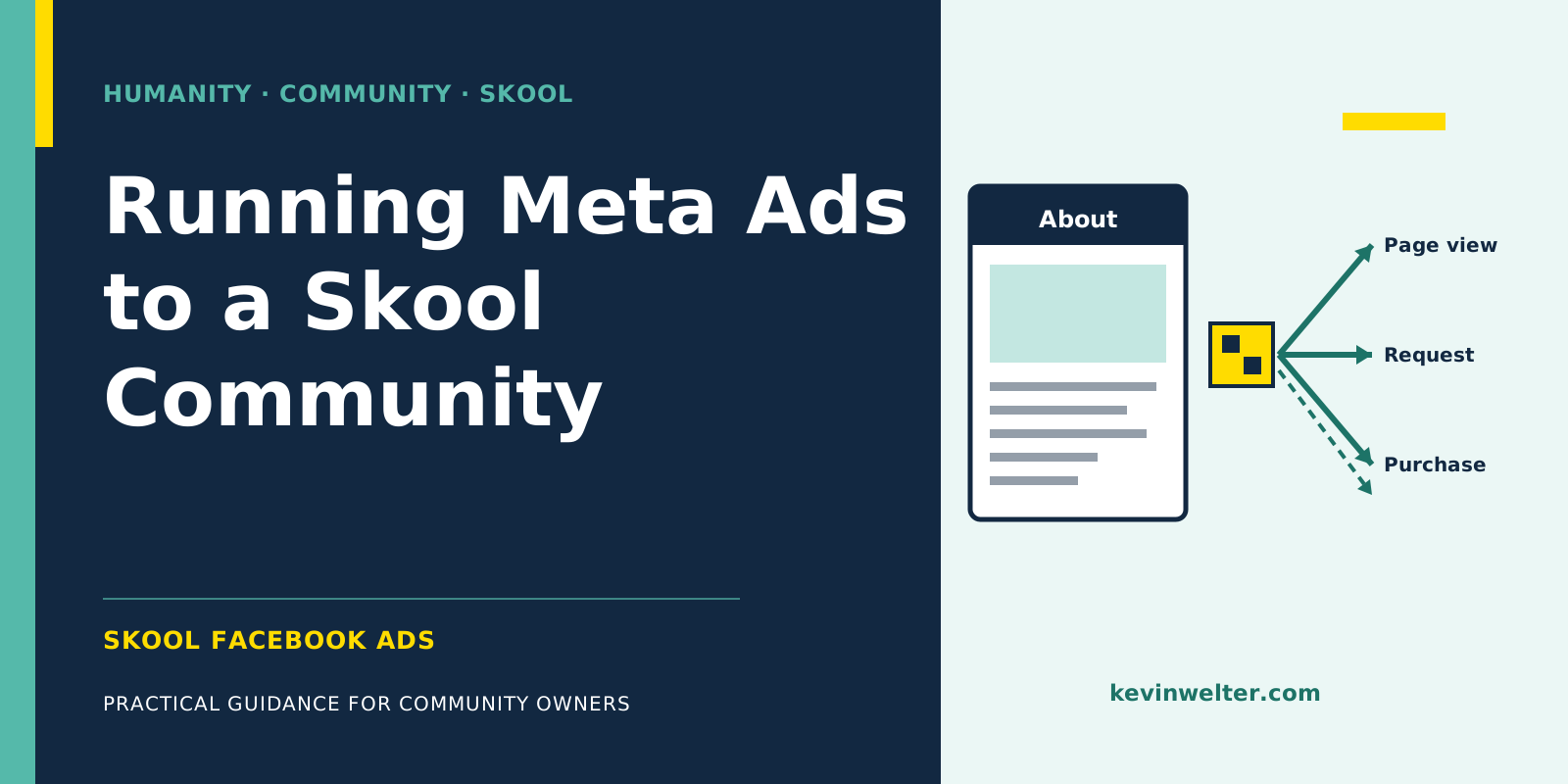
Skool Facebook ads are Meta ads on Facebook and Instagram that send people straight to your Skool community's About page. Skool offers a Meta pixel plugin for this that, according to Skool, tracks page views, membership requests and purchases and lets you retarget About page visitors. The difference from regular Meta ads is the tracking: the landing page belongs to Skool, the purchase happens inside Skool, and Skool sends the purchase events to the pixel itself. In my account, a single purchase could arrive more than once, and a free-trial join arrived as a purchase worth €0. So you don't decide on Meta's count alone; you check it against Skool's own dashboard. The key metric for a paid community is cost per purchase, for a free one cost per join, and a join isn't revenue yet. You set up campaigns paused, and before you switch them live you decide at what cost per purchase you'll pause again.
I've run ads for my own community and paused them again by fixed rules. The numbers are below, along with the pitfalls no general guide mentions. I won't repeat the basics of campaigns, ad sets and budgets here; they're in How to Run Ads on Meta: A Guide. How ads fit into the rest of my community work is in Community Management with AI Employees.
What's different about Skool Facebook ads
With a regular campaign, you send people to your website, your pixel measures there, and the purchase happens there. With a Skool community, the destination is your group's About page. Measurement there runs through Skool's plugins, where you enter your pixel ID, and according to Skool, links in the About page description don't work because they hurt click-through and conversion.
That gives you three differences:
If you've never run Meta ads, start with Set Up a Meta Ad Account and Campaign. If Skool is new to you: Skool: What It Is and How It Works.
The Skool Meta pixel: what the plugin tracks
According to Skool's help center, the plugin lets you run "Facebook and Instagram ads directly to your group with perfect conversion tracking". That's the vendor's claim. What it tracks:
Skool gives three pointers itself: don't add extra trackers such as Google Tag Manager to the dataset; don't reuse the same pixel ID across several domains or connect it to a CRM as well, because according to Skool that can cause duplicate or misattributed purchases; and use a single, dedicated pixel ID for the group. For Google and YouTube ads there's a separate plugin, Pro plan only according to Skool, that tracks page views and signups. Which plugins your plan unlocks is shown under Plugins in your group settings.
Skool tracking: three pitfalls from my account
Skool sends the purchases itself. You don't build the purchase event; Skool sends it. That's convenient, but you can't control when or how often.
One purchase can be counted more than once. In my account, a single purchase arrived as several purchase events that Meta couldn't merge. Meta's report then shows more purchases than there are paying members, and cost per purchase looks better than it is. So check Skool's pointer on a dedicated pixel ID first.
A free-trial join can arrive as a €0 purchase. If you offer members a free trial, Skool can report the join as a purchase even though no money has changed hands; in my account it arrived at €0. If you then optimize for purchases, you risk Meta finding people who try rather than people who pay.
Then there's Skool's own source attribution. Skool assigns joins by last touch, for 90 days, and 14 days for the Skool network and affiliates. According to Skool, visitors coming through link-in-bio tools, redirects and URL shorteners show up as "direct". So link your ads straight to the About page.
My rule on this is also on Susi's page: your own attribution tool decides, Meta diagnoses. For me that's Hyros, but according to the help center the Hyros plugin in Skool is now only available to legacy admins. If you don't have your own tool, Skool's admin dashboard is your second source: joins, purchases, conversion and sources for the last 30 days. How to read those numbers is in Skool Analytics: Reading Posts and Members.
Cost per join or cost per purchase: which metric counts
For a free community, you measure cost per join. That's honest as long as you remember a join isn't revenue yet. In a client analysis with a free and a paid area, purchases clustered on event days, and a large share of buyers were never visibly active in the free area. So a cheap join says little about whether someone will buy later. The method is in Buyer Persona with AI from Community Data.
For a paid community, you measure cost per purchase and set the limit in advance. Here's how it looked for me: two purchase campaigns for my community together spent €705.99 for seven paying new members, €100.86 per purchase. The kill threshold of €60 per purchase was fixed before the verdict, set on August 30, 2026. The verdict: pause. With an entry price of $9 a month, €100.86 is a multiple of the first month's fee. Whether that pays off depends on how long members stay and whether they upgrade later. Until you know that, the threshold you set in advance is your protection.
Who you target and with what
In my campaigns I give the ad itself more weight than ever finer audience settings. Why I work that way, and how to find your audience's real words, is in Audience Analysis for Ads: A Guide. A community adds one twist: you already have members, and their membership answers are raw material for the ad. In my case, most buyers from the ad test wrote something like "first employee" in the membership question, so the ad's message matched what they expected.
The client case adds two rules: target the traits of buyers, not the typical person in the free area, and speak to the situation of someone who is already acting and still stuck. On format, my account showed a clear difference: a Reel sold, a static image ad got clicks but no purchases.
Retargeting your About page
According to Skool, the plugin lets you reach people again who visited your About page. That's a particularly warm audience: they know the offer but haven't joined. In Ads Manager you build an audience from About page visitors and usually exclude those who already bought. The ad then no longer answers "What is this?" but the objection that stopped them from joining.
The alternative: Skool advertises for you
Through Growth Boost, Skool also runs its own off-site ads for communities and ranks them higher in its directory. In return, according to the help center, Skool takes a commission, 30% by default and on top of the transaction fee, on members who come through the Skool network, for as long as their subscription runs. It's on by default and, per Skool, "not recommended for high ticket sales". Since late August 2026 you can raise the rate in stages up to 70%. According to Skool, its ads for your group depend on your stats and on that rate: a higher rate raises your efficiency score and with it the traffic Skool sends you. How the stages work is in Skool Growth Boost: Bidding Up to 70%. It doesn't replace your own ads, but it's a cost to include in your math. More on Discovery and the other routes is in How to Grow a Skool Community.
Skool community ads step by step: the Skool-specific parts
- Create a dedicated pixel ID for the group only and enter it in the plugin, without extra trackers, a second domain or a CRM on the same ID.
- Check the events: open the About page and look in Meta's Events Manager to see whether page view and membership request arrive.
- Choose the optimization goal: purchase for a paid community, membership request for a free one. With a free trial, remember that €0 purchases can count too.
- Set a kill threshold before the first ad runs: the cost per purchase at which you pause.
- Create the campaign paused and link straight to the About page, no URL shortener.
- Evaluate with a second source: hold purchases in Meta's report against Skool's dashboard before you scale.
Everything else, from ad sets to the learning phase, works like any Meta campaign. Which AI features run along the way is in Creating Meta Ads With AI: A Guide.
Susi builds the campaign, I switch it live
Susi is my AI employee for Meta ads. She researches the Ad Library, writes copy from real audience wording and creates the campaign in the Meta account, where it starts paused by design. I switch it live. She evaluates by fixed rules: first a minimum window of days or impressions, then kill, scale carefully or keep running. In the $9 test she held the €60-per-purchase threshold and recommended pausing, reasoning that the best hook isn't dead, it just ran out of its test window. Alongside Meta's report she draws on the metrics Skool's dashboard shows, because Meta's count alone doesn't hold up for Skool.
Frequently asked questions
Can I run Facebook ads directly to my Skool community?
Yes. Skool's Meta pixel plugin is built for exactly that: ads on Facebook and Instagram lead straight to the About page, and the plugin tracks page views, membership requests and purchases. A landing page of your own in between is possible but not required. What matters is a dedicated pixel ID for the group and a direct link without a URL shortener.
Why does Meta show more purchases than Skool?
Because Skool sends the purchase events to the pixel itself, and a single purchase can arrive more than once; in my account, Meta couldn't merge those events. Skool itself names one cause: a pixel ID also used on other domains or in a CRM. Free-trial joins reported as €0 purchases add to it. If you only count by Meta, cost per purchase looks better than it is.
How much does a new member cost through Meta ads?
That depends on offer, price and account; there's no general number. In my $9 test, one paying new member cost €100.86, above the €60 kill threshold, so I paused. Set your threshold before you start, and calculate it against your price and how long members stay.
Do I need the Pro plan for Skool ads?
For the Google Ads plugin yes, according to Skool it's a Pro feature. Whether the Meta pixel plugin is unlocked on your plan is shown under Plugins in your group settings. According to Skool, member affiliates and Zapier are also Pro-only. Membership questions, which you can use to ask new members where they came from, are available on both plans.
Should I optimize for joins or for purchases?
For a paid community, purchases, because joining and paying happen together. For a free one, membership requests, knowing that a join isn't revenue. If you offer a free trial, trial joins can count as €0 purchases. Then Meta may optimize for people who try rather than people who pay.
Where to go from here
Before you create the first ad, write down three numbers: your price, the cost per purchase at which you pause, and the minimum runtime before the first verdict. Then set up the pixel with its own ID and check that the events arrive. If you'd rather not do that alone: Susi is available as a ready-made template in my community Claude Practitioners, which runs in German, and when it comes to which number in the report is right, a second look from someone who has built the same campaign usually helps.