Skool is a community platform: a closed space on the web where an owner brings their members, their courses, and their events together under one roof. The feed shows the community's posts, sorted by most recent activity, with no ads from outside mixed in. If you've received an invitation to a Skool community and want to know what's behind it and whether it costs you anything: here's the overview.
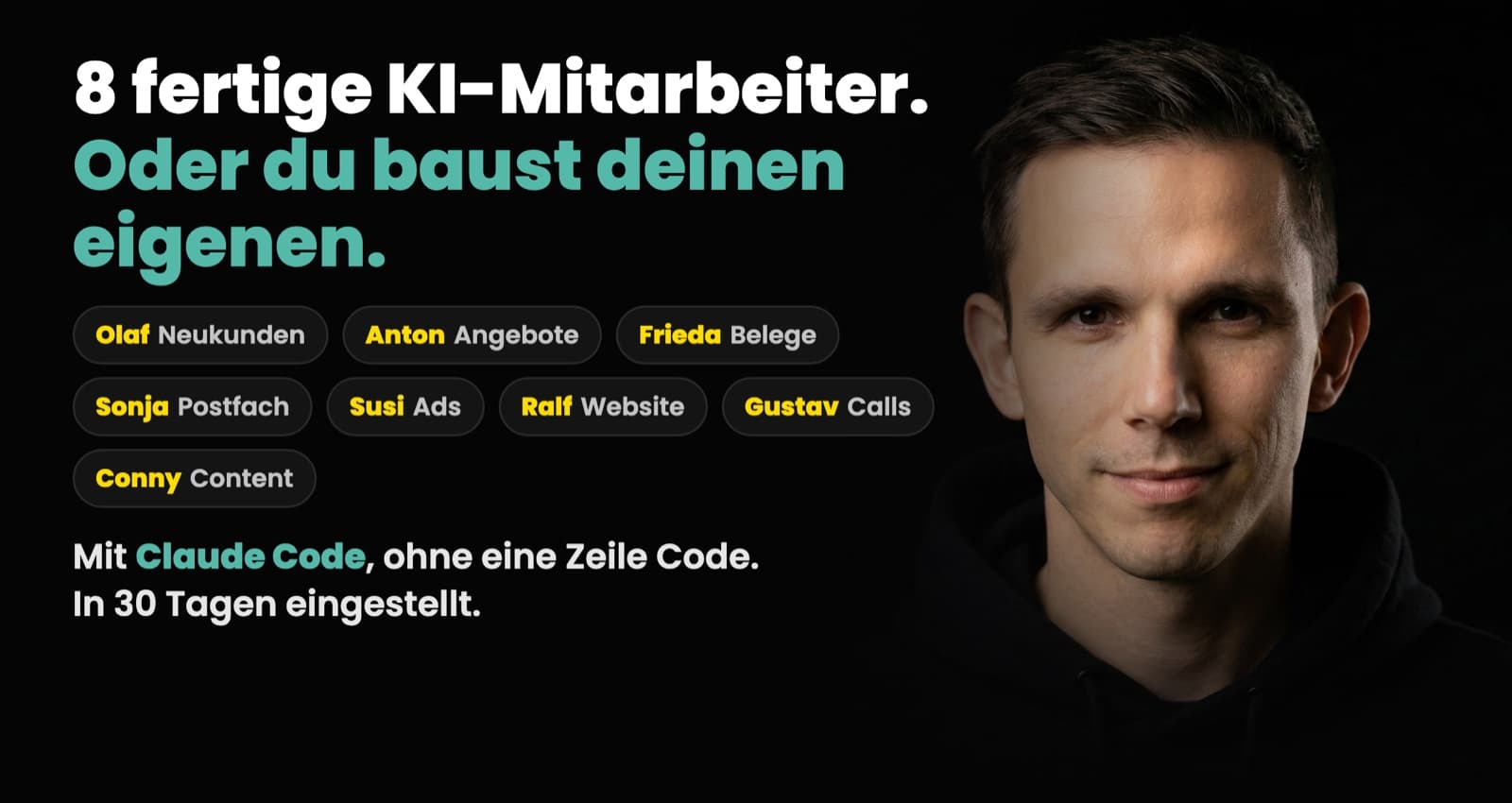
I'm writing this from practice. My own community, Claude Practitioners, runs on Skool. There, I show solo business owners how to hire AI employees. The platform itself still gets a neutral explanation here: first the structure, then the costs, then the honest assessment.
What a Skool community is and how it's structured
Skool was founded by Sam Ovens and became known to a wider audience when entrepreneur Alex Hormozi came on board as an investor. The idea behind it is simple: anyone running a community around a topic otherwise spreads their work across three or four tools. A Facebook group for discussion, a course platform for the content, a calendar tool for events, a payment provider for billing. Skool packs all of that into one interface.
That's why every Skool community has the same tabs, no matter the topic:
- Community: a feed like in a forum. Members write posts, ask questions, comment. Posts can be sorted into categories, and the owner can pin important ones to the top.
- Classroom: the course area. This is where lessons live, with videos, texts, and materials, organized into courses and modules. It replaces the classic course platform.
- Calendar: all the community's events, for example weekly live calls.
- Members and Leaderboard: the member list and a ranking, more on that in a moment.
For you as a member, this means: nothing to install, nothing to learn. You sign up, see the feed, find the courses in the Classroom and the events in the Calendar. Skool is available in the browser and as an app for iOS and Android.
Points, levels, leaderboards: how Skool keeps communities active
One feature stands out immediately when you join a Skool community: there's a number in front of every member's name. That's their level.
The system behind it: when other members like your posts or comments, you earn points. Points raise your level, and on the leaderboard you can see who's currently most active in the community. Owners can also lock individual courses until a certain level is reached. How I use levels as a guide through the content is in Skool Levels and Gamification That Work.
You can call that gamification gimmickry. In practice, it makes sure questions get answered and the feed doesn't fall asleep, because activity is visibly rewarded. Whether it motivates or annoys you is a matter of taste. You can ignore it without any problem.
Skool costs: what members pay and what owners pay
The most important question first, from a member's perspective: Skool itself costs you nothing as a member. Whether a community is free or paid is up to the individual owner. Both exist: open free communities and memberships with a monthly price or a one-time payment. What you'd pay is listed on the community's About page before you join. Skool bills in US dollars and adds VAT for EU members only at checkout, 19 percent in Germany.
For owners, the math looks like this (as of October 2026, all prices in US dollars):
- Hobby plan: 9 dollars per month, plus 10 percent plus 30 cents per payment from the community.
- Pro plan: 99 dollars per month, plus 2.9 percent plus 30 cents per payment up to 899 dollars, above that 3.9 percent plus 30 cents.
Both plans include unlimited members, courses, videos, and live calls, and both start with a 14-day trial. But the difference isn't just the fee: according to Skool, a custom URL, member affiliates, Zapier, an automatic welcome message, and webinars are Pro-only. If Skool itself brings you a paying member, a commission goes to Skool on top of the transaction fee as long as "Growth Boost" is switched on: 30 percent by default, selectable up to 70 percent, and according to Skool a higher rate brings more traffic. How that works is in Skool Growth Boost: Bidding Up to 70%. The full breakdown of when which plan is cheaper is in Skool Pricing: Hobby vs Pro and the Fees.
Skool in German: what works and what doesn't
The Skool interface is now also available in German. According to Skool's help center, the language defaults to your browser's setting, and in the app you switch it in your profile settings. Besides German, the options there include English, Spanish, French, and Italian, among others.
The content of a community is independent of that: the owner writes and hosts posts, courses, and live calls in their own language. There are now plenty of purely German-speaking Skool communities, and Skool's own search can be filtered by language. Mine is one of them: every lesson and every call inside it is German. Anyone running a community in Germany also has the data protection side to consider.
Skool in practice: strengths and limits of the platform
I run my own community on Skool and work with it every week. Here's the short version; the full operator's take is in Skool Review from an Operator's Seat:
What Skool does well:
- Everything in one place. Courses, discussion, and events live together. Members don't have to jump between a course platform, a group, and an email inbox.
- A quiet feed with no ads. Unlike in a Facebook group, the community doesn't compete with outside content; posts can be sorted into up to ten categories and up to three pinned to the top.
- Low barrier for members. Sign up and get going, no learning curve. That sounds trivial, but it decides whether a community actually gets used.
Where the limits are:
- Few integrations. Officially, the Pro plan connects mainly through Zapier. What I've learned about that is in Skool API and Automation: What Works.
- Little room for customization. Every Skool community looks essentially the same at its core. Custom design, custom structure, or extra features barely exist.
- The transaction fee. Anyone running a paid community hands over up to 10 percent plus 30 cents per payment to Skool depending on the plan, plus a commission of 30 percent by default, selectable up to 70 percent, for members Skool itself brings you with Growth Boost on. You have to price that in.
In short: Skool is deliberately kept simple. That's exactly its strength for members, and its limit for owners with special requirements.
What I use Skool for myself
My community, Claude Practitioners, revolves around one topic: hiring and managing AI employees with Claude, the way I do it in my own business with an AI workforce of fourteen employees. On Skool, everything for that lives in one place: 282 lessons across 20 courses (as of September 19, 2026), weekly live calls in the Calendar, and ready-made employee packages to load. How my AI employees handle the prep work for that, from the lesson out of a call to the post draft, is described in Community Management with AI Employees. If you want to start your own, the setup is in How to Start a Skool Community.
That's exactly what the platform was built for, and that's why my community runs there and not on some homegrown solution.
If you want to see Skool from the inside, you'll find the overview of what awaits you in my community at Claude Practitioners. And if you'd rather first understand what it's about content-wise, start with the fundamentals article: What is an AI employee?