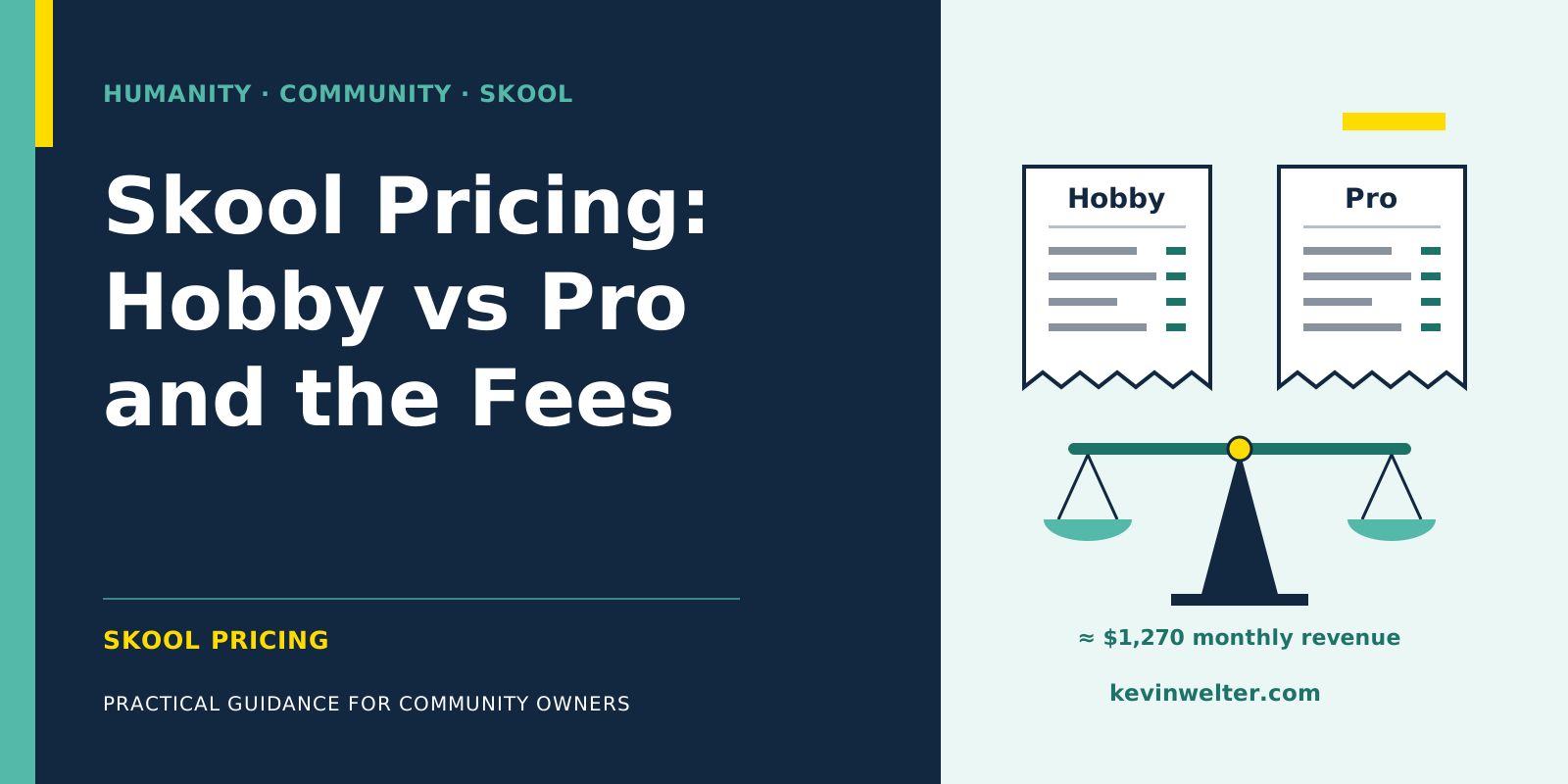
Skool pricing for community owners comes in two plans as of September 2026: Hobby at $9 a month and Pro at $99 a month. On top of that, Skool takes a transaction fee on every payment your members make: 10% plus 30 cents on Hobby, 2.9% plus 30 cents on Pro. If you pay yearly, the pricing page promises two months free, which works out to $90 or $990 a year. Both plans start with a 14-day free trial. Members pay nothing to Skool itself, only the price you set for your community, and in the EU Skool adds VAT at checkout. For members that Skool brings you through its own network, a commission applies on top of the transaction fee, 30% by default and up to 70% if you choose, as long as Growth Boost is switched on. Purely on fees, Pro becomes cheaper than Hobby at around $1,270 in monthly revenue, as long as no single payment exceeds $900.
I've run my community Claude Practitioners on Skool since April 2026, now with two paid tiers. The community is German-speaking, but the pricing questions are the same everywhere. How I run it with my AI workforce is covered in the overview Community Management with AI Employees. This post is only about money: what Skool costs, which fees apply when, and when the bigger plan pays off. If you first want to know what Skool is, start with Skool: What It Is and How It Works.
Skool pricing plans at a glance: Hobby vs Pro
The numbers come from Skool's pricing page and help center, retrieved in September 2026. All prices are in US dollars and exclude VAT.
According to archived versions of the pricing page, plan prices and percentages haven't changed since October 2025. What changed is which features belong to which plan, plus the new yearly toggle. So check the live pricing page before you start.
The Skool transaction fee in detail
The transaction fee has two parts, and the second one is easy to overlook: the 30 cents. According to the help center, they apply to every single payment, on both plans. Skool gives its own example: with a membership price of $9 a month, you keep $8.40 on Pro and $7.80 on Hobby.
The smaller your price, the more those 30 cents weigh. At $9, they are about 3.3% of the payment; at $45, only about 0.7%. If you plan a very low entry price, factor that share in.
Three more points from the help center:
- Fees are not refunded. "Transaction fees are non-refundable." If you refund a member, the fee stays with Skool.
- Payouts in your currency. Members pay in US dollars; payouts reach your bank account every Wednesday in your local currency, with no conversion fees according to Skool. Outside the US, Germany included, Skool's newer payout system applies (newer help article); Stripe Express is now the US setup only.
- A custom URL costs from the second change. The first change is included on Pro, every further one costs $100.
Growth Boost: the commission on members Skool brings you
Skool runs its own directory, Discovery, and also runs ads for communities. If a paying member finds you that way, Skool keeps a commission on top of the transaction fee: in Skool's own example, a $10 membership loses $3 "and fees". The default rate is 30%. Since late August 2026 you can raise it in stages up to 70%; according to Skool, a higher rate brings more traffic because it feeds into Skool's efficiency score. Members who have already joined keep the rate they came in at. How the stages work and what speaks for them is in Skool Growth Boost: Bidding Up to 70%.
What matters for your numbers:
- Growth Boost is on by default. You switch it off under Settings, Discovery.
- The commission applies to recurring charges for as long as the member's subscription is active, not just the first one.
- Attribution is last touch, with a 14-day window for Skool's network.
- Skool itself does not recommend Growth Boost for high-ticket offers.
A worked example with made-up numbers: a member who arrives through Skool's network and pays $45 a month earns Skool $13.50 in commission every month they stay at the default rate. At 70% it flips: you keep $13.50 of the $45 before the transaction fee. Which rate you pick, or whether you switch it off, is a trade-off between reach and margin. How to grow without relying on Skool's network is in How to Grow a Skool Community.
Skool Hobby vs Pro: the break-even math
"Hobby or Pro?" is a question you can calculate. R is your monthly revenue from memberships, n the number of payments per month.
- Hobby: $9 + 10% of R + $0.30 × n
- Pro: $99 + 2.9% of R + $0.30 × n
The 30 cents per payment appear on both sides and cancel out. What's left: Pro costs $90 more in base fee and saves 7.1 percentage points in fees. Both plans cost the same at 90 ÷ 0.071 = $1,267.61. From about $1,270 in monthly revenue, Pro is cheaper.
That holds as long as every single payment stays below $900, which is the normal case for monthly memberships. For larger single payments, such as yearly memberships or one-time purchases above $900, Skool charges 3.9% instead of 2.9% on Pro. Pro then saves only 6.1 percentage points, and the threshold rises. If all your revenue came from such payments, it would sit at 90 ÷ 0.061 = about $1,475.
With yearly billing, the threshold moves. Hobby then works out to $7.50 a month and Pro to $82.50. The $75 difference divided by 0.071 gives about $1,056 in monthly revenue.
What that means in members, four made-up examples:
At a $9 price, the break-even is 141 paying members; at $45, it's 29. Growth Boost commission and VAT are not included in the table. According to the help center, the Growth Boost commission doesn't depend on the plan; it hits both plans equally and therefore doesn't move the threshold.
This math only shows where the fees even out. Whether you need Pro earlier depends on the features below.
What only the Pro plan includes
The help center marks several features as "Pro plan". The plugin overview is dated 29 August 2026:
- AutoDM: an automatic welcome message a few minutes after someone joins
- Onboarding video and cancellation video
- Zapier integration with two triggers and two actions
- Webhook for inviting members from external systems
- Google Ads plugin, Links (up to three external links) and instant membership approval
- Webinar, member affiliates, custom URL and group ownership transfer
Hobby includes, among other things, membership questions and unlocking chat and posting by level. The pricing page's interface texts also note that Hobby allows only one admin or moderator; the visible page no longer says so as of September 2026. If you moderate as a team, check this before you start.
Which of them you need at launch, I walk through in How to Start a Skool Community.
VAT and currency: what's net and what's gross
All prices on Skool are in US dollars. According to the help center, Skool is the merchant of record, so it is the seller towards your members and handles EU VAT. In Skool's words: "We add the VAT rate on top of the price." Skool's own example: $100 plus 19% in Germany comes to $119.
For your pricing, that means the price on your About page is net. A member in Germany pays $10.71 at checkout for a $9 membership. Whether Skool will show VAT on the About page in future has been "noted for further consideration", according to its FAQ. What this means for your own bookkeeping is a question for your tax adviser; this is not tax or legal advice.
What members pay for a Skool community
As a member, you pay Skool nothing. You pay only what the owner charges. The models Skool offers owners:
- Free
- Subscription, monthly or yearly, optionally with a 7-day free trial for members
- Freemium: a free area plus a paid tier
- Tiers with several prices
- One-time payment, including for single courses ("Buy now")
Which one fits your offer is less a cost question than a business question. I wrote it up in Skool Community: Free or Paid?. And if you're still comparing Skool with other platforms, see Skool Alternatives: Circle, Kajabi, Discord.
My example: two tiers, cancel monthly
My community has two tiers: Standard at $9 a month and Premium at $45 a month, both cancellable monthly, as of September 2026. Standard means learning and building yourself; Premium adds all AI employees as ready-made templates, the implementation call, the hot seat and all recordings.
I started on 28 April 2026 for free. Since mid-August, the community has been paid. My reasoning at the time, translated from German: "Free means non-committal. And non-committal doesn't hire an employee."
Two things I use for this are listed in the help center as Pro features: members can earn 20% as affiliates when they bring someone in, and new members receive an automatic welcome message. If you don't need those two levers, a smaller plan will do until the math above tips.
Frequently asked questions
How much does Skool cost per month?
For owners, $9 on the Hobby plan or $99 on the Pro plan, as of September 2026, excluding VAT and in US dollars. On top, each member payment carries 10% plus 30 cents (Hobby) or 2.9% plus 30 cents (Pro). With yearly billing, it's $90 or $990 a year. Members only pay the community's own price.
Is there a free Skool plan?
For members, yes: Skool itself costs them nothing, and many communities are free. For owners, the pricing page lists no plan without a monthly fee, but there is a 14-day trial. You can run a free community on Hobby; then no transaction fees apply because nobody pays, only the $9 base fee.
Skool Hobby vs Pro: which one pays off?
On fees alone, Hobby wins as long as your monthly revenue stays below about $1,270, or about $1,056 if you pay for the plan yearly. That applies to single payments under $900; above that, the threshold is higher. Above that, Pro is cheaper. If you need AutoDM, Zapier, member affiliates, a custom URL or webinars, you need Pro even below that threshold.
How much is the Skool transaction fee on a $9 membership?
By Skool's own example, a $9 monthly membership leaves you $8.40 on Pro and $7.80 on Hobby. If the member comes through Skool's network and Growth Boost is on, a commission applies as well, 30% by default and up to 70% depending on the stage you pick. In the EU, Skool adds VAT on top, so it isn't deducted from your $9.
Do I get a refund if I cancel Skool?
No, Skool doesn't refund its plan fee; according to Skool, you can cancel anytime. At the end of the billing period, the group is archived, content stays readable, and nothing new can be added. Whether your members get their money back is your call as the owner. Skool keeps the transaction fee even if you refund a member.
Where to go from here
Take your planned price and calculate the threshold for your offer: $1,267.61 divided by your monthly membership price gives the number of paying members from which Pro is cheaper. If you're well below that and don't need a Pro feature, start with Hobby. If you want to see how a paid Skool community with two tiers runs day to day, and how I operate it with AI employees, take a look at my community Claude Practitioners. It's German-speaking; questions about price and plan are welcome there in a post or on a call.