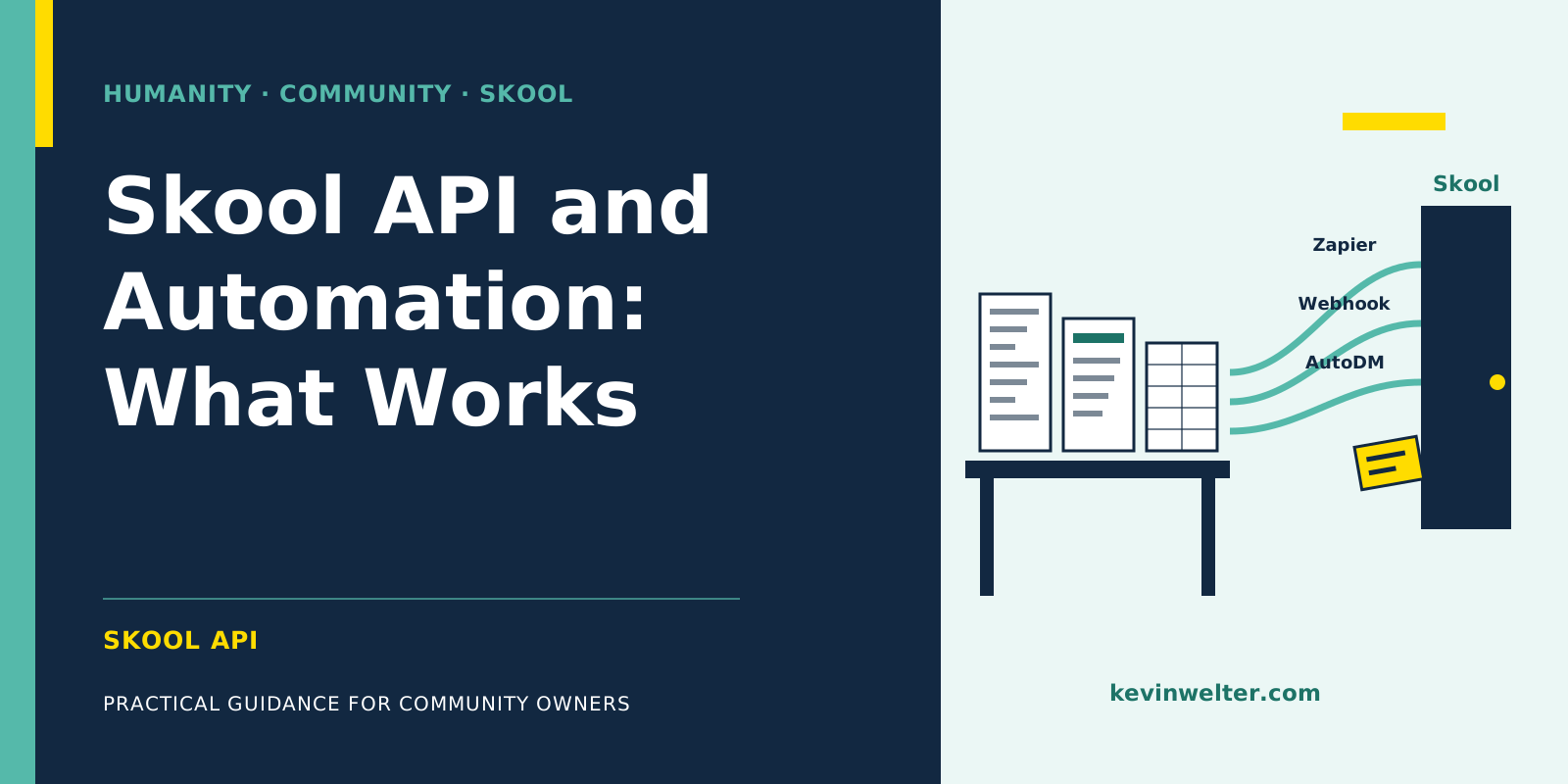
There is no public, documented Skool API on the pages we checked: not in the help center, not in the legal texts, not on Skool's app page at Zapier (as of September 2026). Officially, on the Pro plan, Zapier connects your group through two triggers, new answers to the membership questions and a new paid member, and two actions: invite a member and unlock a course. On top of that there is an inbound webhook for invitations, the automatic welcome message AutoDM, bulk invites by CSV and an export of the answers to your membership questions. Outbound webhooks, uploading lessons through an interface and exporting posts do not show up. At the same time, Skool's platform policy prohibits bots that post, comment or message others, as well as scraping and automation requests. If you want to stay within those rules, plug n8n or an AI into the official routes or let it work outside of Skool. What my own AI agents do in the browser beyond that, I keep separate further down.
I run my community Claude Practitioners on Skool, and part of my AI workforce works around that community. How the work is split between my AI employees and me is covered in Community Management with AI Employees. New to Skool? Start with Skool: What It Is and How It Works.
Does Skool have an API? What works officially and what doesn't
For this post, Sebastian, my AI employee for SEO, went through the 117 articles in the 15 categories of the Skool help center, the legal texts at skool.com/legal and Skool's app page at Zapier in September 2026. Searching the help center for "API" only returns articles about Zapier.
The result at a glance:
"Not found" only means it isn't on the pages we checked, as of September 2026. Skool can change that. If an open interface is a must for you, put it on your platform comparison list, for example with the candidates in Skool Alternatives: Circle, Kajabi, Discord.
Skool and Zapier: two triggers, two actions
Skool's Zapier article opens with a limitation: "This feature is only available on the Pro plan, and not on the Hobby plan." What else separates the two plans is covered in Skool Pricing: Hobby vs Pro and the Fees.
On Zapier, the building blocks are called:
- Answered Membership Questions (trigger): fires when someone has submitted answers to your group's membership questions.
- New Paid Member (trigger): fires when a new member has completed payment and joined the group.
- Invite Member (action): invites a person to your group. The required field is the email address.
- Unlock Course for Member (action): unlocks a given course for a specific member, again by email address.
A typical use: someone buys outside of Skool, and a zap invites them and unlocks the matching course.
Two details matter for planning. First, according to Zapier both triggers work by polling, every 15 minutes on Zapier's free plan. That isn't real time. Second, the connection runs through your group's API key, which you find in the plugin settings. According to the help center, it links your group to your Zapier account, and refreshing it breaks all existing zaps. We found no documentation of any other use for that key.
Through Zapier MCP, according to Zapier, AI assistants such as Claude can call Skool actions directly. The page lists only "Invite Member" and "Unlock Course for Member", so it's the same two capabilities with an AI as the trigger. What an MCP server is and how to connect one is explained in Set Up a Claude MCP Server.
Skool webhooks: inbound only, for invitations
Skool webhooks live in plugin number 12 of Skool's plugin list. It reads: "This is to automate member invitations via an off-platform action. This is a developer-only feature." As best practice Skool names sending a unique invite link by email when people check out through an external payment processor. The plugin is Pro only.
So the webhook works in one direction: another system tells Skool whom to invite. We did not find the other direction, where Skool reports events such as a new post or a cancellation to other systems. To react to events in Skool, the two Zapier triggers are, as far as we can tell, the only official way.
What Skool automates without extra tools
Some things Skool handles on its own:
- AutoDM (Pro): a welcome message to new members, with the placeholders #NAME# and #GROUPNAME#. According to the help center it arrives within one to five minutes of joining, but only if no conversation with the member exists yet. How I approach the first days of new members is in Skool Onboarding: The First Seven Days.
- Instant membership approval (Pro): join requests are approved without a manual step.
- Bulk invites by CSV: according to Skool, people invited this way get instant access without purchasing or requesting membership.
- Membership questions (Hobby and Pro): up to three questions when someone joins. You can download the answers with the Export button on the Members tab.
Skool and n8n: what works and what doesn't
Searching the Skool help center for "n8n" returned no results in September 2026. So officially, n8n only reaches Skool through the routes in this post:
- Behind a zap: a Zapier trigger picks up the event from Skool, and the zap passes the data on to your n8n workflow. That needs Pro and Zapier, and you're still polling.
- In front of the webhook: n8n calls your group's webhook URL with an email address and invites someone that way, for example after a purchase in another system.
- Next to Skool: n8n processes what you already have outside of Skool, such as a downloaded call recording or the export of your membership answers.
Posting, commenting and reading out posts are not part of it. When n8n is the right tool and when Claude is more direct, I compare in n8n, Make, or Claude: What For?.
What Skool's rules say about bots, scraping and logins
In the Platform policy in the help center, under "Prohibition on Automations": "Do not use bots or multiple accounts to post, comment, or message others. Also, refrain from scraping data or making automation requests."
In the Terms and Conditions, section 4 (effective July 1, 2023): "You will not deep-link to the Services or access the Services manually or with any robot, spider, web crawler, extraction software, automated process and/or device to scrape, copy or monitor any portion of the Services or any content on the Services."
In the Account security article, for group creators: "It's prohibited to share your credentials with others. Not even your team members." Among the typical risks, Skool lists sharing login credentials with your team or virtual assistants, and using extensions or tools that ask for credentials, including indirectly through "copy cookie" or "copy authcode".
There are unofficial third-party offerings sold as a "Skool API". They don't come from Skool, and anything that uses them to read out posts, publish or send messages automatically touches exactly these rules. I don't name or recommend any of these services. This isn't legal advice, just a summary of Skool's own texts; how they apply to your case is something to clarify with Skool or a lawyer.
Skool automation with AI: official or in the browser
I use both, so I keep them apart here.
The right-hand column needs a clear disclaimer. Skool's platform policy prohibits bots that post, comment or message others, and automation requests; the account security article prohibits sharing login credentials. As consequences, Skool lists content removal, restrictions and temporary or permanent account suspension. I do it deliberately, only in my own account, and I carry the risk. To me it's support for community owners that does nothing I wouldn't click myself. That's my view, not Skool's.
If you don't want that risk: let the AI prepare and take the step in Skool yourself, using Zapier, the webhook and the plugins for members and access. It stays within those rules, and nothing appears in your community unread.
The lesson workflow is in Skool Classroom: Courses from Call Recordings; which posts Conny drafts and which I post myself is in Writing Skool Posts with AI, with Approval. Skool's dashboard metrics are covered in Skool Analytics: Reading Posts and Members.
How Conny and Susi prepare the work for me
Conny, my AI editor in chief, drafts texts in my voice. For call recordings, she transcribed the recording with Whisper, about 55 minutes of a hot seat session in about two minutes. Only the speech recognition is local: Claude then processes the text, and it ends up in Notion and as a lesson with the full transcript in Skool. So private matters stay out of the summary and are cleared with me first, and announcement posts carry no real names.
Susi, my AI employee for Meta ads, analyzes the metrics Skool's admin dashboard shows and the answers to the membership questions.
Neither of them decides what appears in my community. And if you want to set up a split like this, you don't have to figure it out alone: we discuss exactly these questions in the community calls.
Frequently asked questions
Does Skool have an official API?
We found no public, documented API on the pages we checked, as of September 2026. According to the help center, the API key in the plugin settings is there to link your group to Zapier. Officially you can automate two triggers and two actions through Zapier, plus an inbound webhook for invitations. Both require the Pro plan.
Can I connect Skool to n8n?
Only indirectly. A Zapier trigger can pass events from Skool on to an n8n workflow, and n8n can call your group's webhook URL to invite someone. Both need the Pro plan. Outside of Skool, n8n can process anything you export or download.
Do I need Skool's Pro plan for Zapier?
Yes. Skool's help article on Zapier says literally that it is only available on the Pro plan, not on Hobby. According to the plugin list, the same applies to the webhook plugin, AutoDM and instant membership approval, while membership questions are available on both plans.
Can I publish Skool posts automatically through an API?
Not through official routes. Zapier has no action for posting, and the webhook plugin only handles invitations. Skool's platform policy prohibits bots that post, comment or message others. Without that risk, you automate the preparation: draft, review, approval, and publish the post in Skool yourself. Announcement posts for new recordings I let go out through the browser, deliberately and at my own risk, which according to Skool goes as far as account suspension.
Are unofficial Skool APIs allowed?
I don't give a legal assessment. What's certain: they don't come from Skool, and Skool's terms prohibit access, manual or automated, to copy or monitor content. The platform policy rules out scraping and automation requests, and the account security article rules out sharing credentials and cookies. If you're considering such a tool, read those passages first.
Where to go from here
In short: Zapier and webhooks automate members and access in Skool, meaning inviting, unlocking and reporting. Posts and lessons are not part of it. Write down the three tasks in your community that cost you the most time each week, and put each into one column: official route inside Skool, preparation outside of Skool, or a step you take yourself. How I hand that preparation to AI employees, and which templates exist for it, is what I show in my community Claude Practitioners. The community itself runs in German.