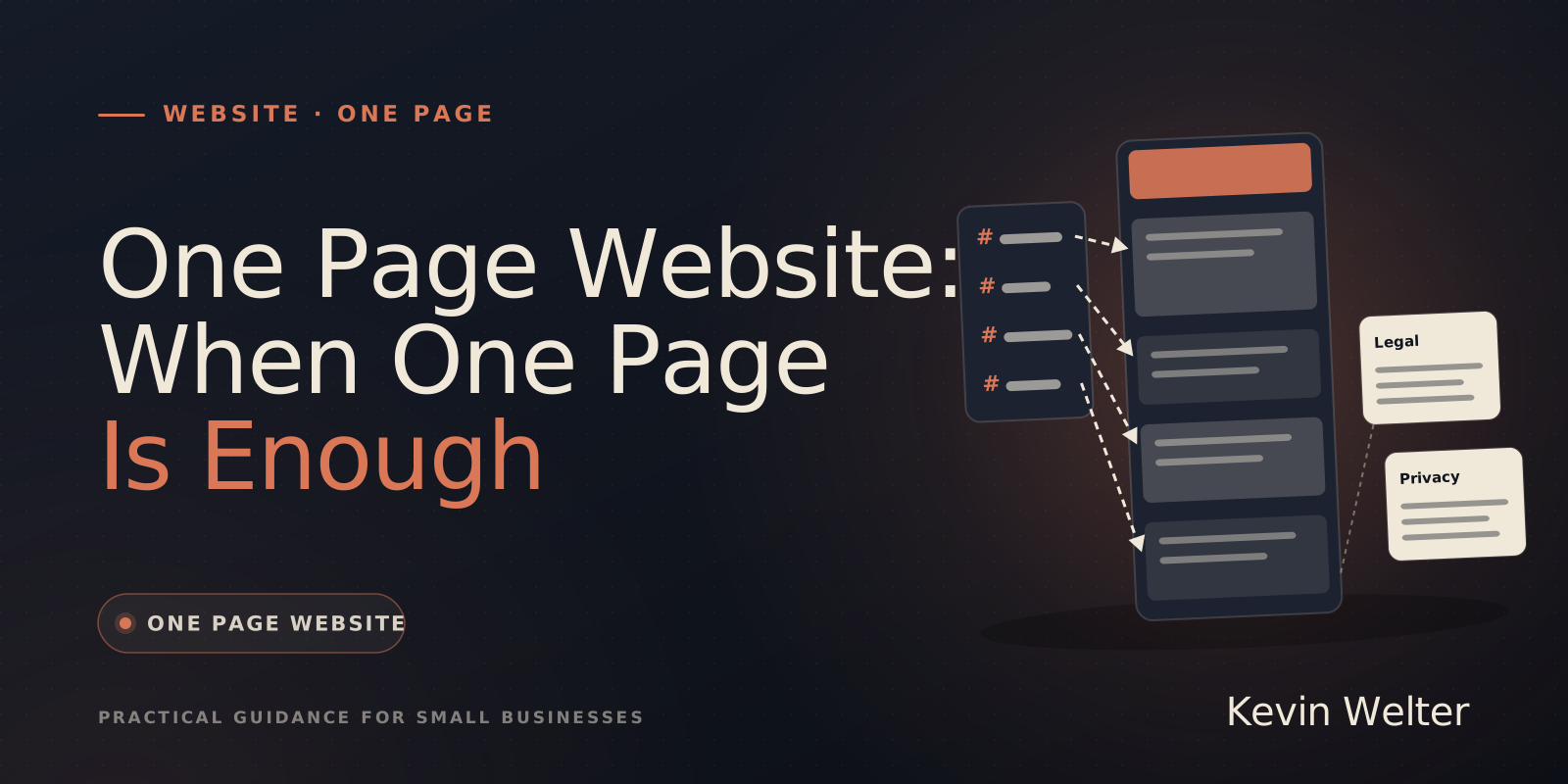
A one page website is enough when you have one offer, one audience and one area, and the site mainly has to show three things: that you exist, what you do and how to reach you. The whole website sits on one page: an opening line, then services, process, proof, about and contact, joined by a menu of jump links. Legal notice and privacy policy still get a small page each. The limit is search: one page has one title, so it mainly fits one topic. You can build it yourself, in a website builder or with a coding agent like Claude Code.
My own websites are built by an AI employee, this one included. I like the idea of being in charge yourself instead of needing a service provider to look after everything. For a simple business website that means: the era of expensive websites is over. The build hardly costs anything any more; what remains is copy, legal details and upkeep. A landing page is something else; see Create a Landing Page: Guide and Tools.
One page website or landing page: the difference
Both are one long page. The difference is the purpose.
A one page website may offer several routes: call, email, directions. A landing page that does that has lost its goal. For a page for ads, see Hiring a Landing Page Designer: Steps, Cost.
When one page is enough
One page is enough when most of these apply to you:
- A manageable offer. Three to six services, each explained in two or three sentences.
- One audience. Local private customers, or the patients of one practice, not five industries with their own questions.
- Customers find you through referrals or your Google profile. The website is then mostly proof: does the business exist, does it look trustworthy, how do I reach it?
- Little change. Opening hours, services and photos change a few times a year, not every week.
An example: a painting business shows its services, service area, photos from jobs and a phone number you can tap. A physiotherapy practice shows treatments, team, opening hours and directions. Both fit on one page.
You need several pages when individual services should be found on their own, you publish articles regularly, you have several locations or you run a shop. The stages in between are in Web Design for the Self-Employed: Worth It?.
How to build a one page website: the structure
This order works for most businesses.
In code, a jump link is just an id on the section and a link with # in front:
<nav>
  <a href="#services">Services</a>
  <a href="#process">Process</a>
  <a href="#contact">Contact</a>
</nav>
<section id="services"> … </section>
<footer>
  <a href="/legal-notice">Legal notice</a>
  <a href="/privacy">Privacy</a>
</footer>
For contact: make the phone number tappable (a tel: link), put the contact button at the top and the bottom, and treat a form as optional; without one the page collects less data. Check the finished page on a narrow screen and tap every jump link. Whether everyone can read it, you test with Accessibility Checker: Free Tools, Real Test.
Legal notice and privacy policy as separate pages
This is not legal advice; what applies depends on where you do business. Two examples from Germany and the EU: for business digital services, § 5(1) of the German Digitale-Dienste-Gesetz (DDG) requires information that is easy to recognise, directly reachable and permanently available, including name, address and an email address. And once the page collects personal data, for instance through a contact form, Article 13 GDPR requires you to tell people "at the time when personal data are obtained" who processes it and why.
The law does not demand a separate page. I still recommend one, for three reasons:
- A fixed address you can link from Google, Instagram or your email signature.
- Reachable from anywhere through a footer link, instead of a section at the very end of a long page.
- The main page stays on topic. Long legal texts do not dilute its copy or its search results.
The less your page loads from elsewhere (fonts, maps, videos, trackers), the shorter your privacy policy gets.
The SEO limits of a one page website
A one page website is one address. Google ranks pages, not sections, and that leads to three limits.
One title, one description. Google recommends distinct text in the title element for each page and a meta description that is "unique to one particular page". A one page website has exactly one title. It can say "Painter in Springfield", but not also cover "exterior painting", "wallpapering" and "flooring".
Jump links are not pages. #services is a URL fragment. Google writes that Search "generally doesn't support URL fragments" and advises against using them to change content. A section of your one page website therefore does not count as a page of its own; search always shows the one address.
One topic per page. A rule of thumb, not a Google quote: the more clearly a page answers one question, the better it matches that search. For "bathroom renovation in Springfield" your one page website competes with pages about nothing else.
For many small businesses that is fine. To be found locally, start with your Google Business Profile; see How Do I Get Found on Google? Local SEO, and for the basics SEO Basics for Small Businesses. For AI answers, see Optimizing Your Website for AI Search.
A one page website can grow later: once a service gets its own demand, it moves to its own page and the section on the home page links there.
Build it yourself: website builder or AI
In a website builder. Wix's help centre says you can place anchors and sections wherever you like on a one-page site, and the menu takes visitors to the matching part. Costs and exit are in Website Builders Compared, free options in Build a Website for Free: The Real Ways.
With Claude Code. A coding agent writes the one page website as your own HTML files that run on any web space. You give it your material and clear rules. You can use this template as briefing.md:
# Brief: one page website
- Business, location, service area:
- One sentence: what I do, for whom:
- Services (one per line, two sentences each):
- Process in steps:
- Proof that actually exists (photos, references):
- Contact: phone, email, address, opening hours

## Build instructions
One page with sections and a menu of jump links.
Legal notice and privacy policy as separate pages, linked in the footer.
Phone number as a tel: link. Static HTML and CSS, no external resources.
Invent nothing. Mark anything missing visibly as [MISSING: …].
The first steps are in Claude Code: A Guide for Beginners, browser-based generators are compared in AI Website Generators Compared. Hosting is compared in Web Hosting Comparison: Prices, Space, SFTP, upkeep after launch in Website Maintenance: Tasks, Checklist, Cost.
The full route in eight steps, with a test run in which Claude Code built a one page website with legal notice and privacy policy from a brief, is in Build a Website With Claude Code: A Guide.
What Ralf does with a one page website
My websites are built by Ralf, my AI web designer. From your brief, offers, images and verified business information he builds a complete website or landing page. If there is an old site, he turns it into a modern one-page website on his own, live as a demo on request. That is described in AI Agents for Tradespeople: Roles, Not Tools; the process behind it, with all content of the old site carried over and better structured, in Modernizing a Website With AI: How To.
He uses only claims your sources support, flags what is missing and tests build, desktop, mobile and click paths. The approval stays with you, and so do positioning and legal statements.
To have it built for you, see Getting a Website Built: Steps, Options, the numbers in What Does a Website or Landing Page Cost?.
How to decide
For your individual case, we can look at it together.
Every route from domain to upkeep is collected in Build Your Own Website: A Guide With AI. What belongs in each section is in How to Write Website Content, Page by Page. For trades businesses, Contractor Website: What It Needs goes into detail. What to watch when buying the address is in How to Buy a Domain Name Forever and Keep It.
Frequently asked questions
What is a one page website?
A website whose content sits on one long page, with a menu of jump links to the sections. Legal notice and privacy policy usually live on small pages of their own.
Is a one page website bad for SEO?
Not bad, but limited. One page has one title and one description, so it mainly fits one topic, such as your business in your town. Individual services with their own demand need their own pages.
Does a one page website need a legal notice?
If you run a business from Germany, yes: § 5 DDG applies no matter how many pages your site has. A separate "Legal notice" link in the footer keeps the details easy to find and reachable from everywhere.
Can I build a one page website with AI?
Yes. A coding agent like Claude Code builds it from your brief as your own files; an AI website generator builds it in the browser. Either way, you check the result before launch.
What to do next
Write the opening sentence and the list of your services first. If both fit on one page without cutting what customers want to know, a one page website is your route. If you want to hand the work to an AI employee and keep the approval: Ralf is available as a ready-made, tested template in the Premium tier of my community AI Employee Framework, $149 a month; in the Standard tier for $5 a month you build him yourself with the proven process (as of 29 October 2026 according to his team page).